43
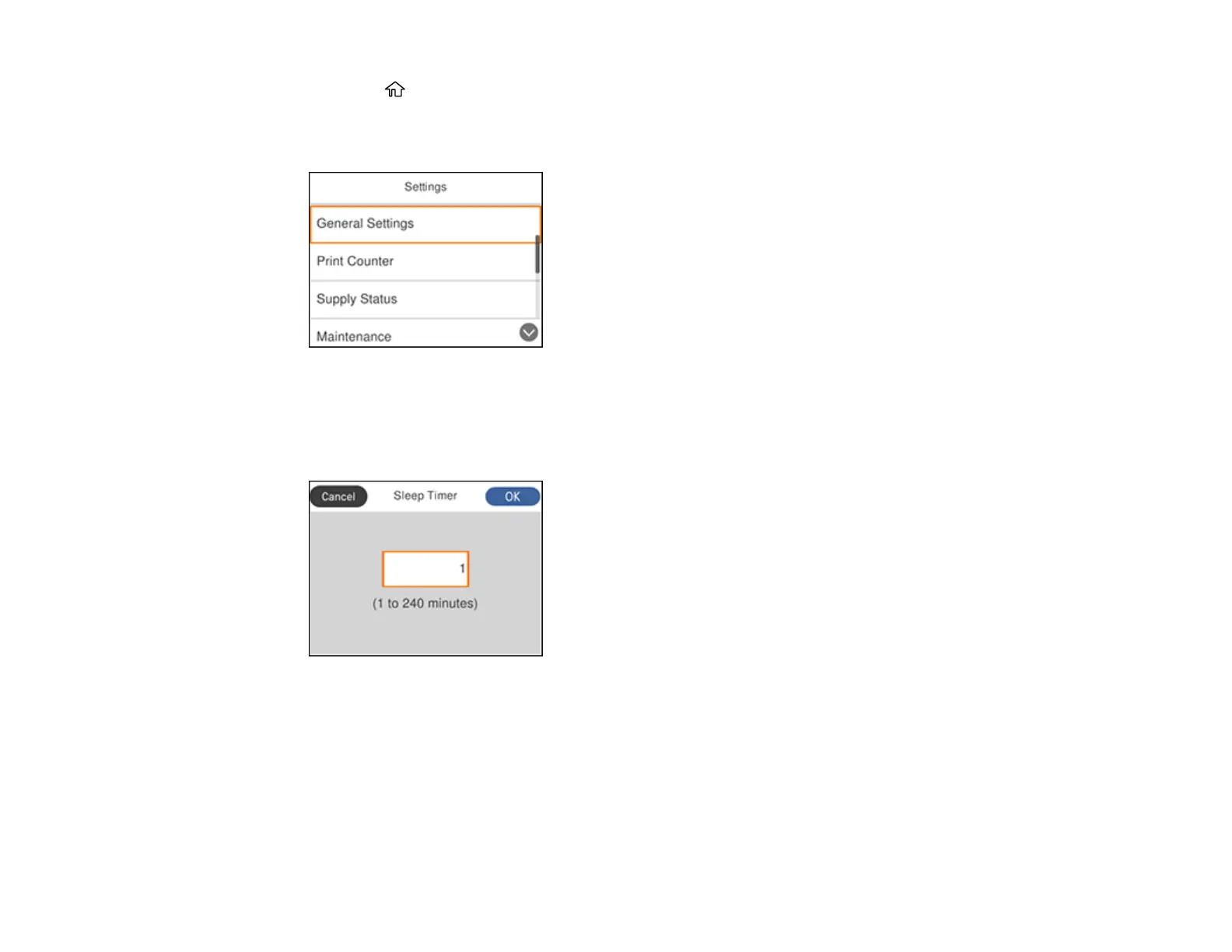
1. Press the home button, if necessary.
2. Press the right arrow button to select Settings and press the OK button.
You see a screen like this:
3. Press the OK button to select General Settings.
4. Press the OK button to select Basic Settings.
5. Press the down arrow button to select Sleep Timer and press the OK button.
6. Select the number field and press the OK button.
7. Use the arrow and OK buttons to select a time period from 1 to 240 minutes.
8. Select OK then press the OK button.
Parent topic: The Power Off and Sleep Timers















 To Next Page