84
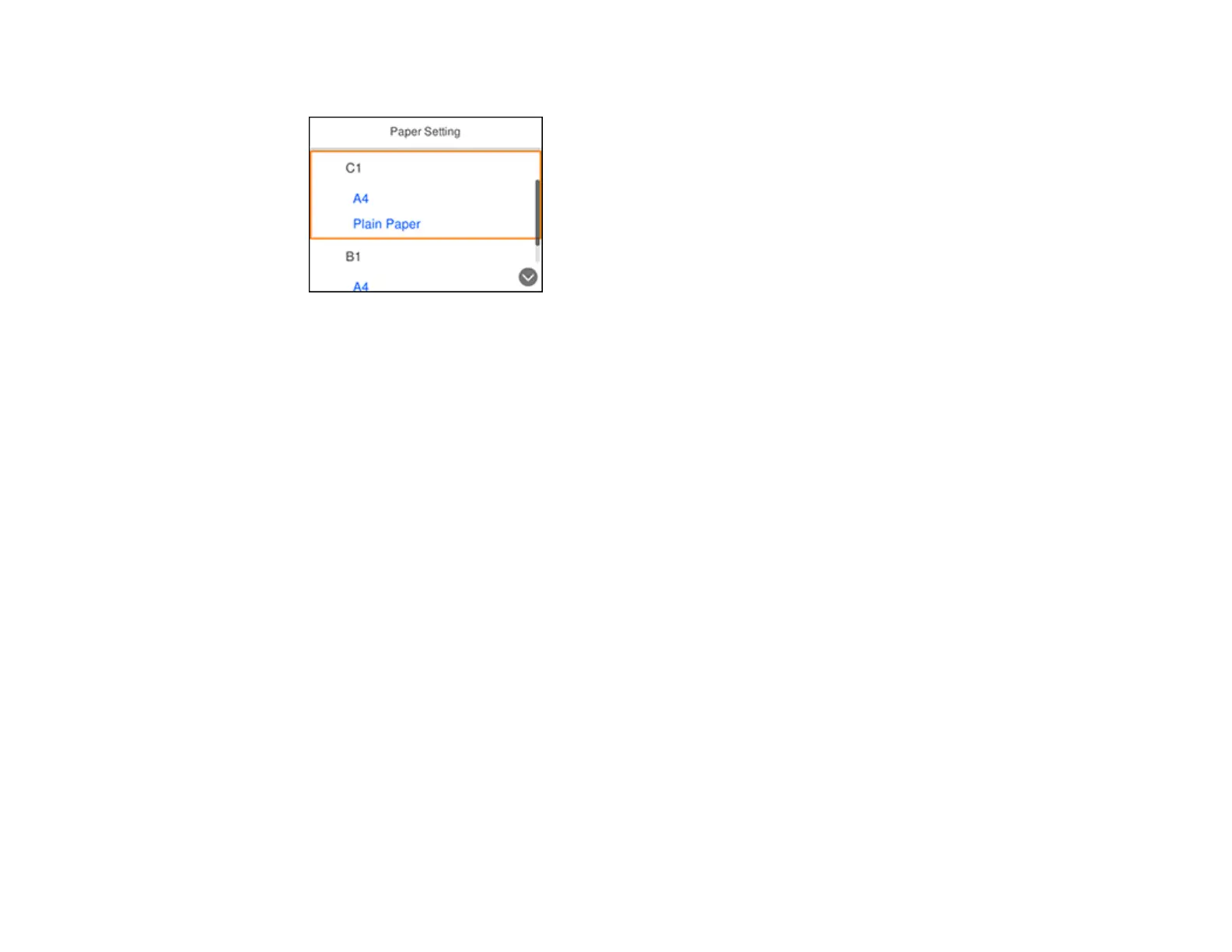
You see a screen like this:
7. Select the size and type of paper you loaded.
Always follow these paper loading guidelines:
• Load only the recommended number of sheets.
• Load paper short edge first, except when the long edge is set as the width of a user-defined paper
size.
• Load the printable side faceup.
• Load letterhead or pre-printed paper top edge first.
• Do not load paper above the arrow mark inside the edge guides.
• If you have trouble loading a stack of envelopes, press each envelope flat before loading it or load one
envelope at a time.
• If print quality declines when printing multiple envelopes, try loading one envelope at a time.
• Do not load envelopes that are curled, folded, or too thin.
• Do not use envelopes with adhesive surfaces on the flaps or window envelopes.
• Check the paper package for any additional loading instructions.
Parent topic: Loading Paper
Related references
Paper Specifications
Paper Loading Capacity
Related tasks
Loading Paper in the Cassette















 To Next Page