& “Menu Options for Paper Handling” on page 82
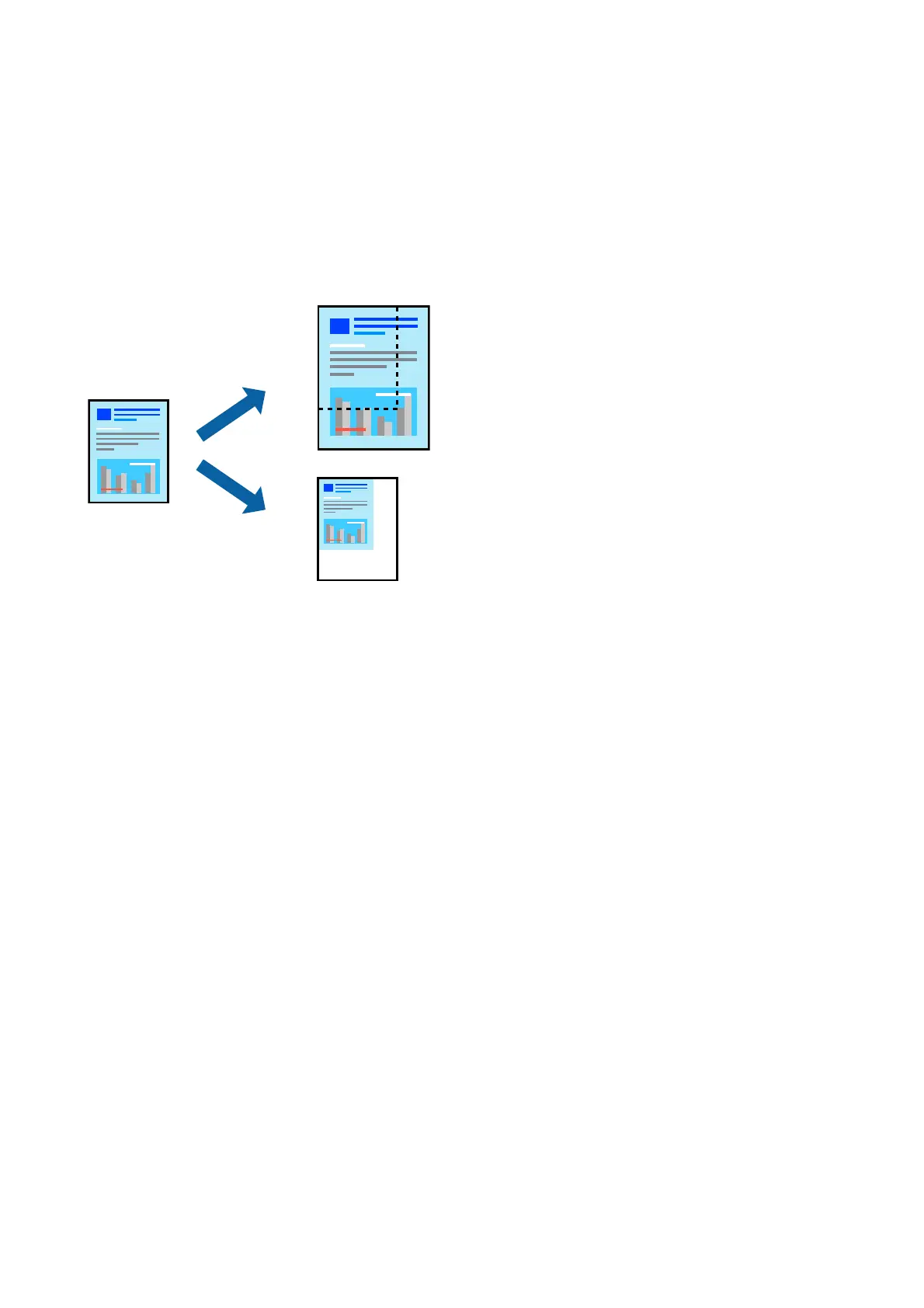
Printing a Reduced or Enlarged Document
You can reduce or enlarge the size of a document by a specic percentage or to t the paper size you loaded in the
printer.
Print Settings
When printing to t to the paper size, select Paper Handling from the pop-up menu, and then select Scale to t
paper size. Select the paper size you loaded in the printer in Destination Paper Size. When reducing the size of
the document, select Scale down only.
When printing at a
specic
percentage, do one of the following.
❏ Select Print from the File menu of the application. Select Printer, enter a percentage in Scale, and then click
Print.
❏ Select Page Setup from the File menu of the application. Select your printer in Format For, enter a percentage
in Scale, and then click OK.
Note:
Select the paper size you set in the application as the Paper Size setting.
Related Information
&
“Printing Basics” on page 76
&
“Menu Options for Paper Handling” on page 82
User's Guide
Printing
80


 To Next Page
 Loading...