QX50/QX200/QX2000; (SW Version 6.0.x) 184
QX50/QX200/QX2000 Manual II: Administrator’s Guide
Appendix: Moderator's Menus
This Appendix explains all menus that can be accessed and configured by conference moderators. (Applicable if the Conference Server feature is activated
on the system.)
Conference Moderator’s Main Page
The Moderator’s Main Page can be accessed by clicking on the conference ID link on the Conferences Management page or by logging as a moderator on
the QX IP PBX login page.
After logging in as a moderator, the page
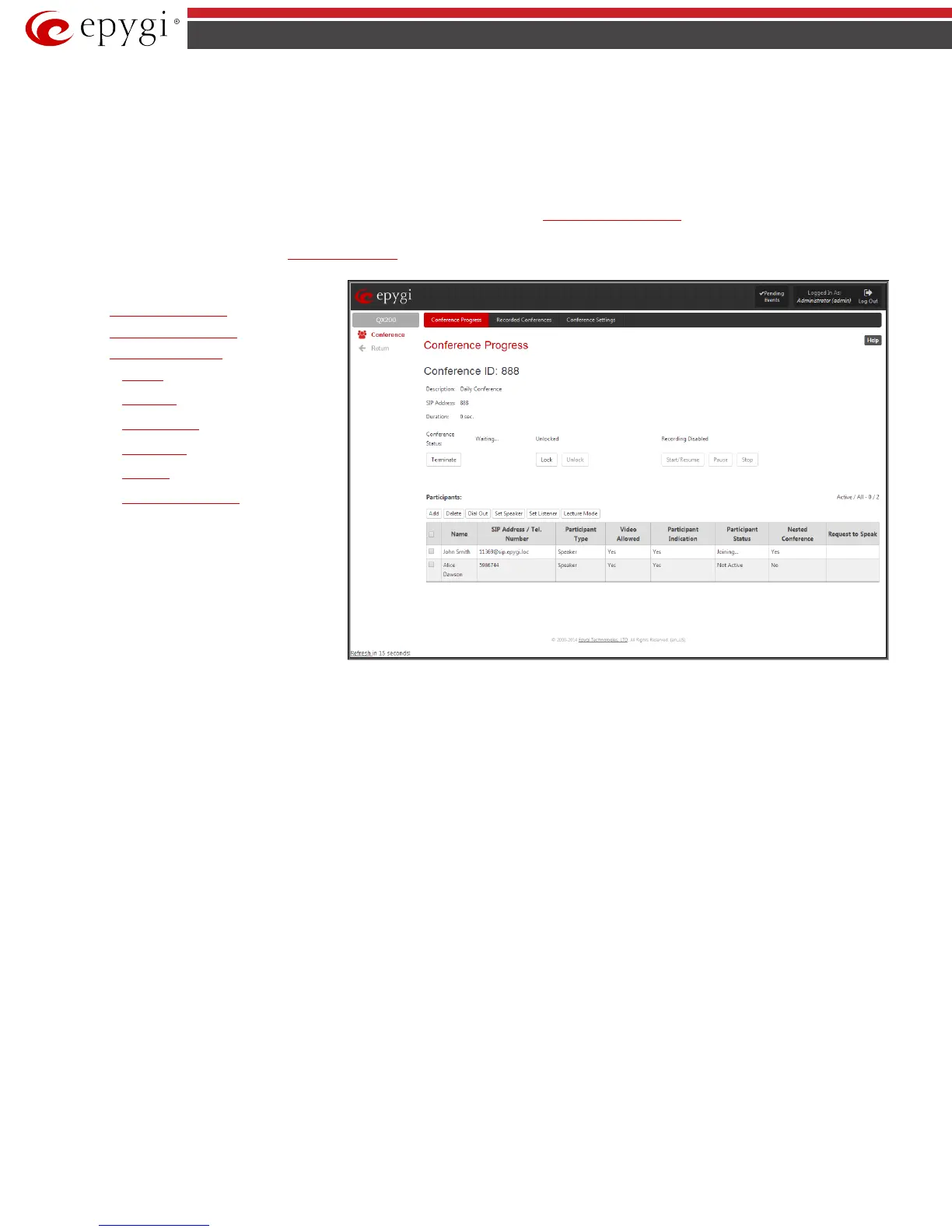
Conference Progress is displayed. Here you may see the active conferences and the participants. From this page
you may also access the settings of the conference to operate and perform actions that are available only to the moderator of each conference.
• Conference Progress
• Recorded Conferences
• Conference Settings
− General
− Recording
− Customization
− Participants
− Schedule
− Send Notification Mail
Fig.II- 293: Conference Progress page



 To Next Page
 Loading...

