19 / 70
5 • System settings and "Service" menu
80116-941_V24392
2023-03
Calling up system settings
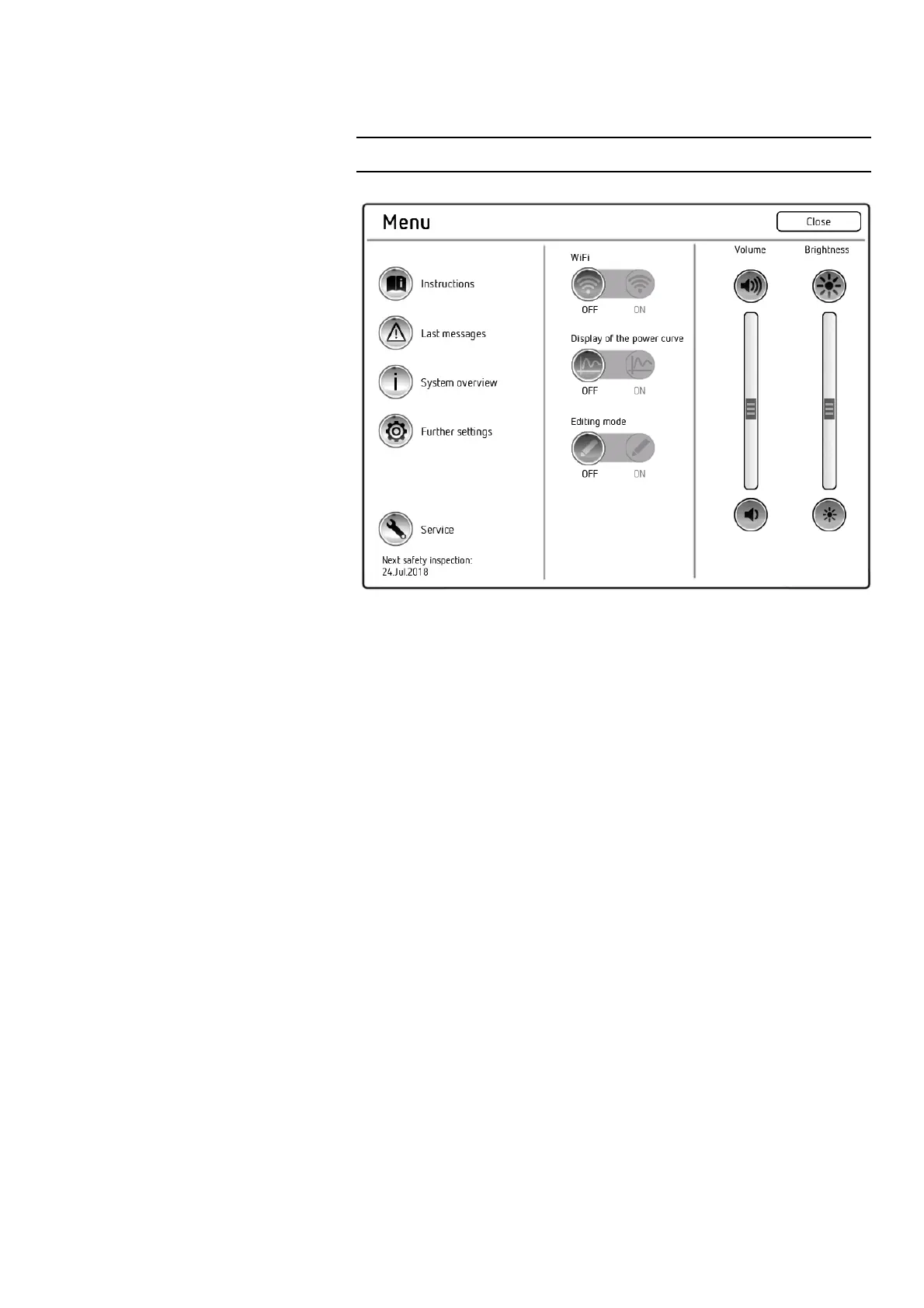
Fig. 5-1
Calling up
<Further settings>
1. Call up the "Menu" screen.
2. Call up <Further settings>. The unit shows all settings that can be
modified without a password.
Calling up
<Protected settings>
1. Call up the "Menu" screen.
2. Call up <Further settings>.
3. In the "Further settings" screen, scroll to the <Protected settings>
option.
4. Call up <Protected settings>.
5. Enter the password Level2 and confirm with <Entry>. The unit shows
all password-protected settings.



 To Next Page