-- 5 7 --
fzb2d3ea
12.13 DISPLAY MENU
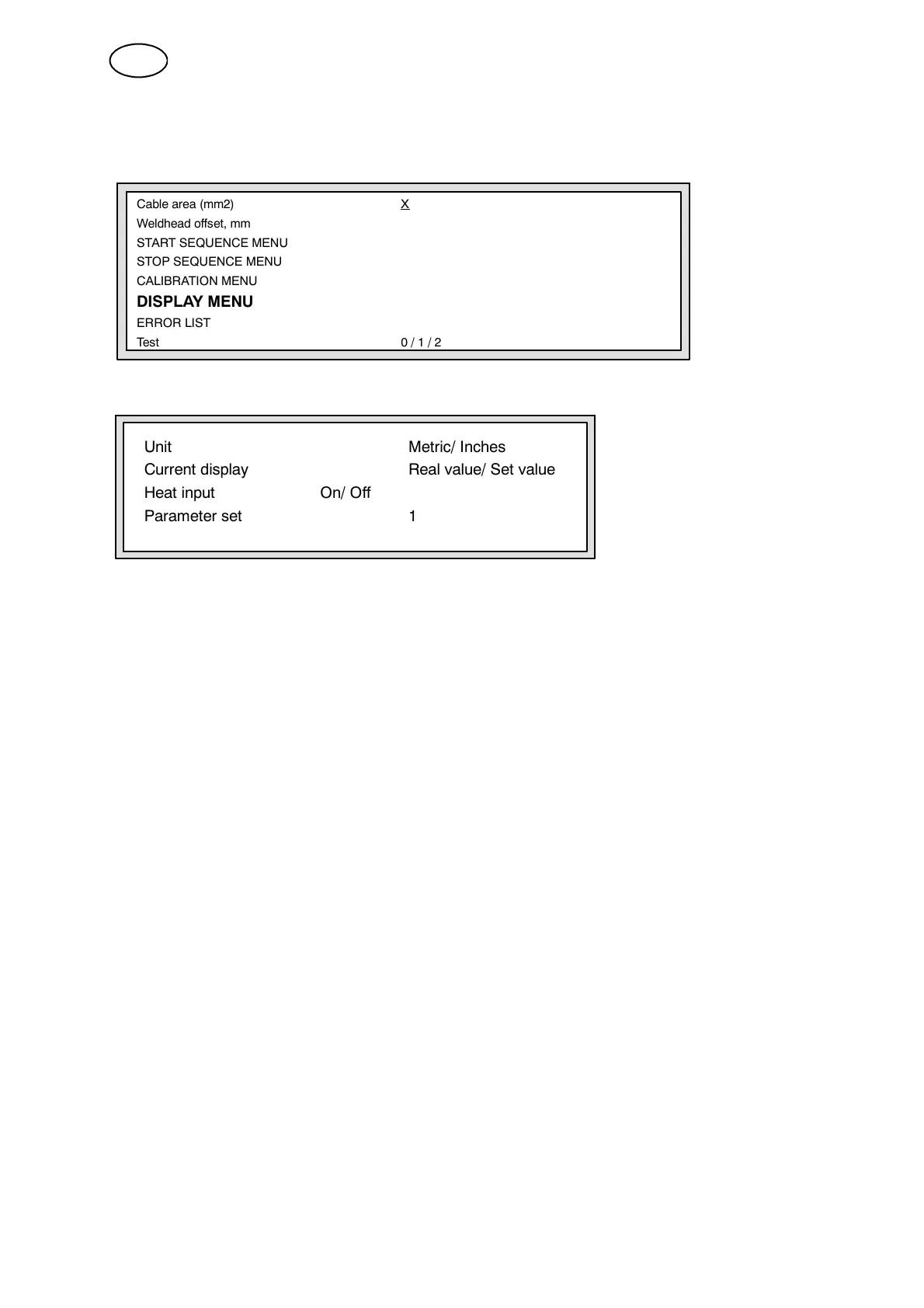
This menu controls how the information on the display is presented.
Cablearea(mm2) X
Weldhead offset, mm
START SEQUENCE MENU
STOP SEQUENCE MENU
CALIBRATION MENU
DISPLAY MENU
ERROR LIST
Test 0/1/2
The following menu is shown when DISPL AY MENU has been selected:
Unit Metric/ Inches
Current display Real value/ Set value
Heat input On/ Off
Parameter set 1
Units
Metric, Inches
Speeds, lengths or wire sizes in the MAIN MENU can be displayed in either metric
units or inches.
Current display
Set value, Real value
The welding parameters can be displayed as either set values or real values. The
set values are stable and are not subject to rapid fluctuations. On the other hand, if
information on the actual welding current is required, select real value and the
current will be shown in figures on the MAIN MENU display.
Heat input
On, Off
This shows how much energy is supplied to the weld, calculated from the set values
of voltage and current. It is displayed on the MAIN MENU as kJ/cm.
Parameter set
This specifies the number of parameter sets to be used: a maximum of ten is
allowed.
Enter a numerical for the number of sets in Column B. The default value is 1.
GB



 To Next Page