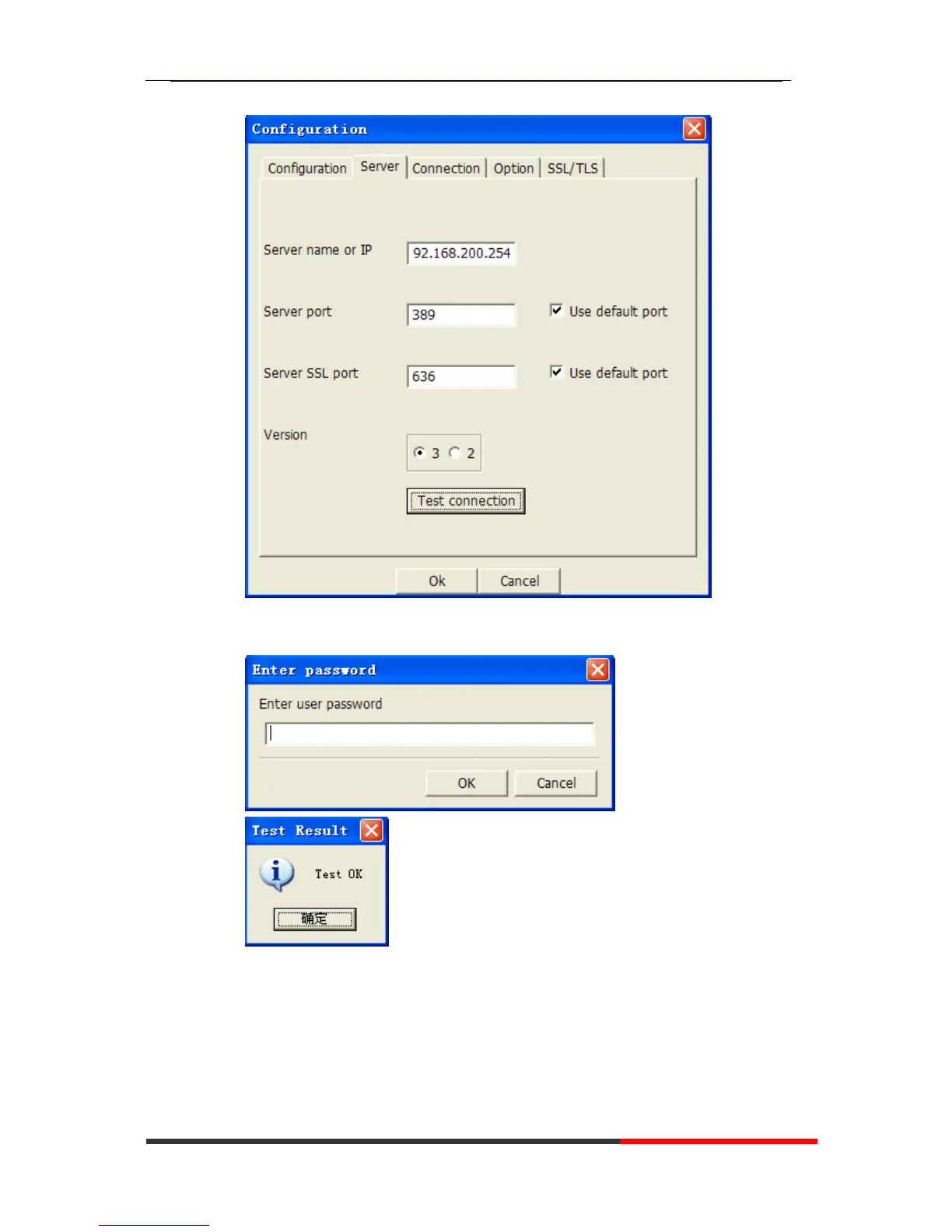
c. Press Test connection,the password is blank(no password),press ok,will
display Test OK.
NOTE:
Server name or IP\Server port\Version settings are relate with the
settings on escene phone.
d. Configure the “cn=Manager,dc=escene,dc=cn” on User DN,and tick
the Store password for protect your settings,enter the password
which you configure on the server.



 To Next Page