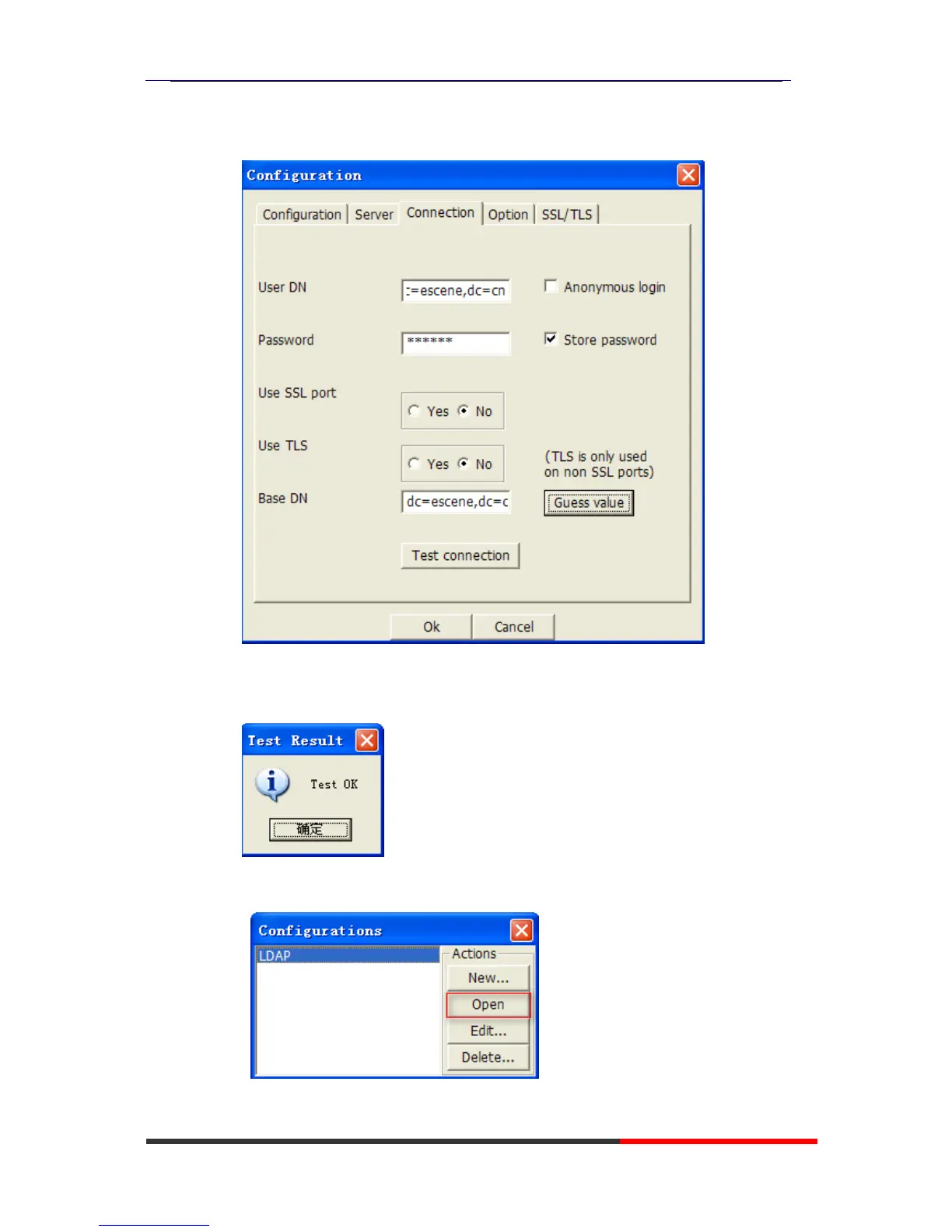
The Base DN will auto-configure if you press the [Guess value].
After the settings above,you can press [Test connection] to test your settings,if
it prompt warning message,please re-try the steps above again,we can
continue the next steps if the test is passed.
3. Choose the Action[LDAP],then press [Open] achieve the settings.
Then you can get the page like following picture. Please right click



 To Next Page