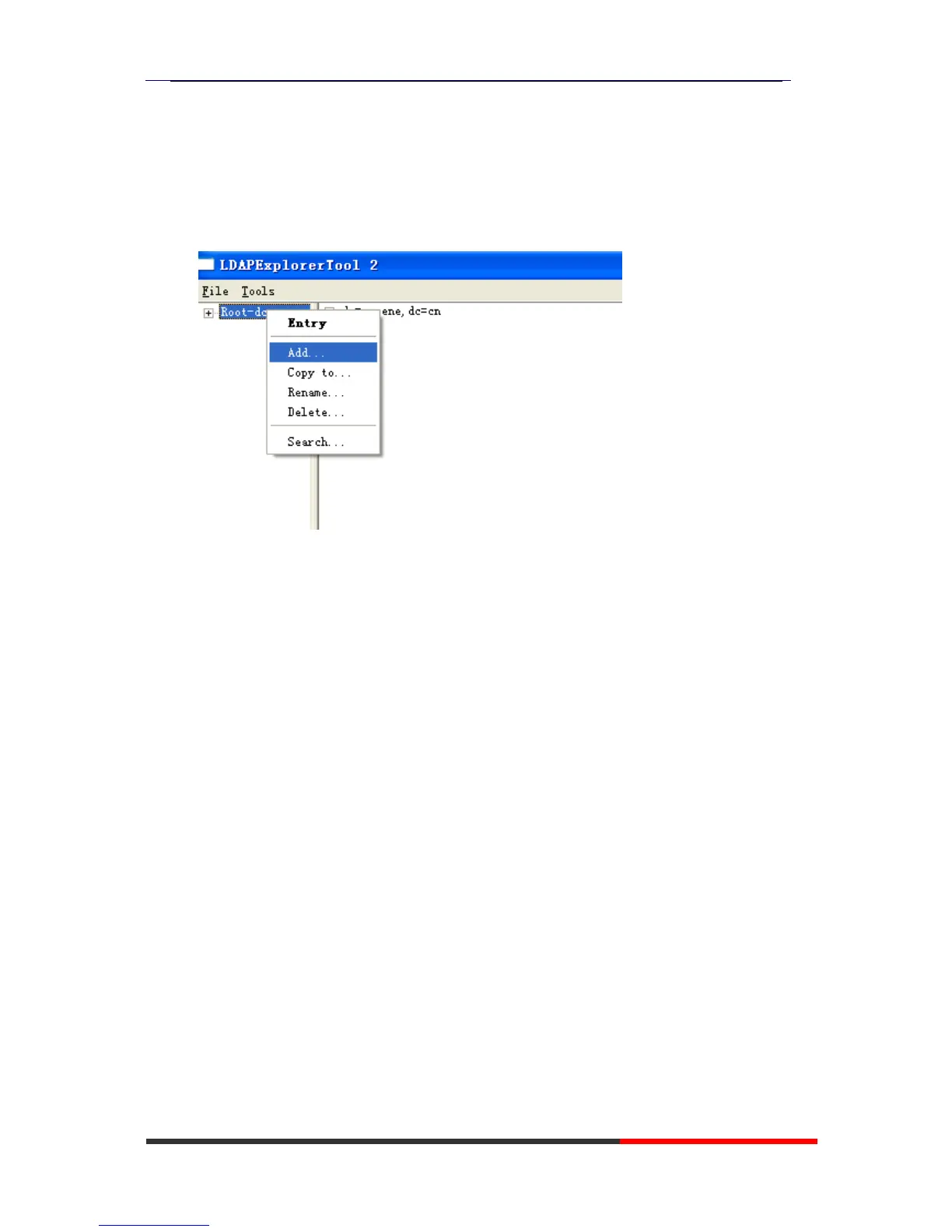
the action to add the contacts.
6.3 A
dd
t
h
e
E
n
t
r
y
1.Please right click the action to add the contacts.
2.Create new entry.
Parent DN: This setting will automatic generation according the
Configuration setting.
Entry RDN: The format is cn=XXX
Object Class(from schema): Select the structure class which entry
belongs to, each structure class has its own must attributes and may
attributes. We select [Person] for example here.
Must attributes: Double click attribute to add them to the entry node. If
need multi-cn, can be allow to repeat added.
May attributes: Double click attribute to add them to the entry node. If
need multi-Telphonenumber, can be allow to repeat added.



 To Next Page