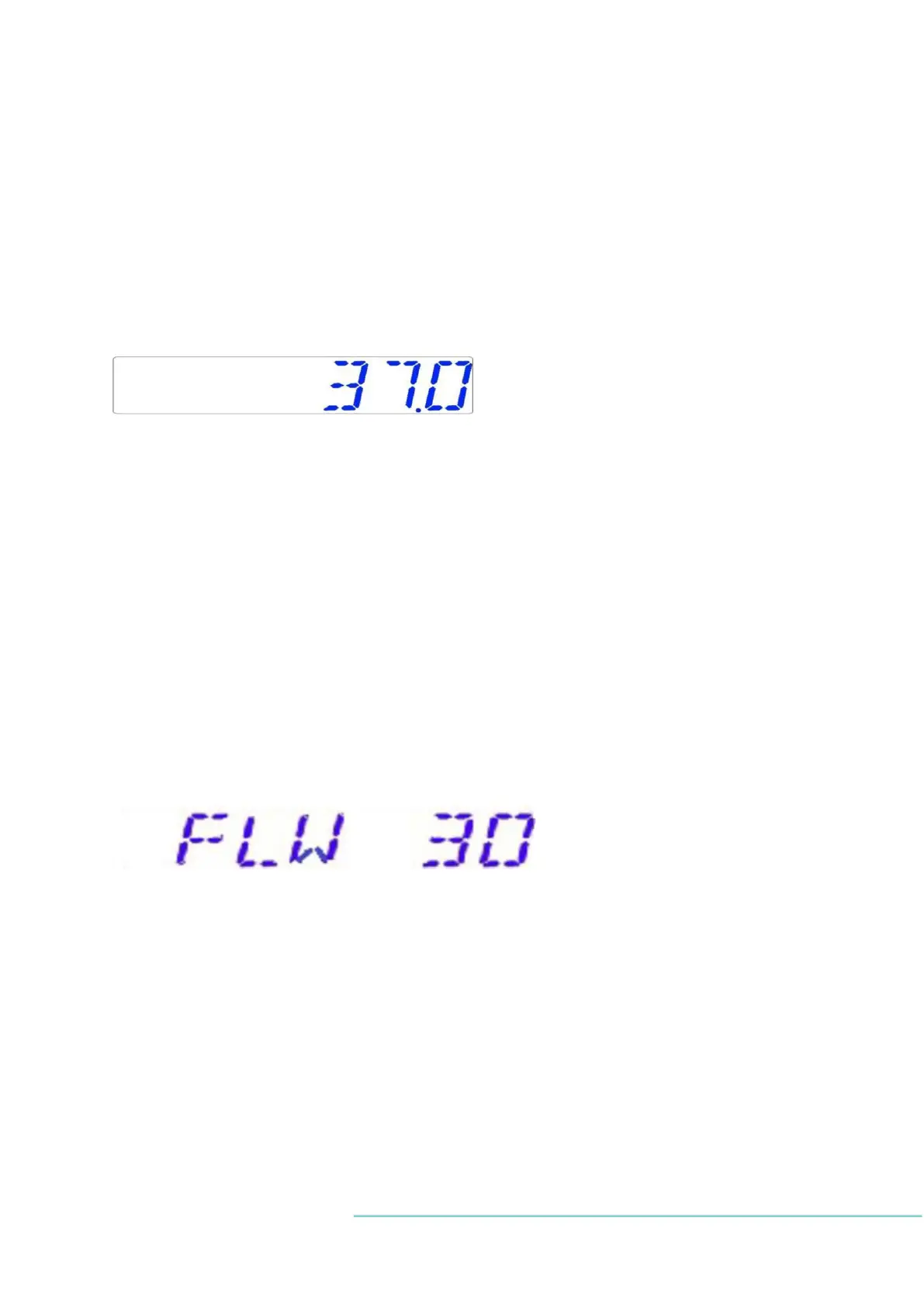
13.1.1 Temperature sub-menu
Temperature setpoint can be adjusted in the range from ambient temperature up to 40.0
o
C.
The default temperature setpoint is 37.0
o
C.
When changing the temperature setpoint, follow these instructions:
When the display shows current temperature:
Press and hold the SP key.
Now the setpoint may be adjusted up or down, using the arrow keys UP or DOWN.
One key press corresponds to a 0.1
o
C change.
If the display does not show the current temperature reading, press the RIGHT arrow key.
13.1.2 Gas flow setpoint
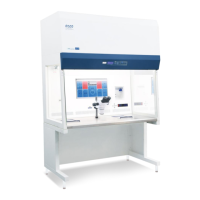
Gas flow setpoint may be adjusted in the range from 0 l/h to 40 l/h.
When changing the setpoint for the gas flow, follow these instructions:
When the display shows gas flow:
Press and hold the SP key.
Now the setpoint may be adjusted up or down, using the arrow keys UP or DOWN.
One key press corresponds to a 1 l/h change.
If the display does not show the current gas flow reading, the RIGHT arrow key will toggle
between the temperature and gas flow readings.


 To Next Page