Calibration is done by adjusting the O
2
level according to a measurement taken
from the gas sampling outlet, using a high precision O
2
measurement device only.
Both sample ports (IN and OUT) should be used during gas measurement!
Calibration values should only be changed based on the measurements taken by
a trained user or technician.
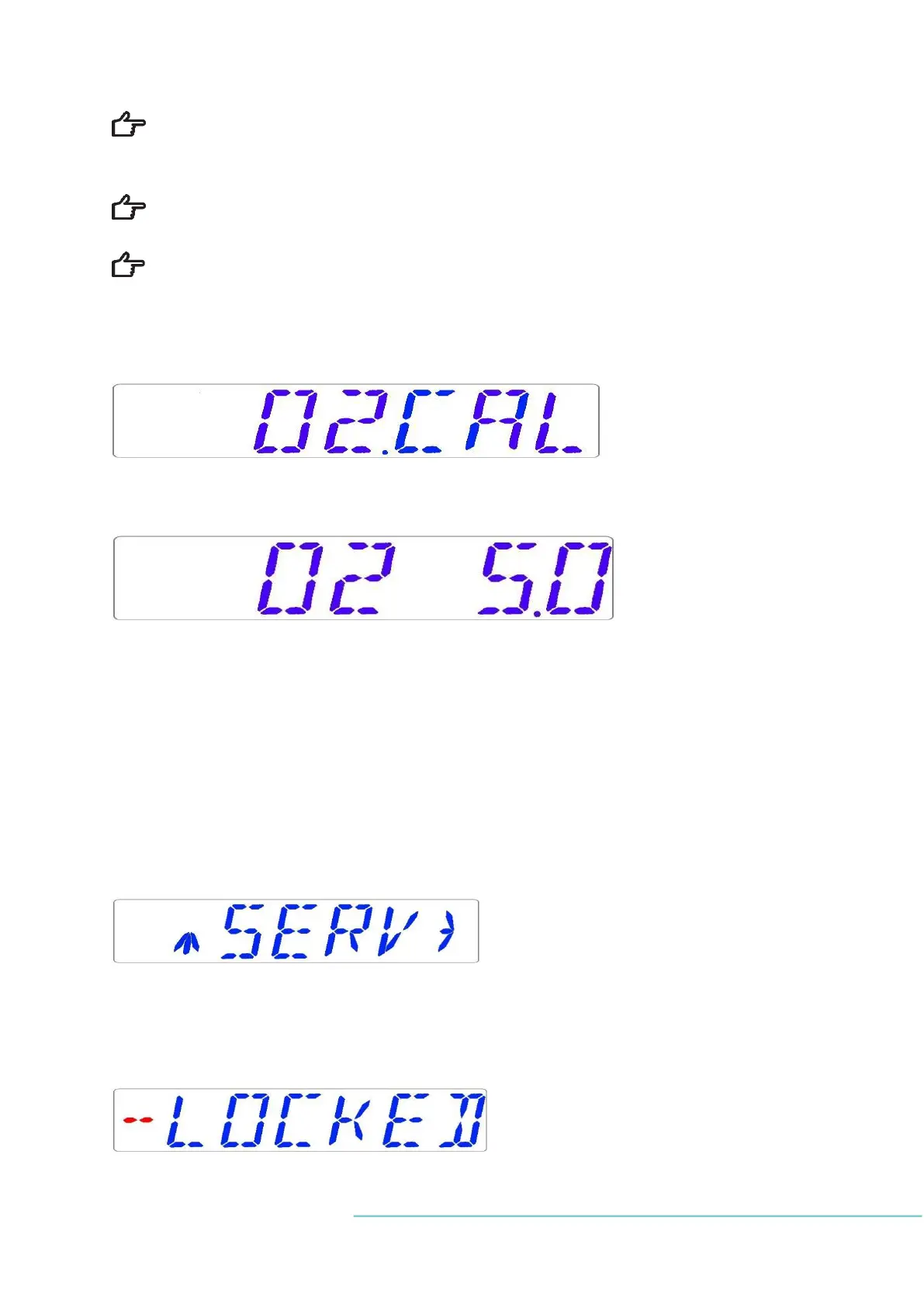
1. Navigate through the menu and find:
2. When the SP key is pressed, the display will show:
3. Adjust the calibration to the desired level by pressing (⇧) or (⇩). In this case, we want to
adjust the value to 5.3 %. Press (⇧) 3 times. The display will show 5.0; 5.1; 5.2; and 5.3.
4. Release of the SP key. The value is now stored and the O
2
sensor calibration has been
modified.
13.3.5 Service sub-menu
Choose the RIGHT arrow key under SERV to enter the Service sub-menu:
The service sub-menu is locked as default.
The display will show:


 To Next Page