The flow will be forced according to the alarms. Temperature alarms take the highest place
on a priority list, gas level alarms are in the second place.
15 Changing the setpoints
The CO
2
pressure rate may be only seen in the workstation logger view on the PC. The value
is given in bar. The external pressure must always be 0.6 bar. It cannot be adjusted on
MAW
®
, only on the external gas regulator.
Remember – there is a pressure alarm on pressure limits, if pressure falls below
0.2 bar or rises above 0.8 bar.
The internal pressure sensor cannot be calibrated by the user. Under normal cir-
cumstances, it will remain without drift for the lifetime of the device.
16 Firmware
The firmware installed on your ART Workstation is upgradeable. Whenever an important
update is available, it will be provided to our distributors around the world – they will en-
sure that your incubator runs with the newest available firmware. This can be done by a
service technician during a scheduled annual service.
Please follow these steps to check what firmware is currently installed on your unit.
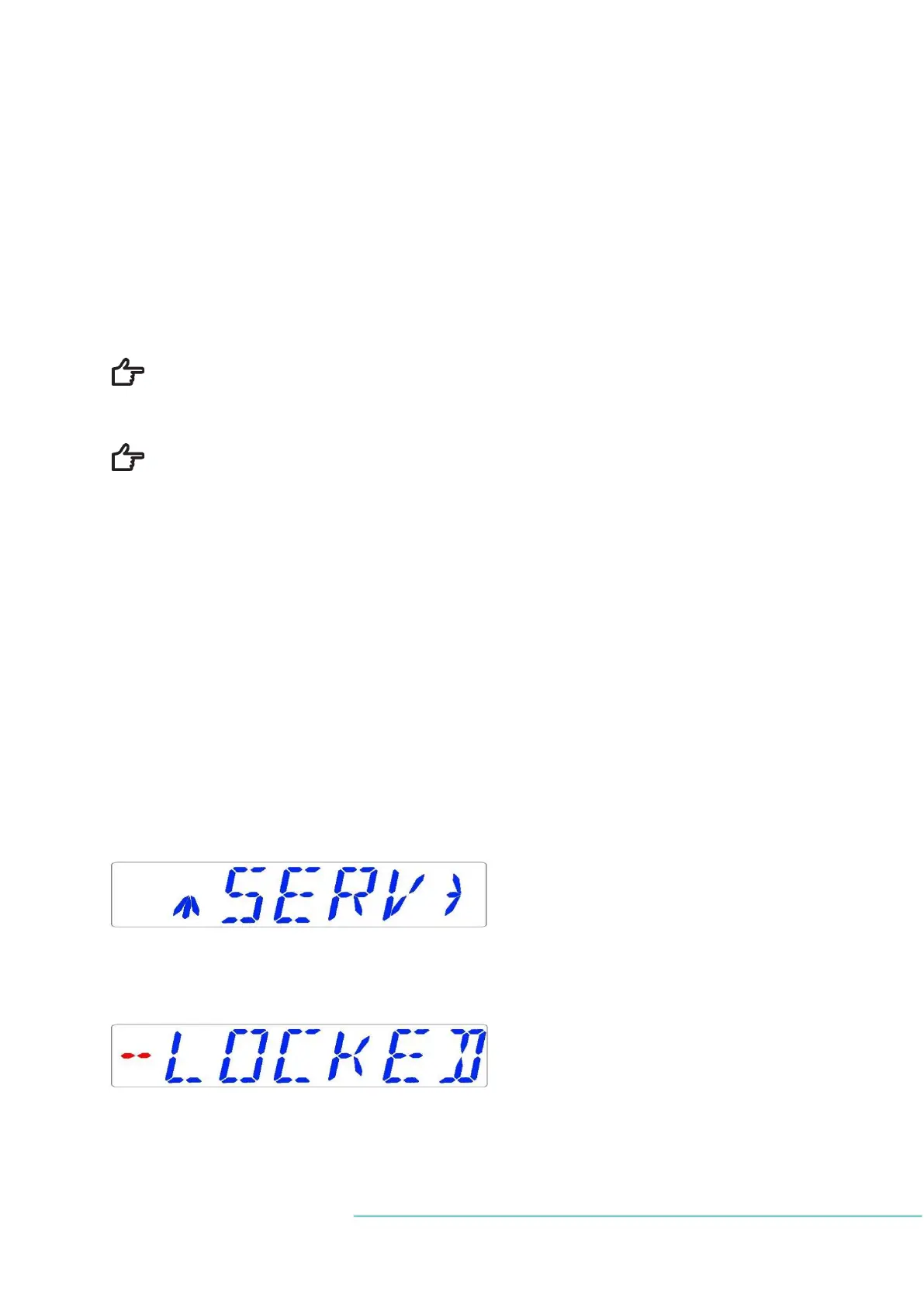
Locate the service sub-menu SERV in the menu.
Choose the RIGHT arrow key under SERV to enter the service sub-menu:
The service sub-menu is locked as default.
The display will alternate between:
And the currently installed firmware version:


 To Next Page