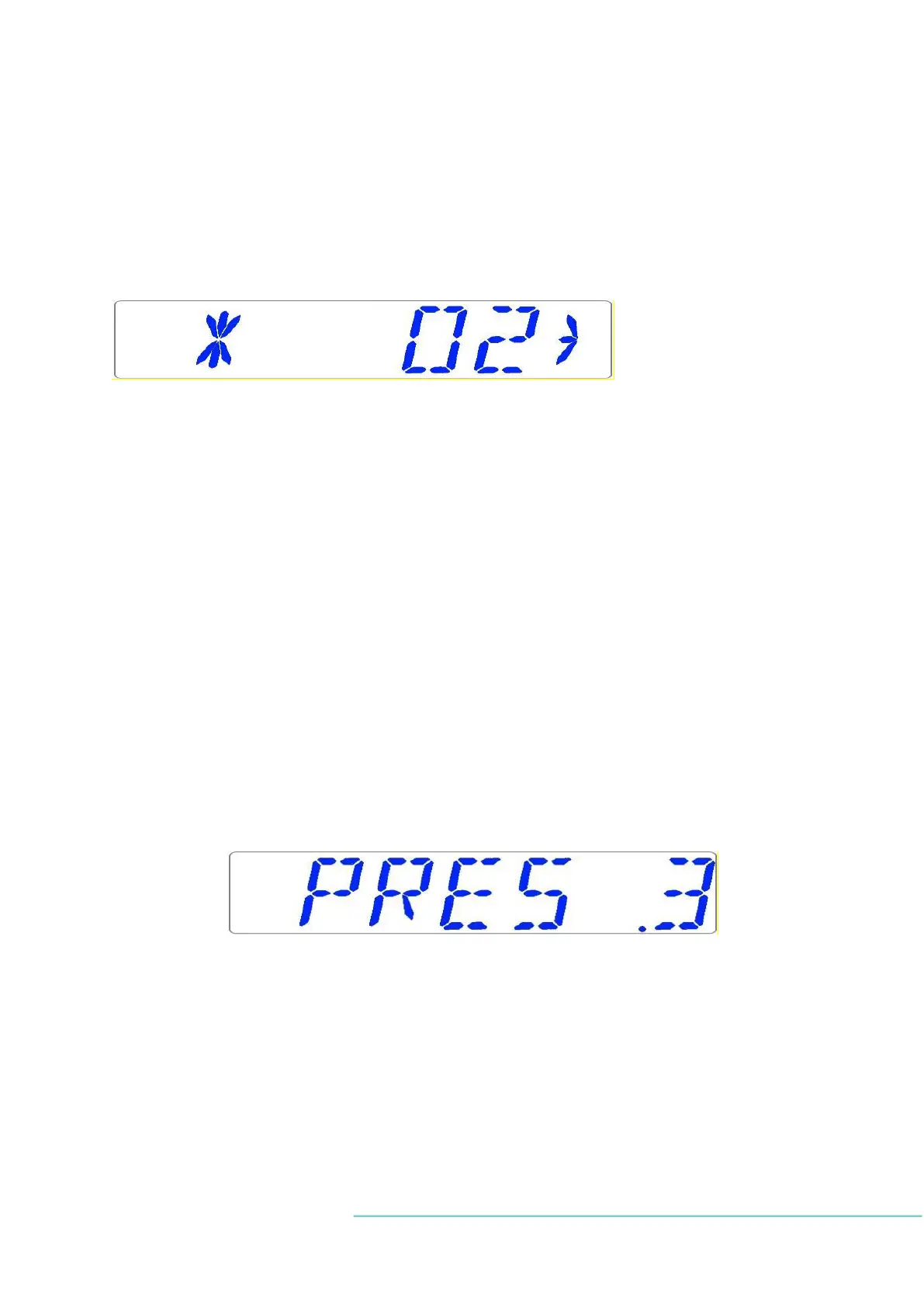
3. Adjust the calibration to the desired level by pressing (⇧) or (⇩). In this case, we want to
adjust the value to 5.4%. Press (⇧) 4 times quickly. Sensor reading has delay, so response
time may be slower.
4. Release the SP key. The value is now stored and the CO
2
sensor calibration has been mod-
ified.
13.3.5 O
2
sub-menu (only MAW
®
with a built-in gas mixer)
Press (⇨) on O
2
to enter the O
2
sub-menu.
First item in the O
2
sub-menu is O
2
sensor calibration.
Calibrate holding down the SP key; use (⇧) and (⇩) to adjust.
Move to the next sub-menu item with (⇩) or one step up with (⇧).
Toggle O
2
regulation ON/OFF by holding the SP key and pressing (⇧) or (⇩).
The default status for the O
2
control is OFF.
Press (⇩) to move to the next item in the O
2
sub-menu.
N
2
flow rate is shown. This is the amount of N
2
gas put into the system while regulating. The
volume is shown in l/hour. It cannot be adjusted. Normally it will fluctuate along with the
O
2
regulation.
Press (⇩) to move to the next item in the O
2
sub-menu:
N
2
internal pressure rate is shown. The value is in bar. It must be between >0.2 and ≤0.8 bar
(2.90 – 11.60 PSI) at all times. It cannot be adjusted on the incubator – it must be adjusted
on the external gas regulator.
Example – how to calibrate the O
2
:
Using a suitable and calibrated device on one of the gas sample ports, the real O
2
concentra-
tion has been recorded to be 5.3%. Both ports should be used during calibration.


 To Next Page