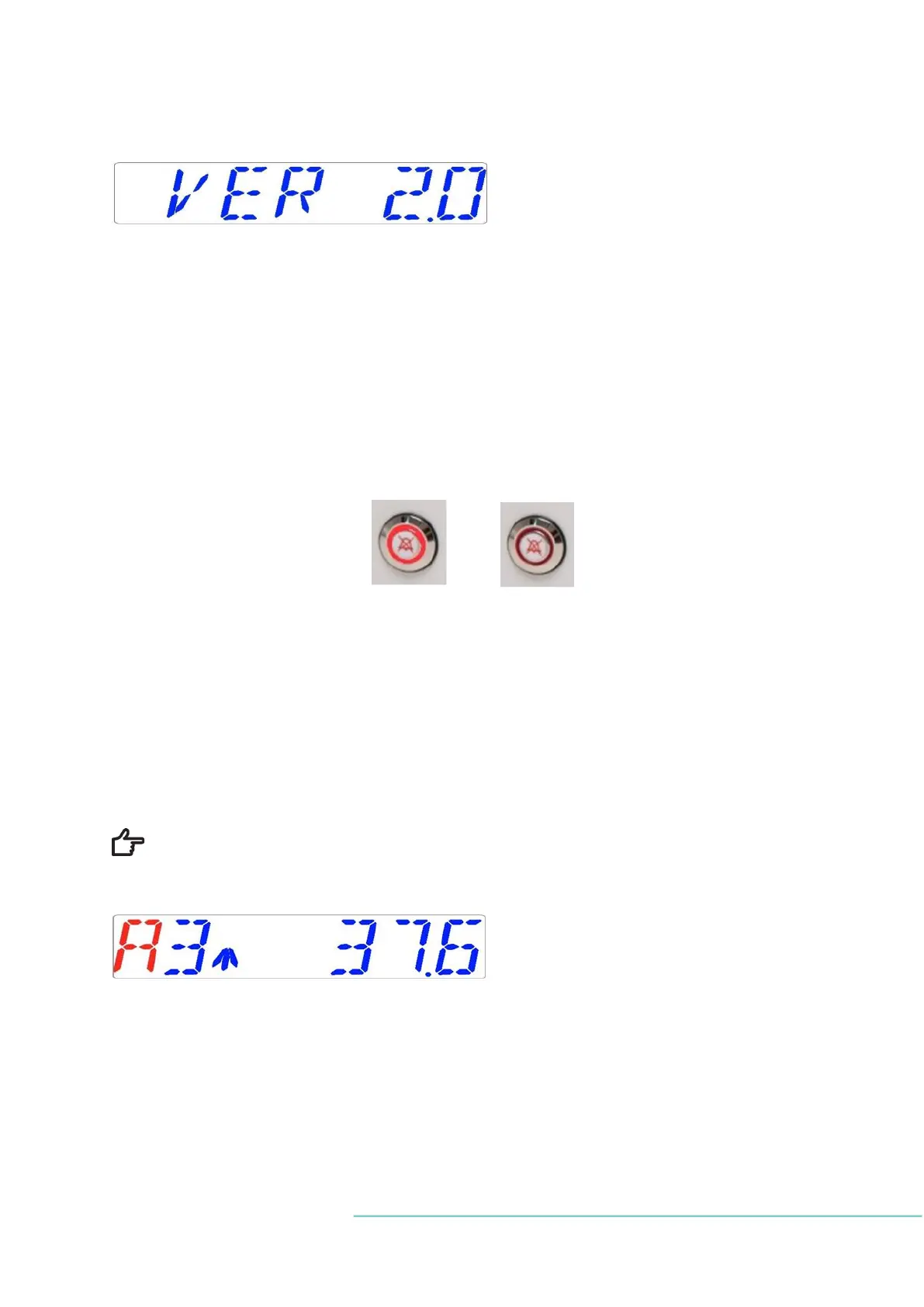
Press the SP key to read the currently installed firmware version:
Press UP arrow key to go back to the main menu.
14 Alarms
On a single fault condition, the display will show a red “A” along with the status message of
the affected parameter. An audio signal will go off but it can be muted by pressing the alarm
key once (toggled ON/OFF for a period of 3 minutes). An arrow will also appear and it will
indicate if the alarm is triggered due to too high or too low values. The audio ON/OFF key
will blink red:
Figure 14.1 Alarm key that indicates the alarm condition
The audio pattern is 3 short beeps followed by a 3-second pause. All alarms have the same
audio pattern.
14.1 Temperature alarms
All 10 compartments can trigger a temperature alarm if their temperatures deviate more
than ±0.5
o
C from the setpoint.
Remember that changing the setpoint more than ±0.5
o
C from the current temper-
ature will result in an alarm. The same goes for all calibration adjustments.
Temperature in compartment 3 is too high. The display will force lock on the alarm condi-
tion and will stop alternating between the normal status messages.
If the mute key is pressed, the display will shift to normal status and show the parameters
for 3 minutes, until the audio alarm comes back on again. The alarm mute key will still show
the alarm condition by pulsing red when the alarm is muted.


 To Next Page