an easy way to identify and respond to a malfunction.
This is unique ART workstation safety feature which cannot be found on any
other comparable system.
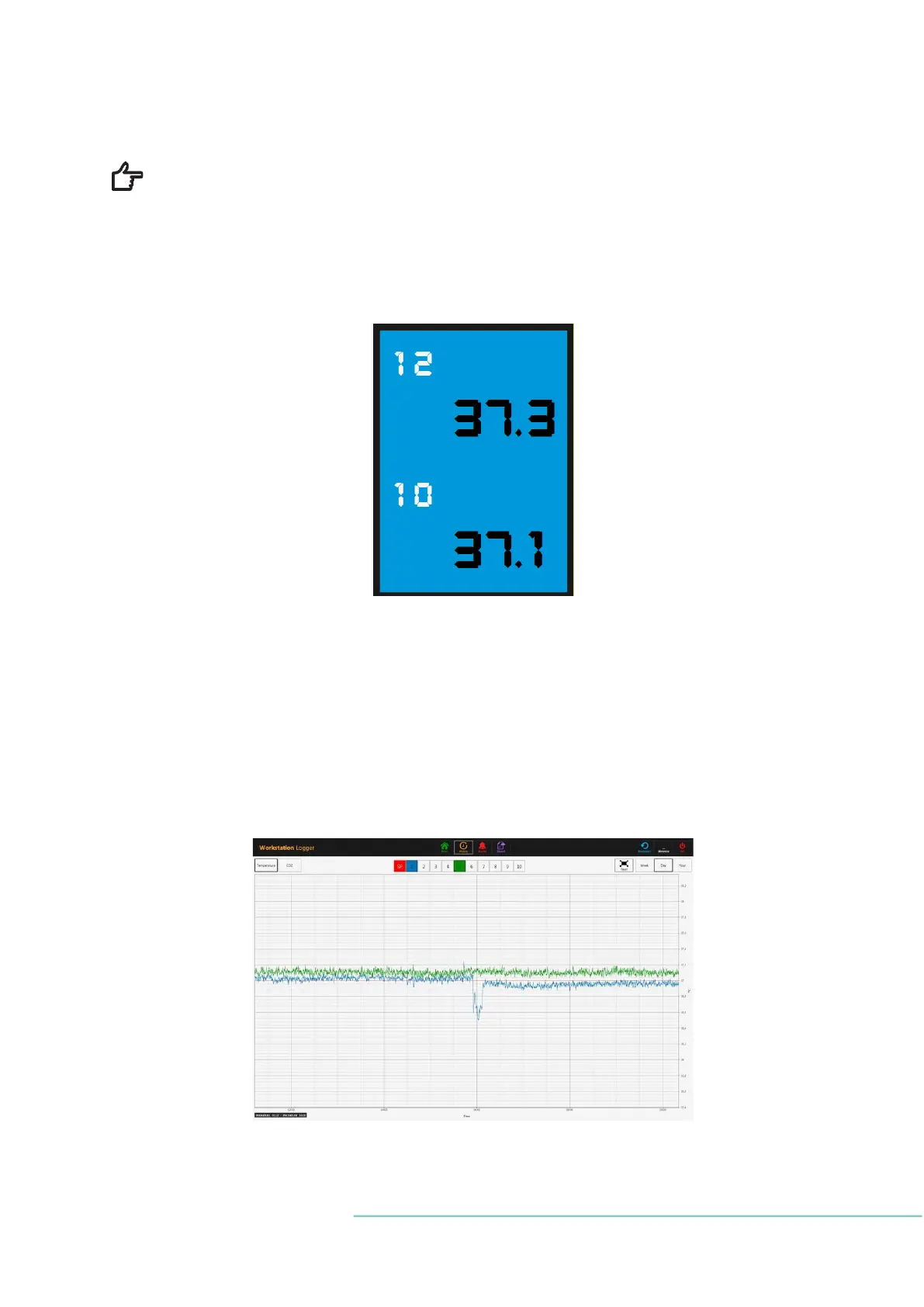
Some workstation models contain compartments. In this case, the zone will have black bor-
der and two temperature values (for bottom and lids).
Figure 22.4 Zone temperature
4 navigation buttons are placed in the middle and 3 actions buttons in the right-hand corner
at the top of the screen.
The greenhouse icon MAIN brings up the main view (as shown in the pictures above). The
orange button HISTORY toggles the graph view, where graphs can be displayed for all the
parameters. This is useful for documenting system’s stability and identifying errant behav-
ior.
Figure 22.5 The MAIN button brings up the main view


 To Next Page