User’s Guide User programming: An introduction
C.3
How the programmable feature keys can be set
• Line keys — Programming a line number into a programmable feature key makes it a line key,
which provides the appropriate lamp information and manual outside-line access.
• Station keys — If you program a programmable feature key with any of the following, it
becomes a station key, providing the appropriate lamp information and easy access or transfer:
— User extensions — Group mailboxes
— Department pilot numbers — Cascade paging mailboxes
— Guest/info mailboxes — System speed dial numbers
— Q & A mailboxes
• Speed-dial keys — In addition to programming a programmable feature key with a system
speed-dial number, you can create personal speed-dial keys for automatic dialing of frequently
called outside numbers. The speed-dial number can be up to 24 characters long. If you program
9 (or 8 or 71–76) plus a phone number, the programmable feature key becomes a speed-dial
key. When you program a speed-dial key, there's no need to insert a pause after the 9 (or 8 or
71–76). Use the scroll key to enter special characters for dialing:
— P = Three-second pause
— F = Hook-flash
— # = # (pound) key
—
=
(star) key
Note: You can also program Location Keys for use with Esi-Link. See page H.1 for more information.
• Other feature keys — If you enter a feature code, the programmable feature key will serve as
an enable/disable key for that feature. The Installer may have programmed certain stations for
accessing additional features (see “Optional features,” page F.12); consult your System
Administrator to determine your access.
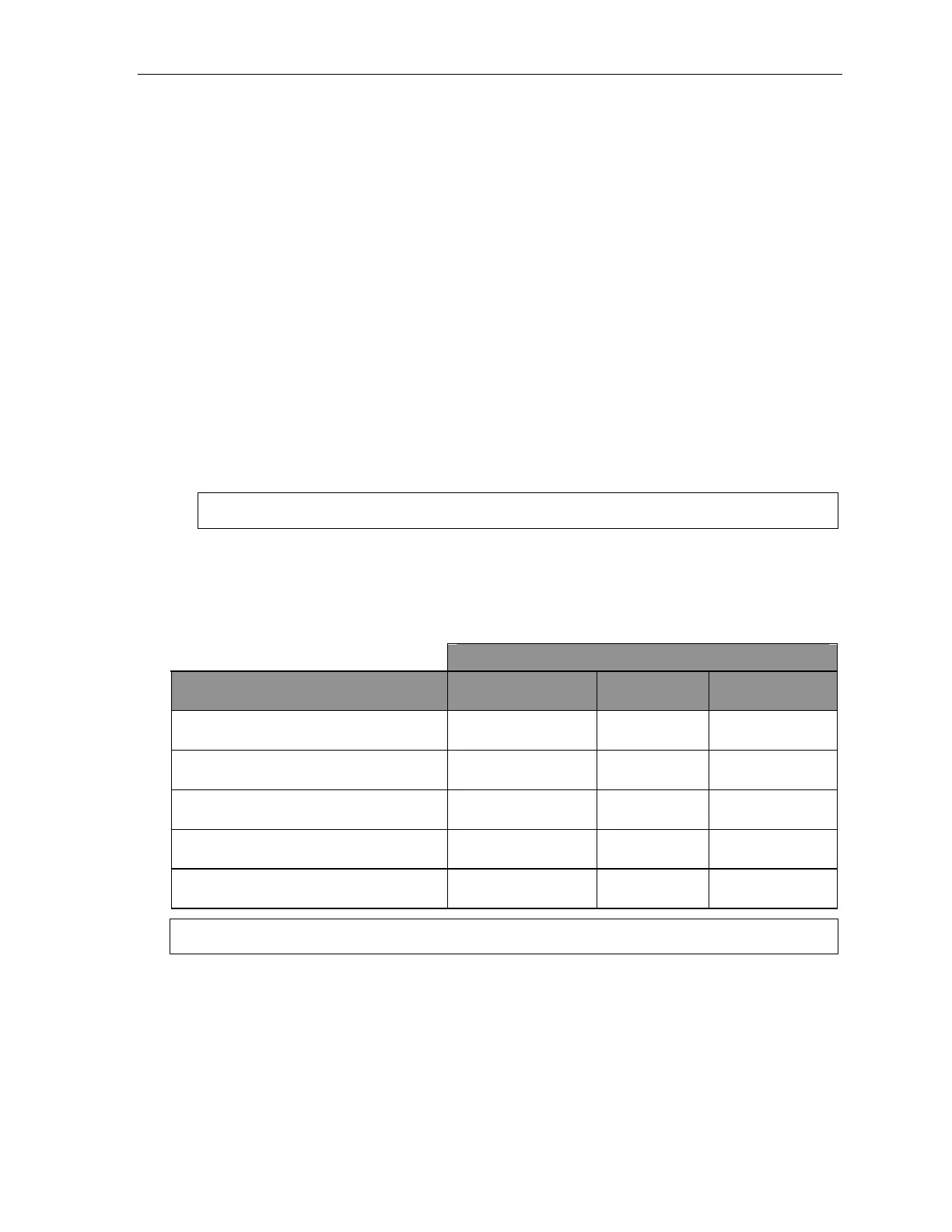
Keys’ LED activity during programming
Key type and LED indication
Mode
Station key or
Virtual Mailbox Key
Line key
Feature key
or speed-dial key
Currently being programmed and
previously assigned
Flashing red Flashing green Flashing amber
Currently being programmed and
previously unassigned
Flashing red Flashing red Flashing red
Programming mode — Was assigned or
viewed in current session
Blinking red Blinking green Blinking amber
Assigned in a previous programming session
and not yet viewed in current session
Solid red Solid green Solid amber
Never assigned and not yet viewed in
current session
Off Off Off
Note: Each ESI Cordless Handset has only one LED color — red — with similar blinking rates.



 To Next Page