User’s Guide Voice mail operation
D.13
Optional voice mail feature: Cascade notification mailboxes
Important: This is a special, optional feature not explained in the tutorial. Be sure to get your cascade
notification mailbox number from the Administrator.
A cascade notification mailbox dials up to three designated numbers (of up to 24 digits each) in a
sequence called a cascade.
If a cascade notification mailbox receives a new message, the ESI phone system dials the first number
for a set number of times. If it receives no response, the ESI phone system then dials a second number
for a set number of times. If, again, there is no response, the ESI phone system dials the third number;
and the system then dials all three numbers, in sequence, until someone does finally retrieve the
message. This is useful for a variety of individuals who must be “on-call” after hours, such as doctors,
plumbers, technical support representatives, wrecker drivers and volunteer fire fighters.
Programming your cascade notification mailbox
Cascade mailbox options
You can program up to three external numbers, of up to 24 digits each, to be called or paged whenever
the mailbox takes a new or urgent message. The system will dial the first number (for the number of
times listed), then dial the second paging number (for the number of times listed), and
finally dial the third number, continuing in this sequence to call all three numbers until the message has
been retrieved.
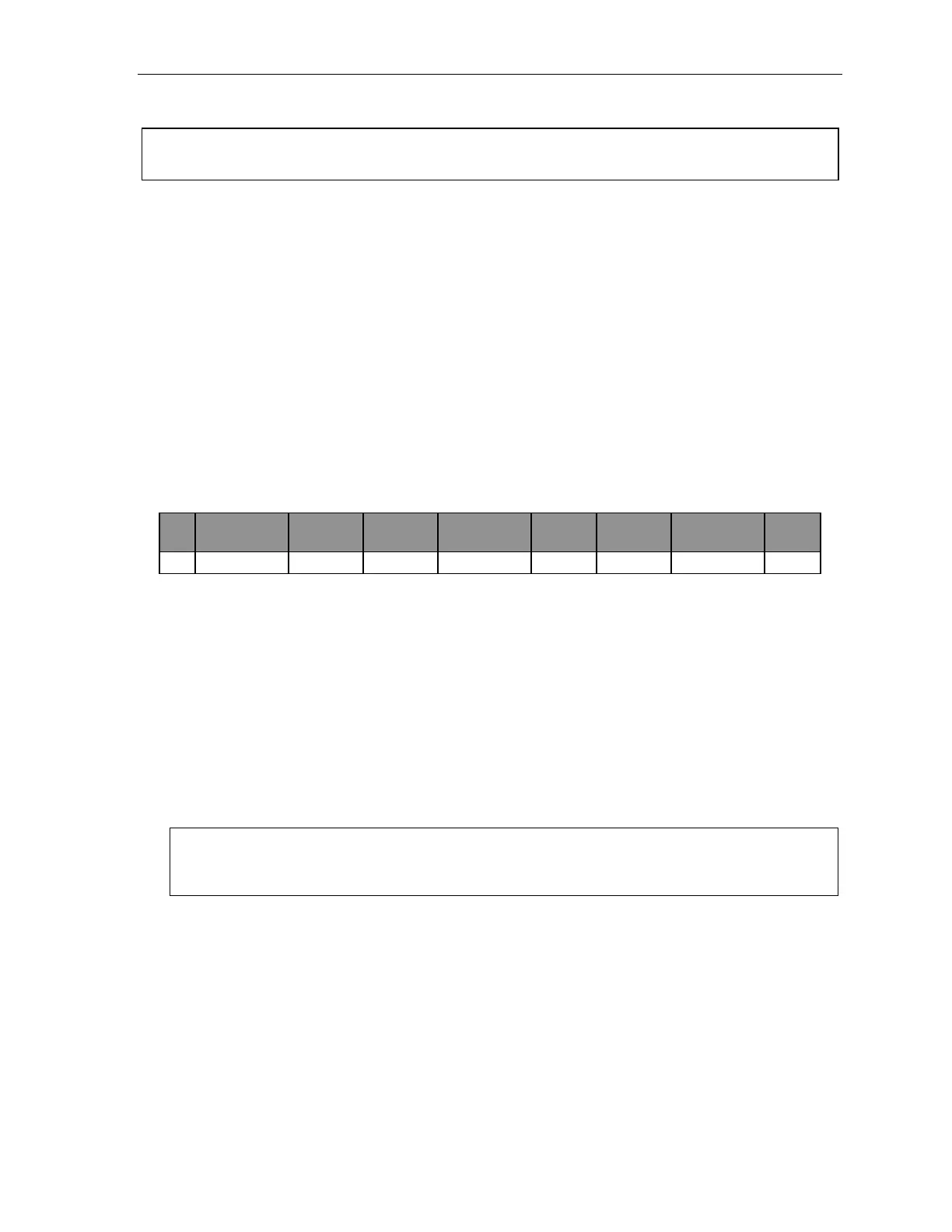
1.
MB
2.
1st Number
3.
Type
4.
Attempts
5.
2nd Number
6.
Type
7.
Attempts
8.
3rd Number
9.
Type
520 2145553232 PHONE 2 2145554254 PHONE 3 2145555452 PAGER
To program this, enter:
1. The mailbox number — [Then press 1 to enter number programming, and proceed to Step 2.]
2. First number — The number to be dialed (without the CO line Group).
3. Type — PHONE or PAGER. Use scroll keys to select.
4. Attempts — How many times the system will call (up to 20) before adding the second number.
Range: 0–99 (0 immediately pages all numbers). Default: 1.
5. Second number — The number to be dialed (without the CO line Group).
6. Type — PHONE or PAGER. Use scroll keys to select.
7. Attempts — How many times the system will call (up to 20) before adding the third number.
Range: 0–99. Default: 1.
8. Third number — The number to be dialed (without the CO line Group).
Note: Use the scroll key to enter special characters; use the
scroll key to backspace. Press # to
confirm the inserted character and continue. Press # # to complete the entry.
To change the number, delete and then re-enter it.



 To Next Page