IP Camera (C5900) User Manual
After installation there will be two icons on your desktop:
Chapter III Accessing the Camera
3.1 Authentication
a) Double click this icon to start your IP Camera installation.
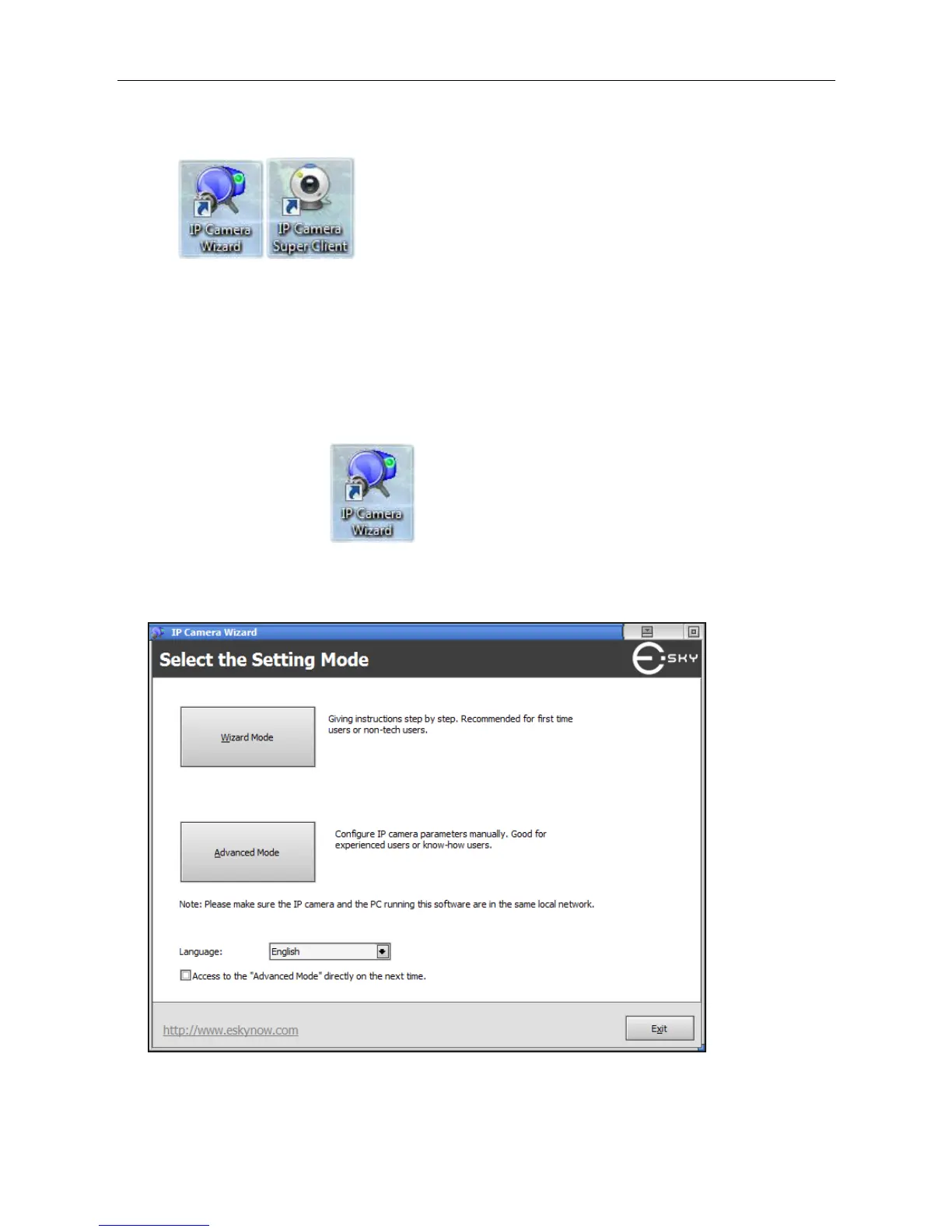
b) Select the mode you want to proceed. If you are a new user, “Wizard Mode” is recommended.
Here, we choose "Wizard Mode" to illustrate.
Figure 3.1-1



 To Next Page