IP Camera (C5900) User Manual
3.4 Capabilities of Administrator and User
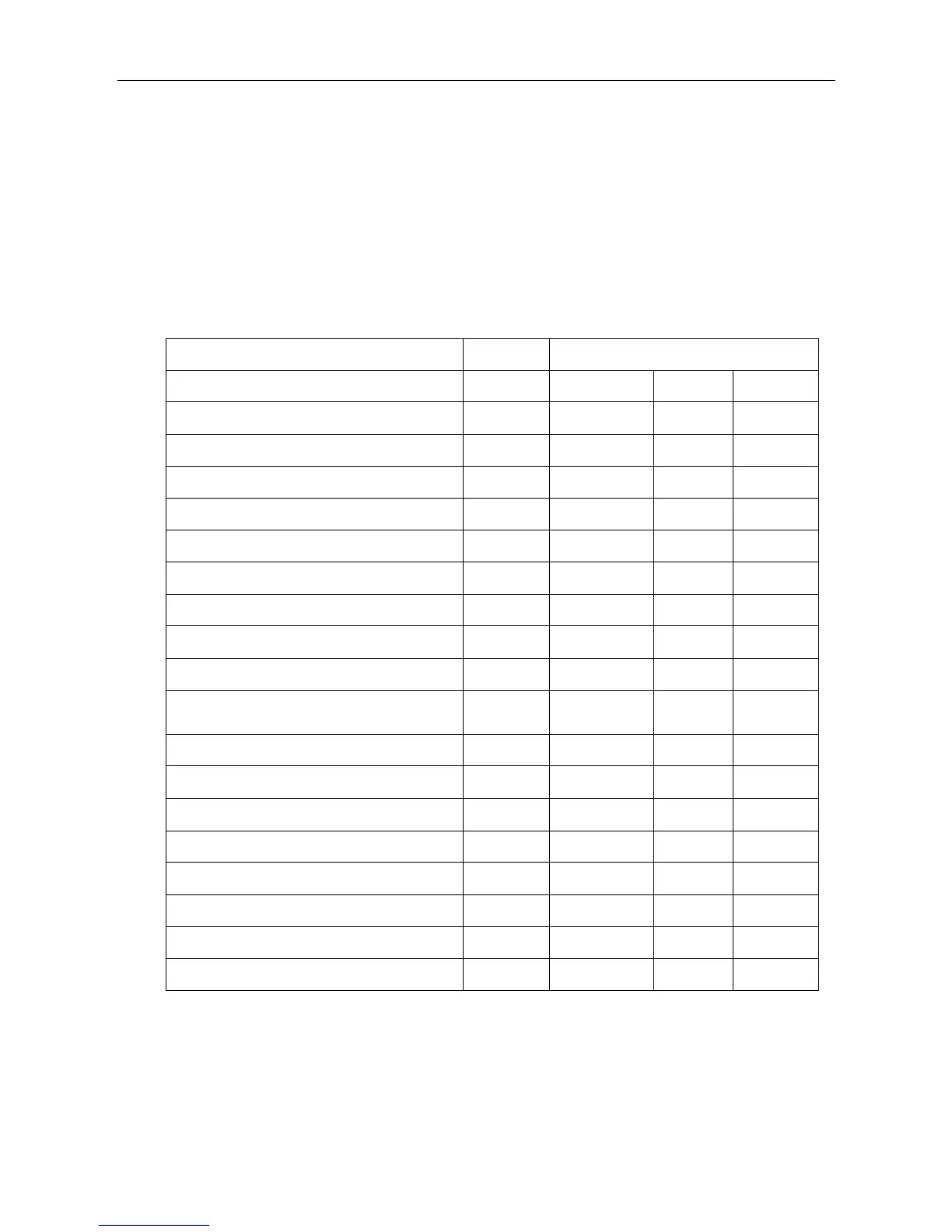
This IP camera identifies the people who log in as the Administrator or User. The Administrator
can use all the functions of this network camera including camera settings. The User can use the
functions for monitoring the image and audio from the camera, and controlling the camera. The
Viewer mode setting is used to restrict the user's access rights. There are three types of users. Each
type of user can use the corresponding functions below.
Control the frame rate (FPS)
Control the image view size (resolution)
Zoom an image using the digital zoom
Save a still image in the computer
Send an image file to the FTP server
Send an image attached to an e-mail
Record an image in the memory
Control the alarm output of the I/O port on
the camera
Switch the Day/Night function mod(IR-LED)
Image reverse (flip & mirror)
Perform the pan/tilt/zoom operation
Control the brightness and contrast



 To Next Page