IP Camera (C5900) User Manual
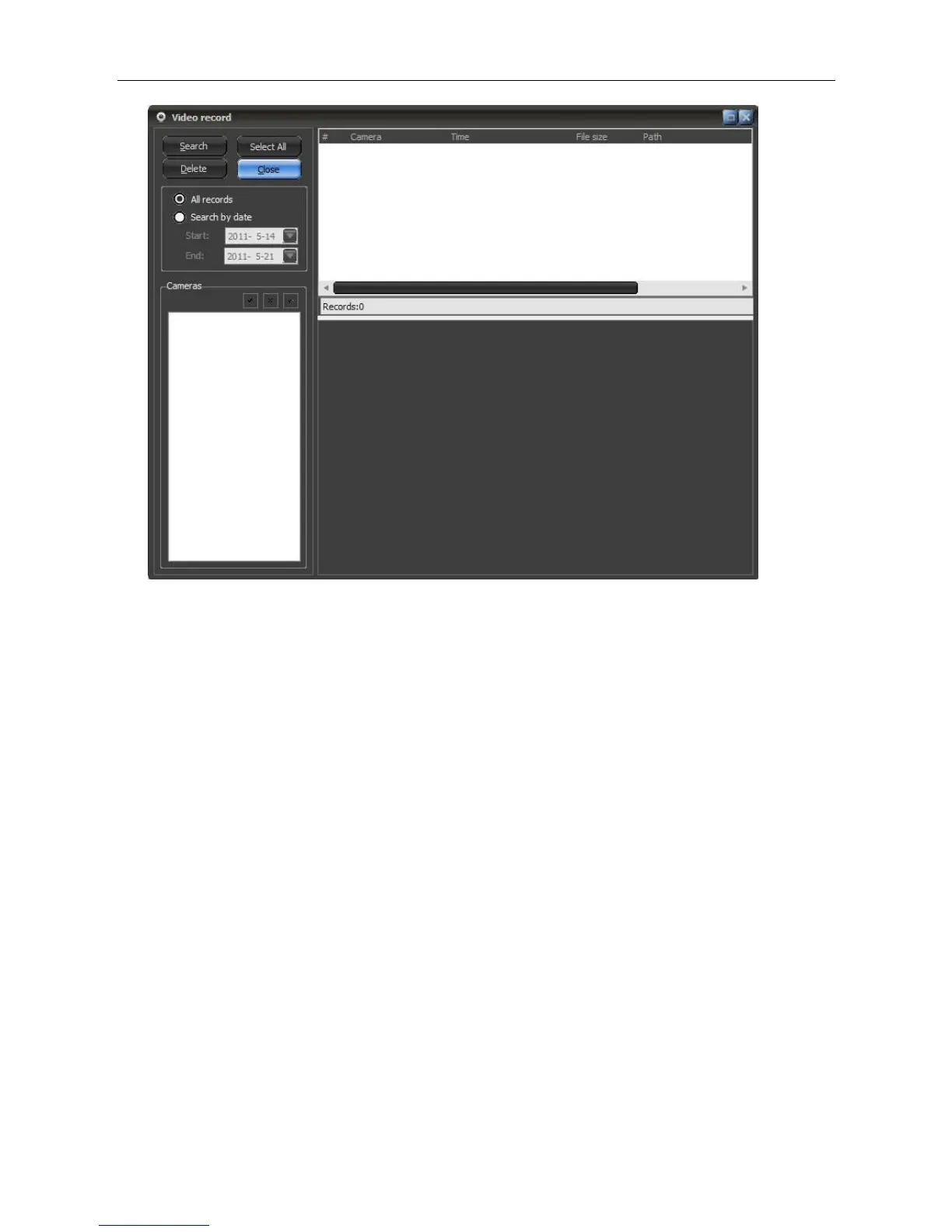
In the windows, users have device list, alarm records list and records file list. If the alarm record file is
image, then on the display area will show the picture browser, users can directly print or email the
picture, if the file is video, then will play it on the right area. The video player support slow or fast play,
snapshot, full screen, video inversion, and intelligent motion detection function. Intelligent motion
detection can find out the record files in which there are moving objects. First select a file, then click
Start button, the program will scan the files and will list all the files in which motion is detected, after
scanning, users can browse any file in the list.
Detection Area: when set the detection area, the program will only scan in that area and ignore other
areas.
Detection Value: In this program, each motion will be given a value according to the movement
magnitude, the more strenuous moving, the bigger value.
Manual confirmation: When this option is selected, the program will show a dialog for user
confirmation
6.8 Operator Manage
The Client supports operation authority. In default setting, this function is not enabled, please click the
lower right corner of the main menu button then choose operation administration.



 To Next Page