IP Camera (C5900) User Manual
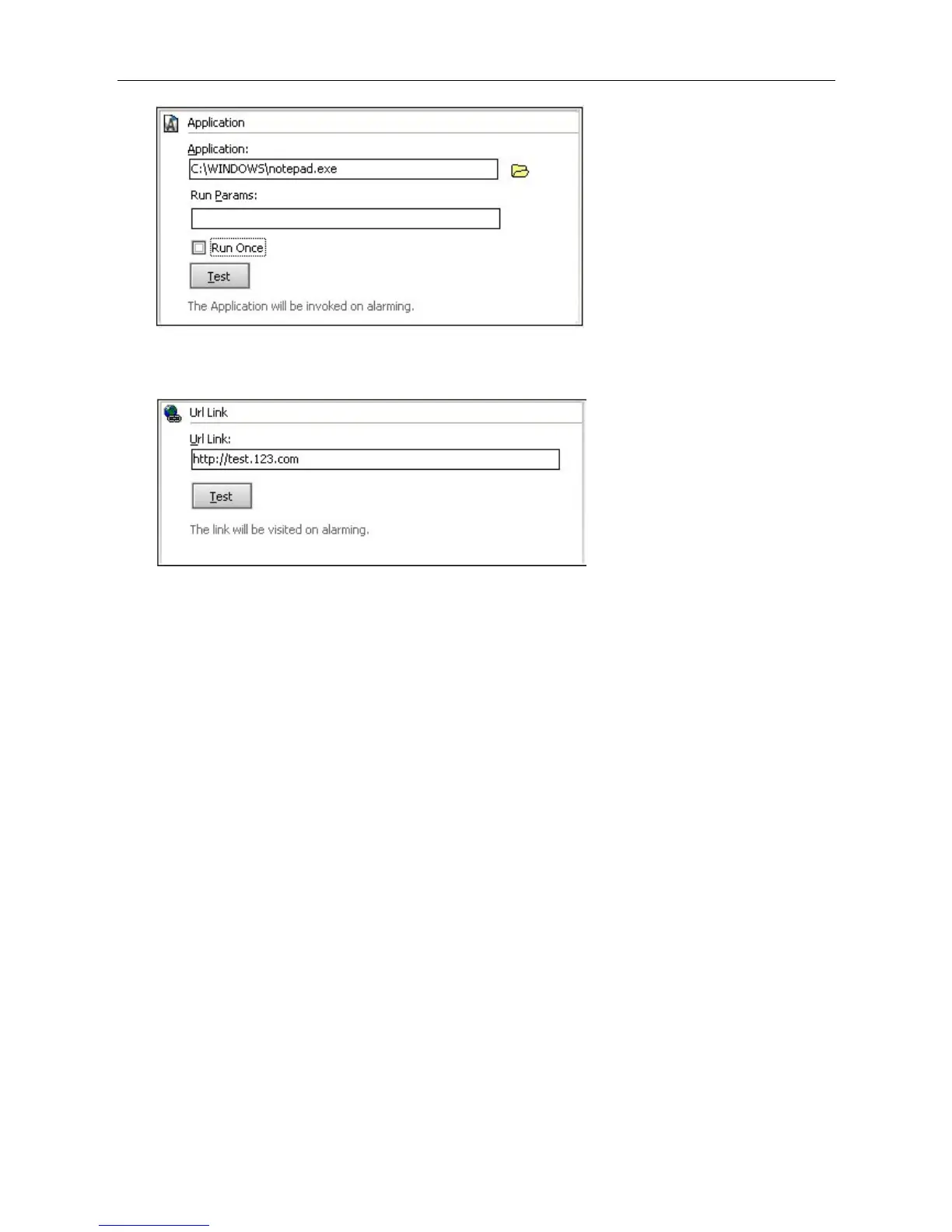
URL Link: when alarming, the program will open the appointed URL, normally this is used to inform
other system of the alarm.
6.7 History Manage
Users can manage all the history and alarm records here.
Click History records on lower right corner of the main interface, history manager window will appear.
History records include alarm records and video records.
Video Records:



 To Next Page