IP Camera (C5900) User Manual
Chapter IV Extended Function
Click this icon at the lower right corner of the camera's Web Configuration page to enter into
setting panel
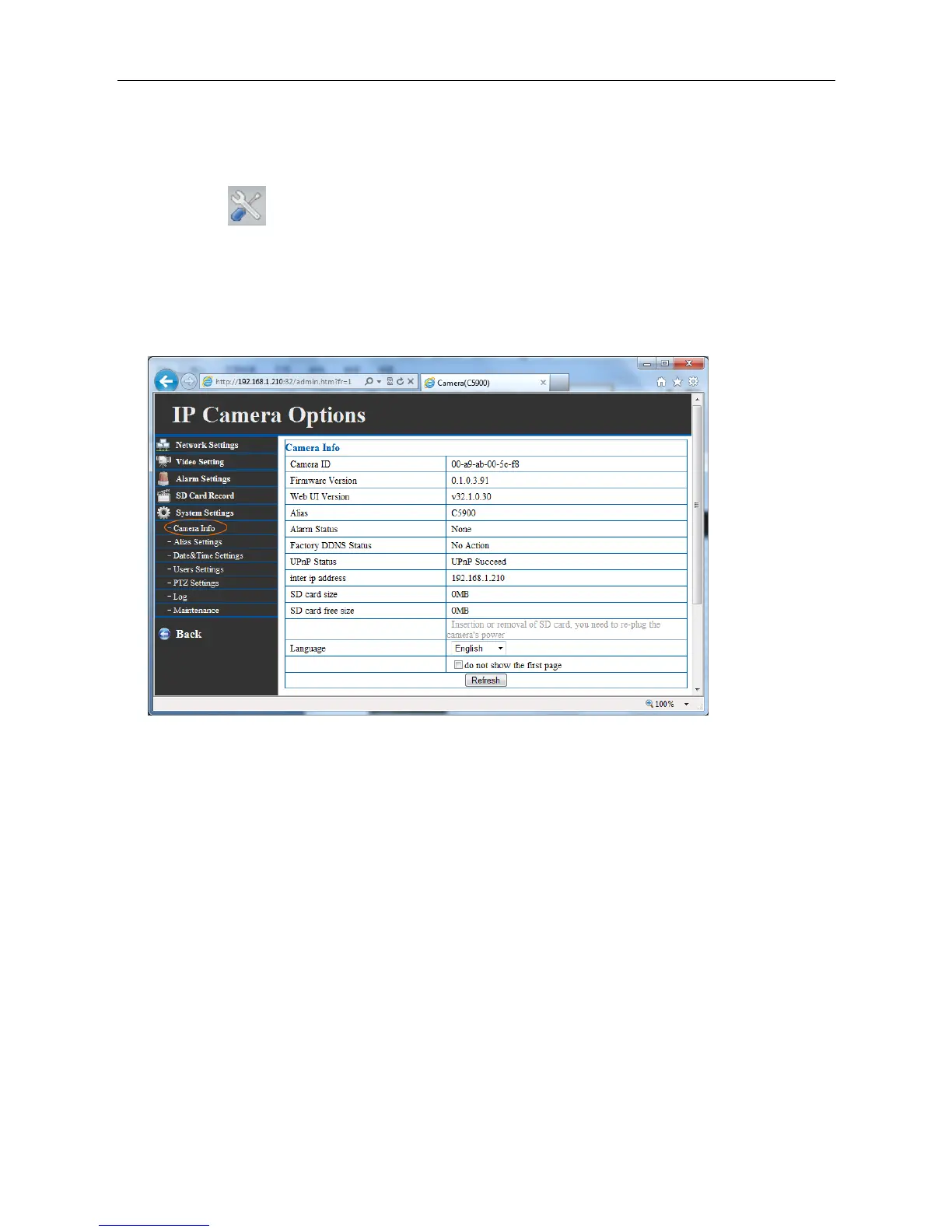
4.1 Camera info
Show the information of IP camera's kernel version, parameters and SD card.
4.2 Alias settings
You can assign a name for your camera here. Click “submit” after changing. The name will be
displaying in camera finder, web page title and multi-camera monitoring interface.



 To Next Page