IP Camera (C5900) User Manual
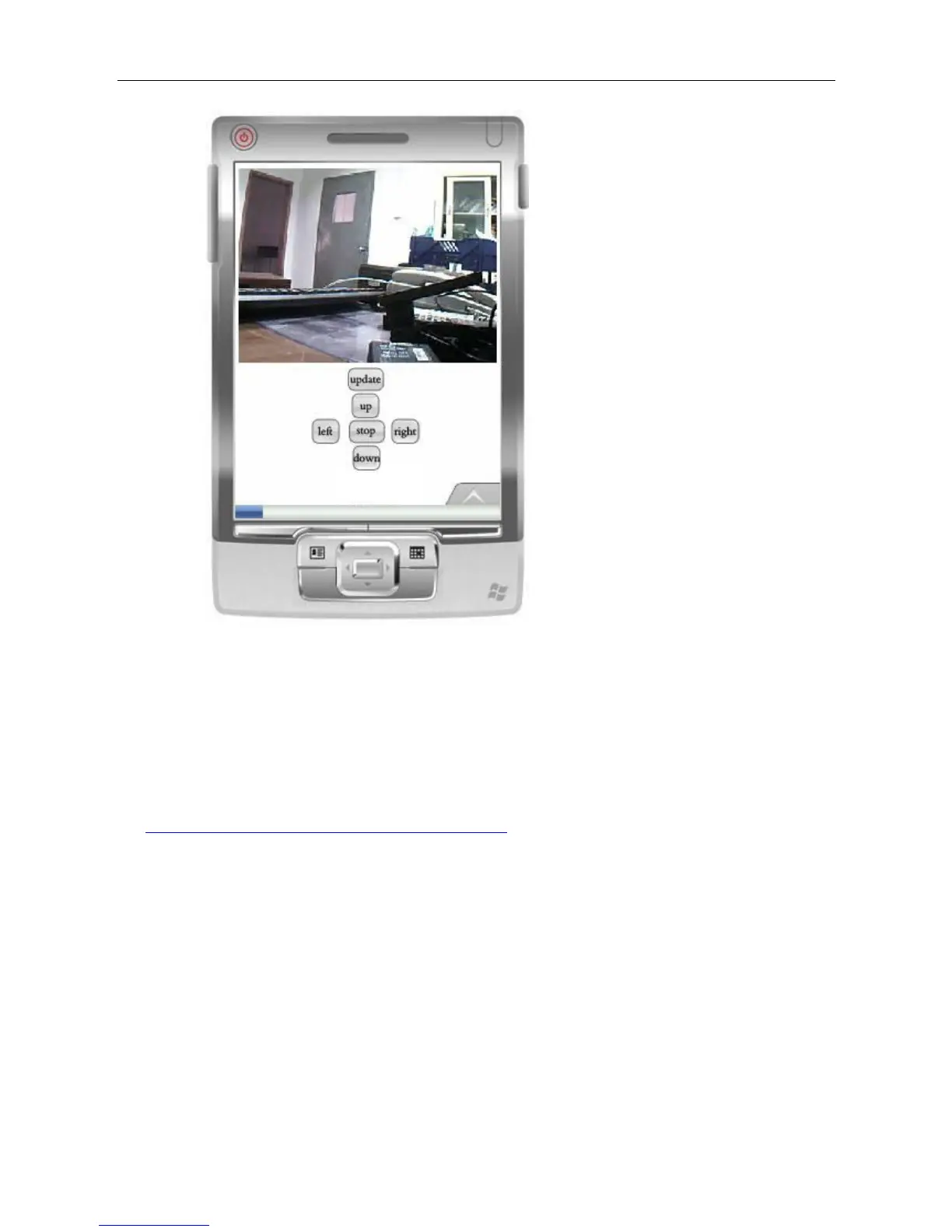
Instruction for the key function:
Update: Refresh the page. If the monitor picture is kept still, you may press this key to update the
page.
Up, down, left, and right: Rotate the camera P/T. The camera without P/T does not have these keys.
Stop: Stop to rotate the camera P/T The download address for the mobile browser Opera mini:
http://www.operamini.com/mobile/download/versions/ Download the Opera mini browser according
to the mobile model.



 To Next Page