IP Camera (C5900) User Manual
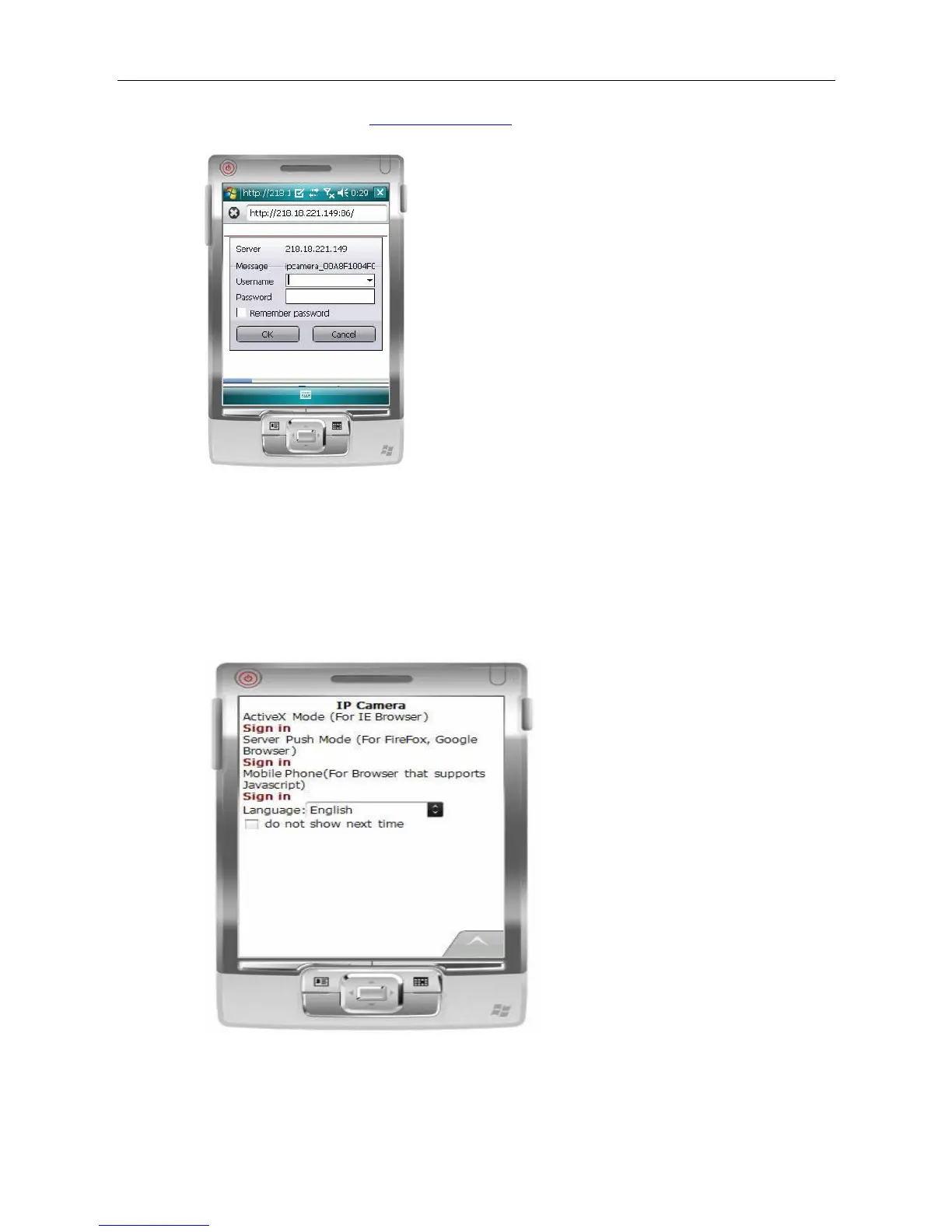
1) Enter access address http://demo.ipcam.so in the browser address bar, the following
interface will appear:
2) Input the Username and Password of the device, and the following interface will appear.
There are four log-in options. Click to the third Sign in and use Mobile Phone mode.
Language is used to select the display language.
Do not show next time: When this option is selected, this interface will not appear when you
log in next time. Instead, it will directly skip to the monitor image.
Demonstration for the monitor image:



 To Next Page