IP Camera (C5900) User Manual
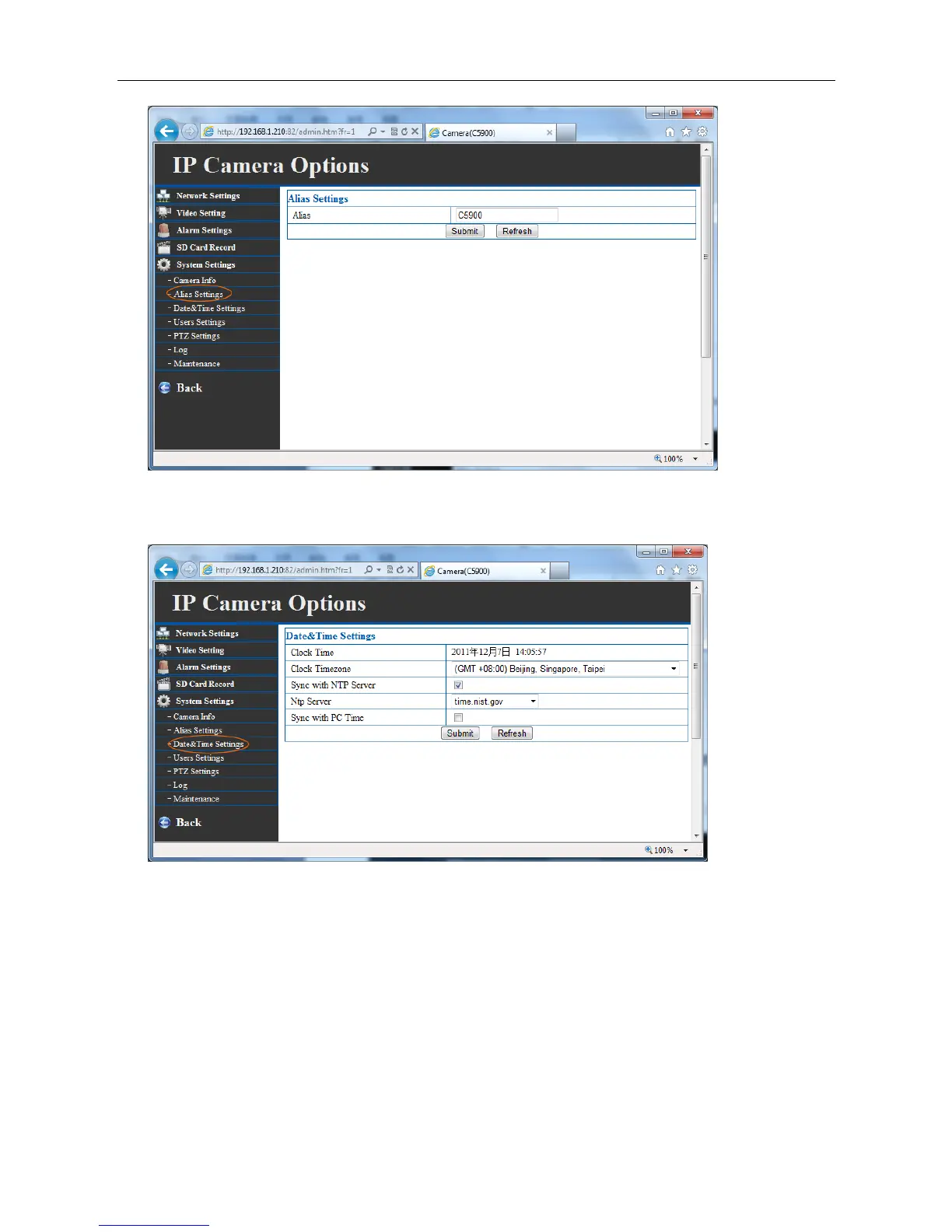
4.3 Data & Time settings
Timezone: Select the proper time zone for the region from the pull-down menu at first.
Synchronize with PC: Select this option and the date & time settings of the camera will be
synchronized with the connected computer.
Synchronize with NTP Server: Select this option and the time will be synchronized with the NTP
Server.
Click “submit” after setting.
4.4 Users settings
When you click ‘user settings” in the Administrator menu, the User menu appears. Use this menu to



 To Next Page