IP Camera (C5900) User Manual
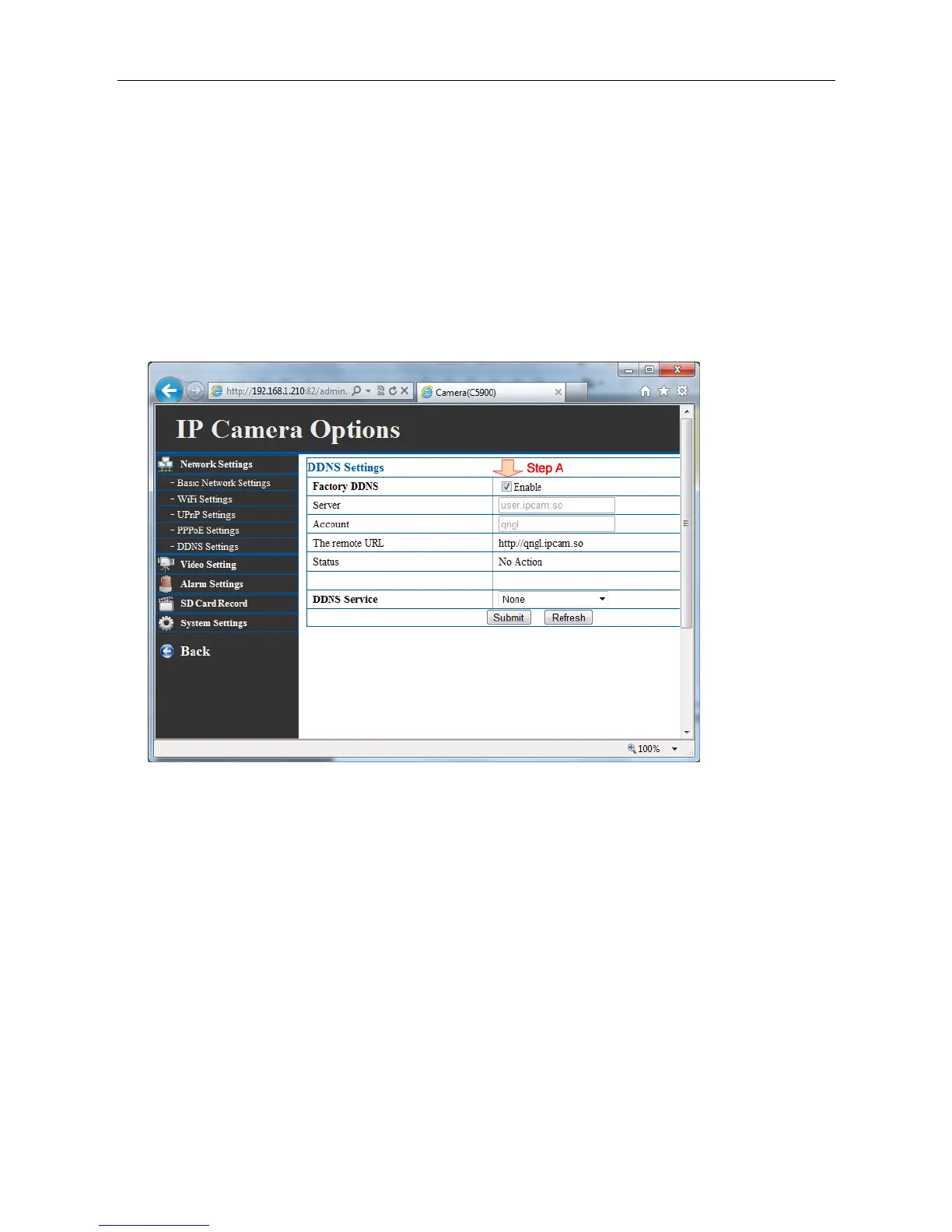
4.11 DDNS service settings
If you enable factory DDNS, nothing need to be filled.
If you want to user external DDNS server you can assign a fixed host and domain name to a dynamic
Internet IP address. Select the Enable option to enable this feature. Then, enter the required
information in the Host Name(server)
User Name(account) and Password boxes. Please note that you have to sign up for DDNS service
with the service provider first.



 To Next Page