IP Camera (C5900) User Manual
Enable record: When selected this option, record function is effective.
Record always: The client will record all the time.
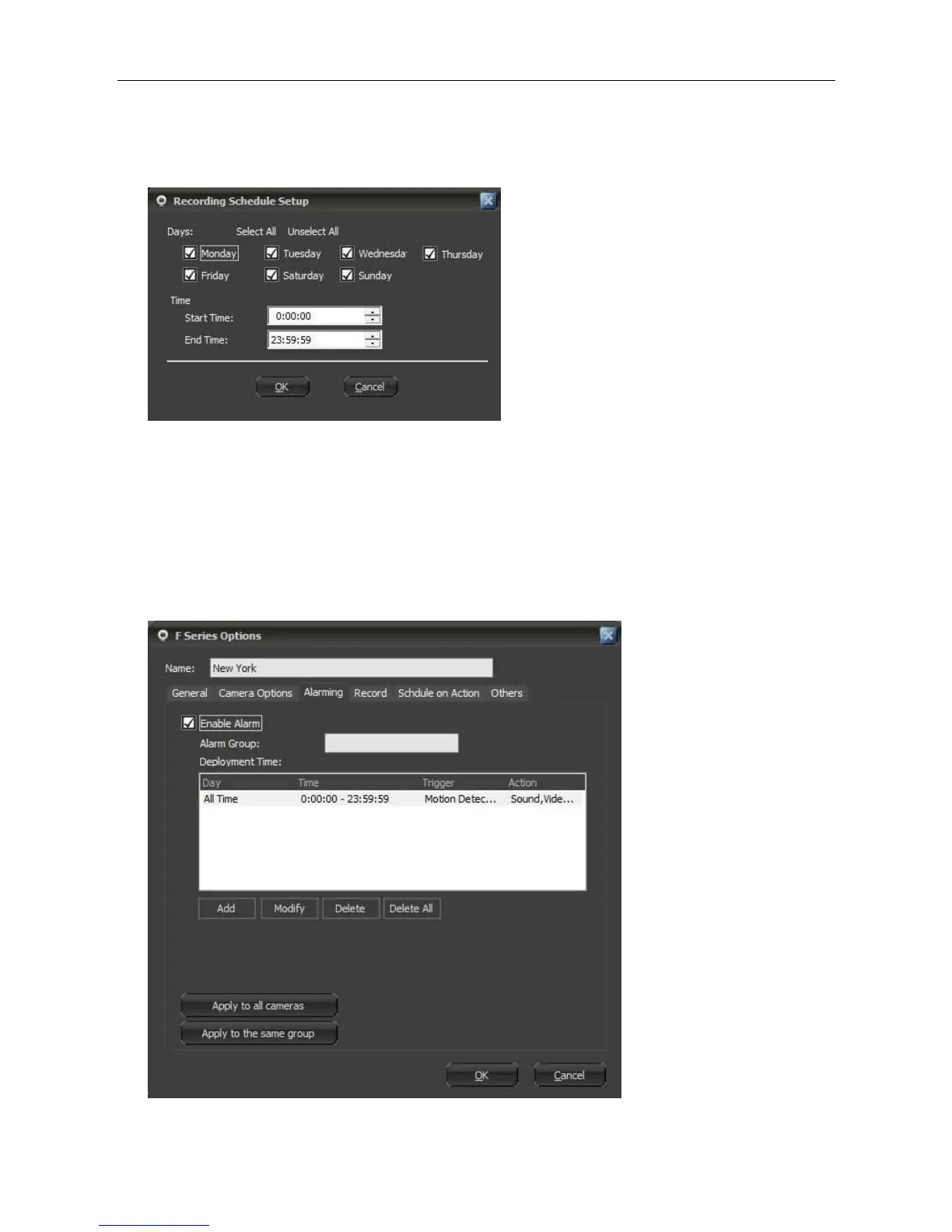
Schedule record: Users can appoint a certain period in which the client will record.
Alarm record: If it is selected and alarm function is enabled, the client will record when alarm is
triggered.
6.6 Alarm
The Client software supports various kinds of alarm trigger and alarm action, also can set alarm
schedule. Select the camera in the display area or the device list, right-click mouse button to do
advanced settings.



 To Next Page