IP Camera (C5900) User Manual
Chapter V Tips
5.1 Reset and restore
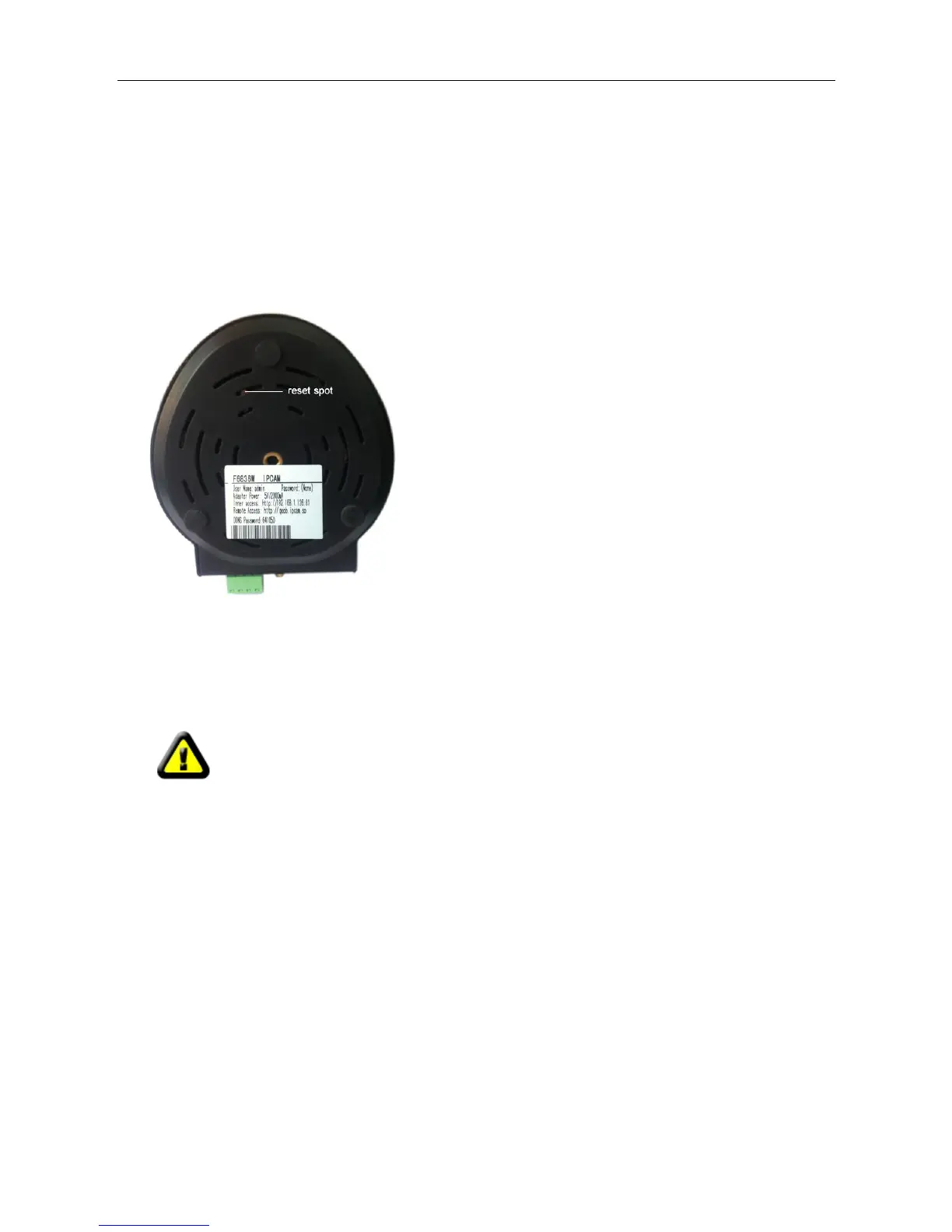
There is a reset hole at the bottom of the Camera. It is used to reset the system or restore the factory
default setting
How to reset your camera: Use a slim toothpick thrusting into the reset spot at
the buttom of the camera,and keep on pressing for 15 seconds. Please power
on the camera before reset.
Restoring the factory defaults will erase any previous settings.



 To Next Page