IP Camera (C5900) User Manual
automatically.
Note: If you want to access to your camera remotely or set up multi-camera a static IP address
for each camera is a must.
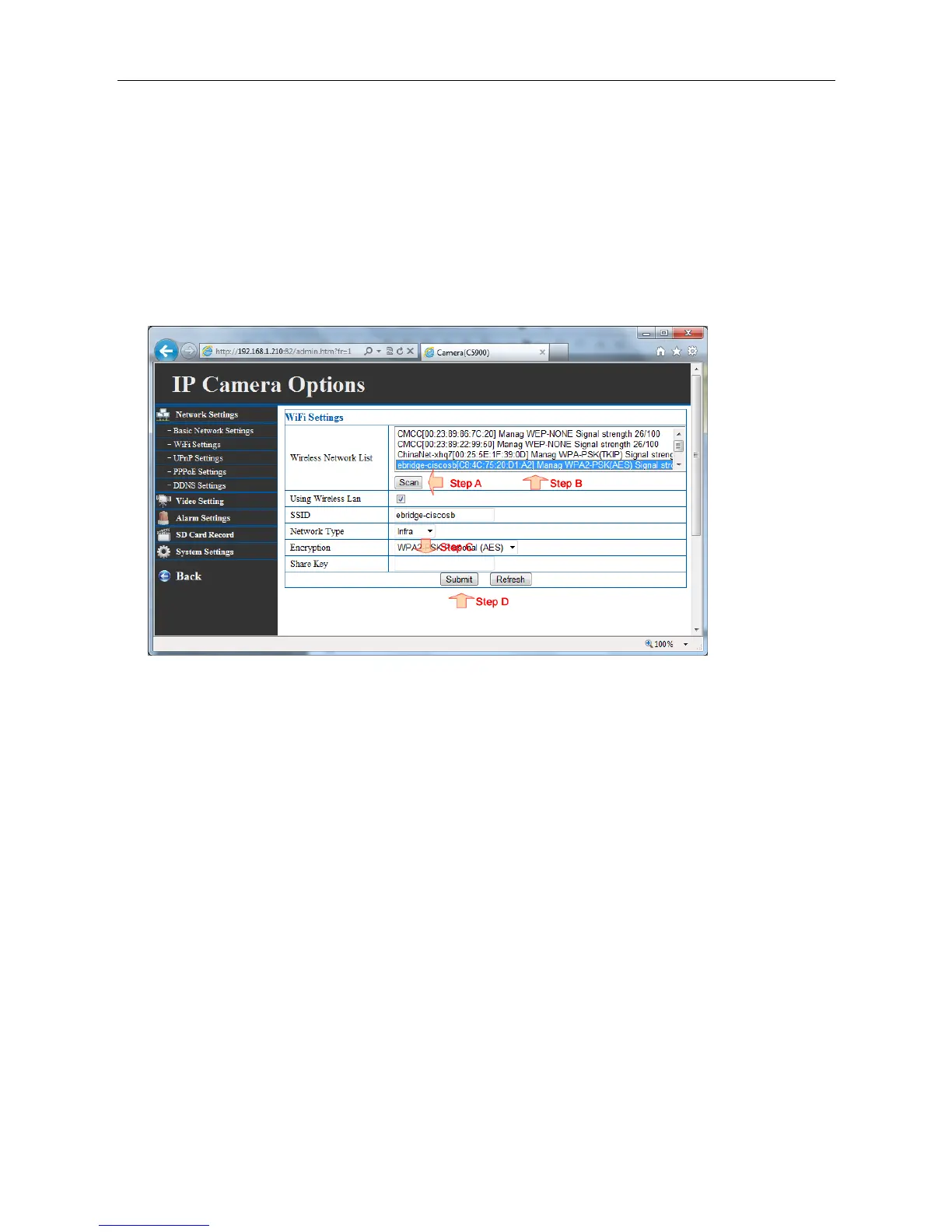
4.8 Wireless LAN settings
Please refer to chapter 3.6 getting more details.
4.9 PPPoE settings
Select this option when you use a direct connection via the ADSL modem. You should have a PPPoE
account from your Internet service provider. Enter the User Name and Password. The camera will
get an IP address from the ISP as starting up.
NOTE: Once the camera get an IP address from the ISP as starting up, it will send a notification email
to you automatically. Therefore, when you select PPPoE as your connecting type, you have to set up
the email or DDNS configuration in advance.



 To Next Page