IP Camera (C5900) User Manual
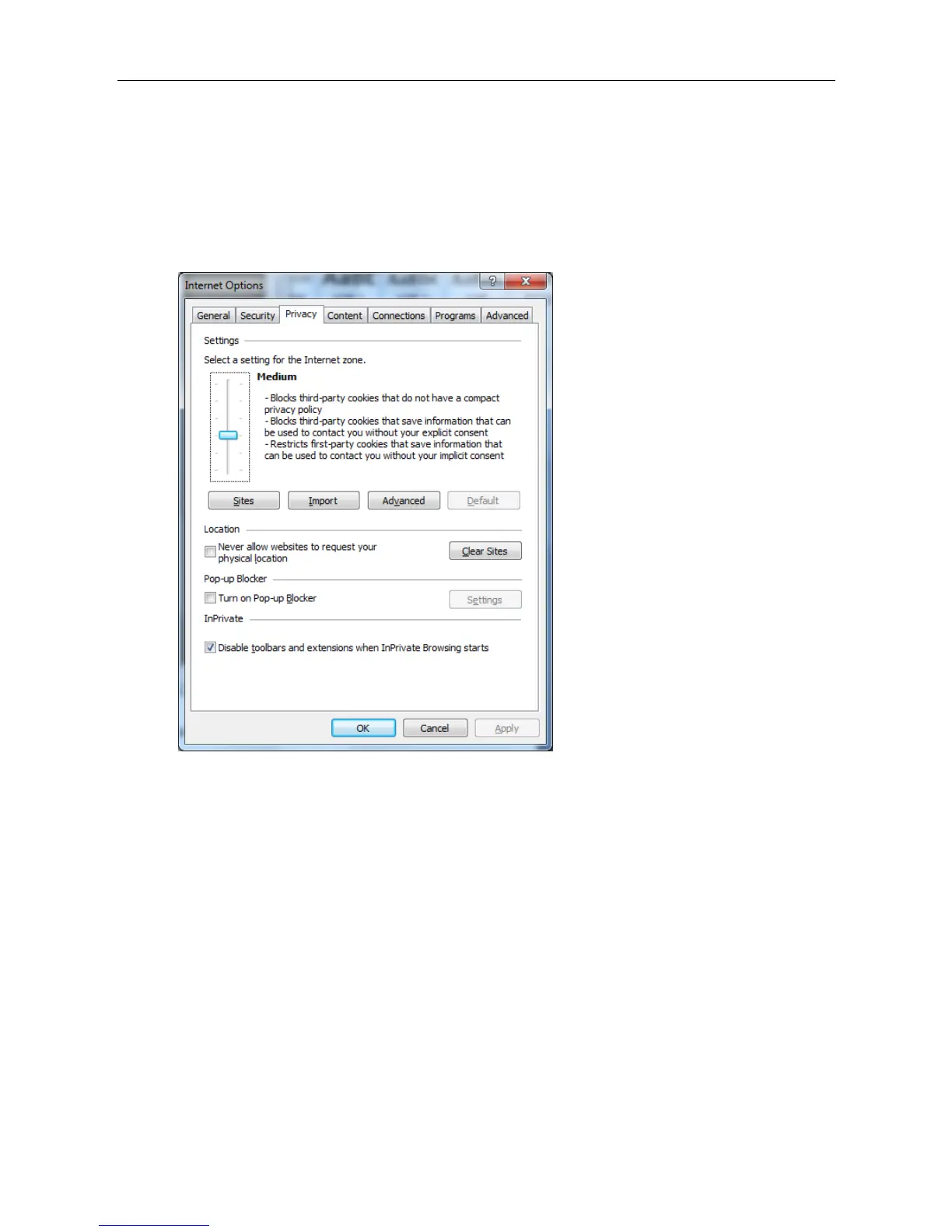
To operate the welcome page and the main viewer correctly, set the security level of the Internet
Explorer to Medium or lower, as follows:
1. Select Tools from the menu bar for Internet Explorer, then select Internet Options and click the
Security tab.
2. Click the Internet icon (when using the camera via the Internet) or Local intranet icon (when
using the camera via a local network).
3. Set the slider to Medium or lower. (If the slider is not displayed, click Default Level.)
When using antivirus software, etc. on the computer
When you use antivirus software, security software, personal firewall or pop-up blocker on your
computer, the camera performance may be reduced, for example, the frame rate for displaying
the image may be lower.
The web page displayed when you log in to the camera uses JavaScript. The display of the Web
page may be affected if you use antivirus software or other software described above on your
computer.



 To Next Page