IP Camera (C5900) User Manual
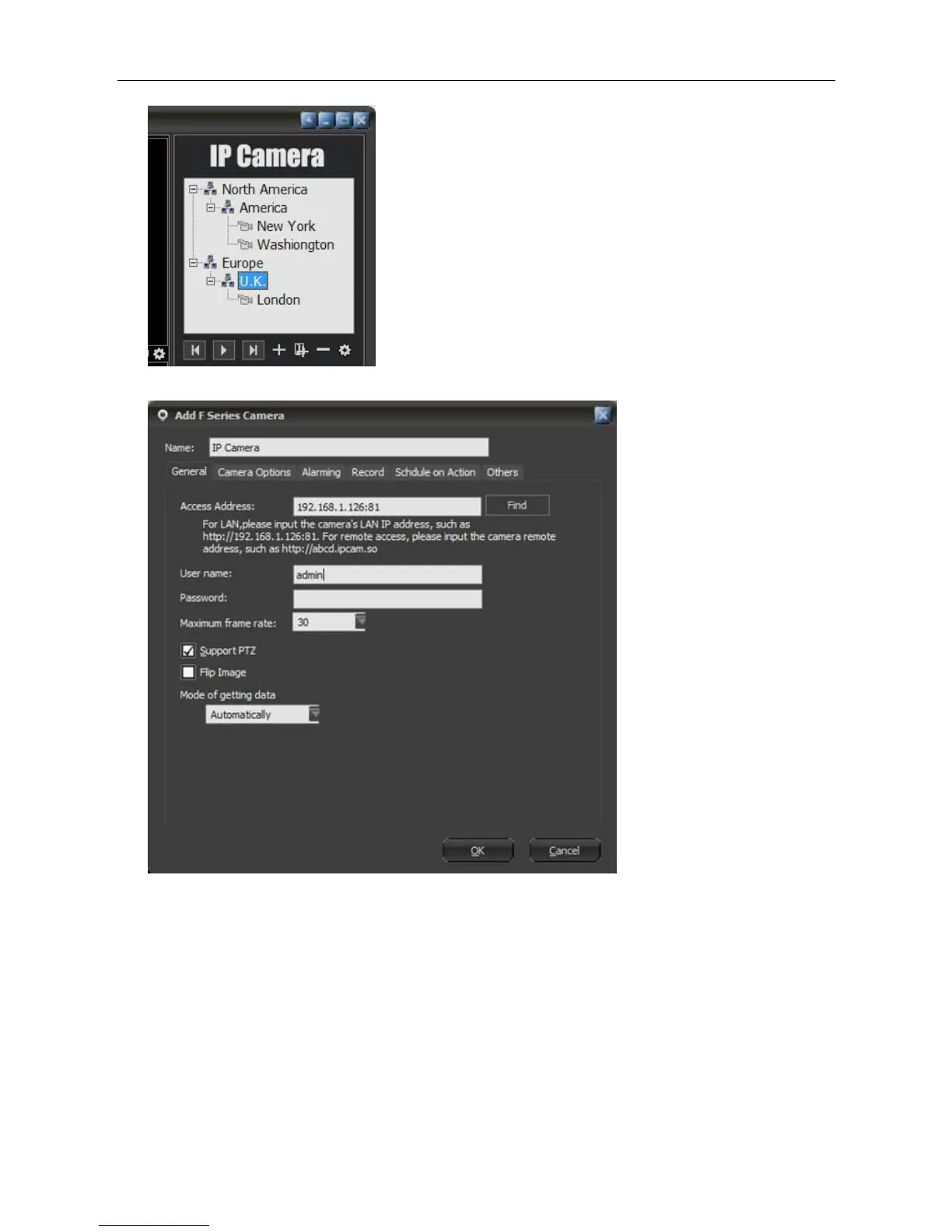
Now, let's take F series for example
Name: Name of the device, to distinguish from others, will be displayed on the list.
Basic Information: The basic information used for connecting the camera, such as connecting
method, username, password and PTZ protocol, etc.
Device parameters: set size of the image and frame rate. Not all series have this option.
Alarm: relate to alarm settings
Record: relate to record settings
Others: some more information about the device. i.e. user information.
Connection Information
IP/Domain mode: this mode is for LAN access to the camera, or for the camera which has domain or
fixed IP. To use this mode, a certain http port should be appointed.
Username/Password: The username and password used to access the camera.



 To Next Page