MAGDUO Control Panel Engineering and Commissioning Manual
26-1649-03
1. ON – Once a week at a determined day and
time the routine service light will
illuminate and the fault buzzer will
sound to remind the user to perform
their weekly test. The user will need to
enter the user code or turn the key
and reset the panel to clear.
2. OFF – Weekly test timer is switched off.
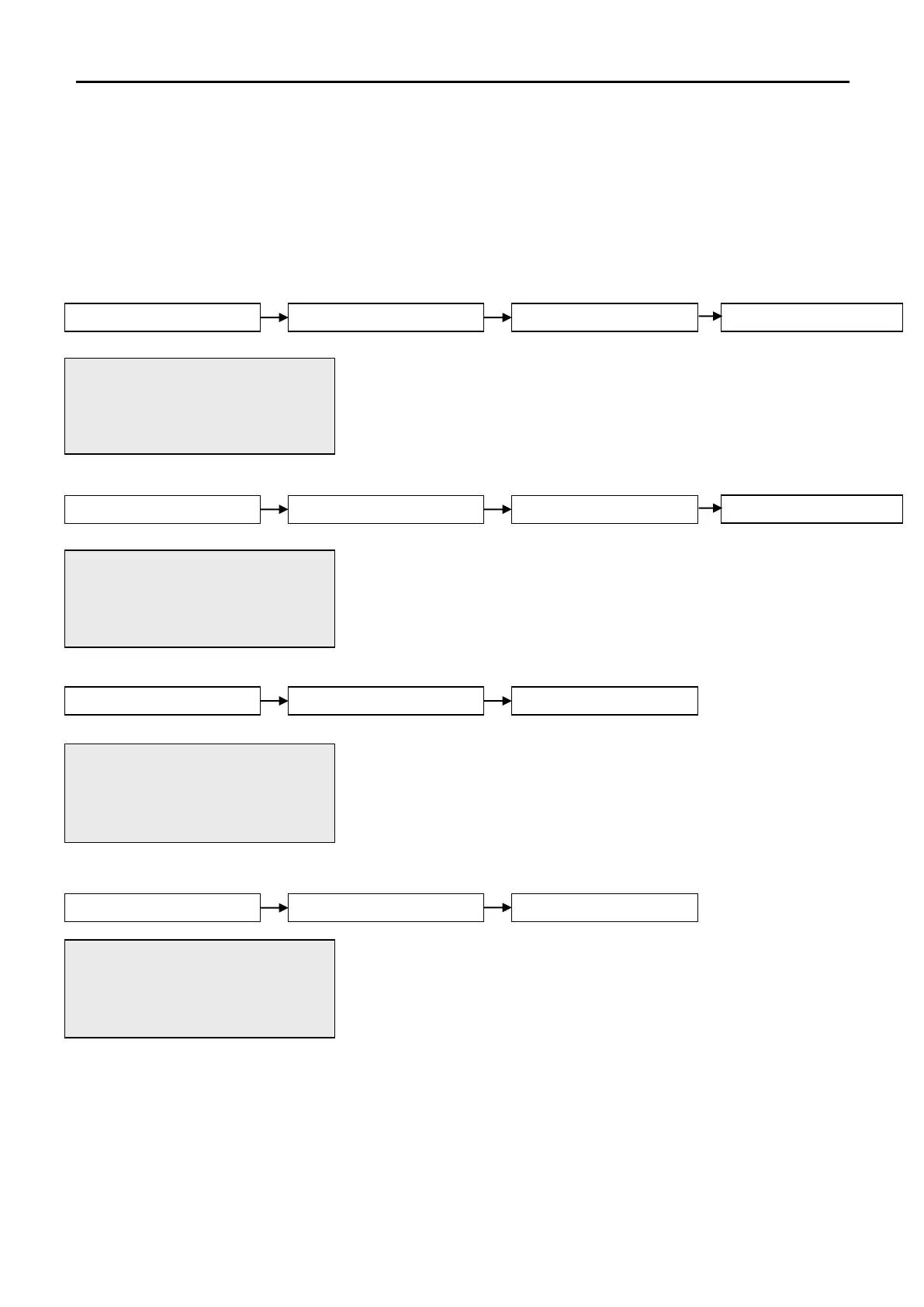
This active control will allow the engineer to view or change the day of
the week on which the weekly test will be indicated. Use the UP and
DOWN keys to toggle between the days of the week. To confirm the
changes press ENTER.
This active control will allow the engineer to view or change the time of
day at which the weekly test will be indicated. Use the alphanumeric
keypad to enter a new time. To confirm the changes press ENTER.
This active control will allow the engineer to view or change the
number of weeks between routine services. Use the alphanumeric
keypad to enter a time interval up to 99 weeks. To confirm the changes
press ENTER. When the routine service is indicated, the user must
enter the engineer code and reset the panel to clear.
Please Note: set week to 00 to switch timer off
This active control will allow the engineer to view or change the
operation of programmable input 1. Use the UP and DOWN arrow keys
to toggle through the following options. To confirm the changes press
ENTER.
1. CONTROL EVENT – Operation of I/P 1 will operate a
control function on the panel.
2. REMOTE FIRE EVENT– Operation of I/P 1 will signal a remote
fire input at the control panel. Panel
outputs will be triggered and fire
indication will be shown at the control
panel.
01/09/09 20:13 ENGR
1.MONDAY
2.TUESDAY
Press Enter Key
01/09/09 20:13 ENGR
WEEKLY TEST TIMER
TIME= 10:00 (HH:MM)
Press Enter Key
01/09/09 20:13 ENGR
WEEKLY TEST TIMER
TIME= 10:00 (HH:MM)
Press Enter Key
01/09/09 20:13 ENGR
WEEKLY TEST TIMER
TIME= 10:00 (HH:MM)
Press Enter Key
01/09/09 20:13 ENGR
SERVICE TIMER
TIME= 06(0-99) WEEKS
Press Enter Key
01/09/09 20:13 ENGR
1.CONTROL EVENT
2.REMOTE FIRE EVENT
Press Enter Key


 To Next Page