Operation
62
Platinous User’s Manual
6.3 Constant Temperature (& Humidity) Setup
For constant mode operation, it is necessary to input the desired temperature and humidity.
Procedure:
1. Set the main power breaker in the ON position.
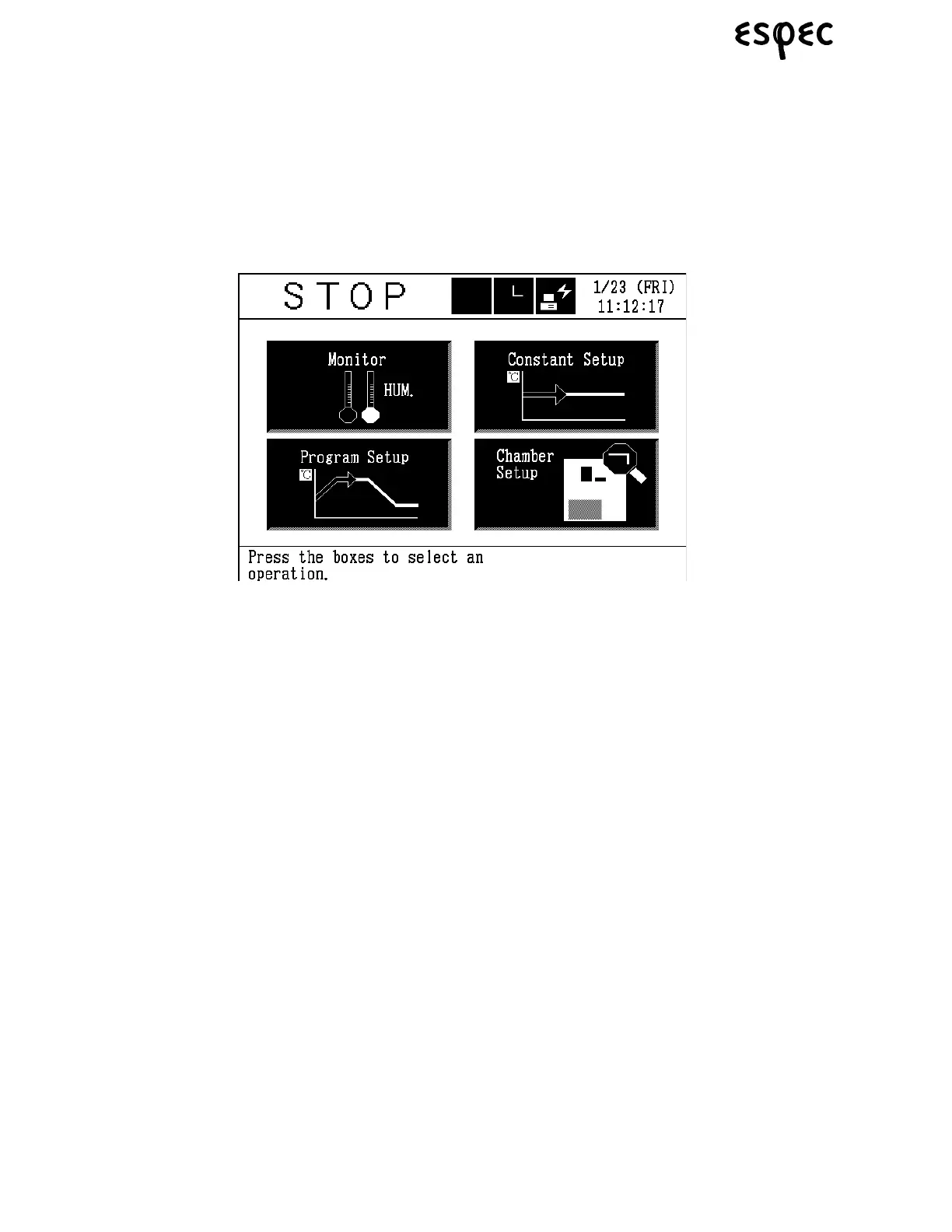
2. Press the POWER key to activate control power. The display will come on and the main menu will
appear shortly.
3. Get the constant mode from the main menu. Press the CONSTANT SETUP box.


 To Next Page
 Loading...