Express Two Scene Preset User Manual, v.3.1 19
Patch
The Patch display allows you to create and modify your patch. Patch
moving lights in Fixture Patch, covered under Patching one fixture or a
fixture range, page 69.
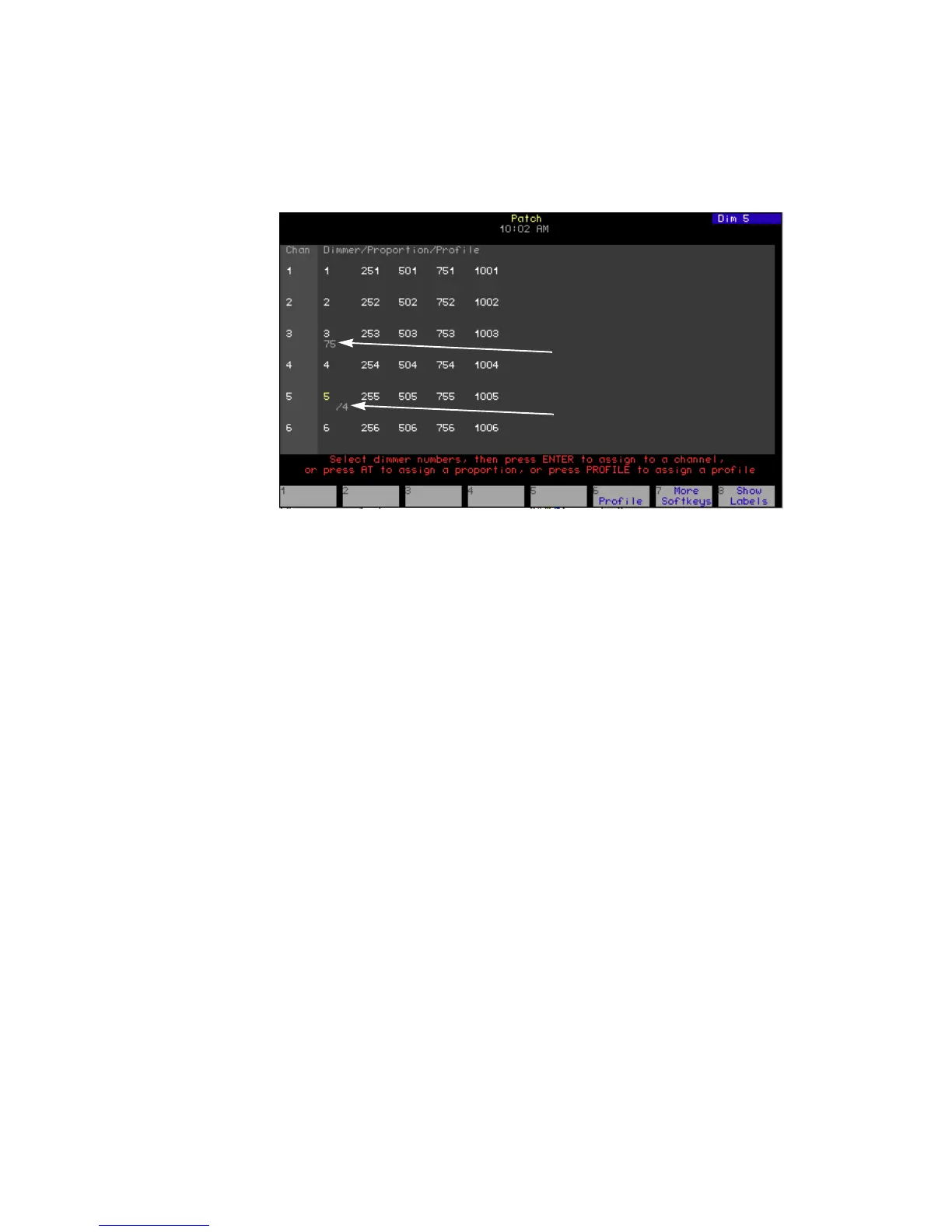
Patch area
Lists channels in the first column, dimmers patched to channels in the
second and subsequent columns, and the levels and/or profiles assigned
to those dimmers. In Flexichannel mode, channels that are used are
highlighted.
Profile assigned
Displays the profiles assigned to dimmers.
Level assigned
Shows the levels assigned to dimmers.
Display name Keypad corner
Patch
area
Level assigned
Profile assigned
Prompt area
Softkeys












 To Next Page