8 SmartFade v3.0.1 User Manual
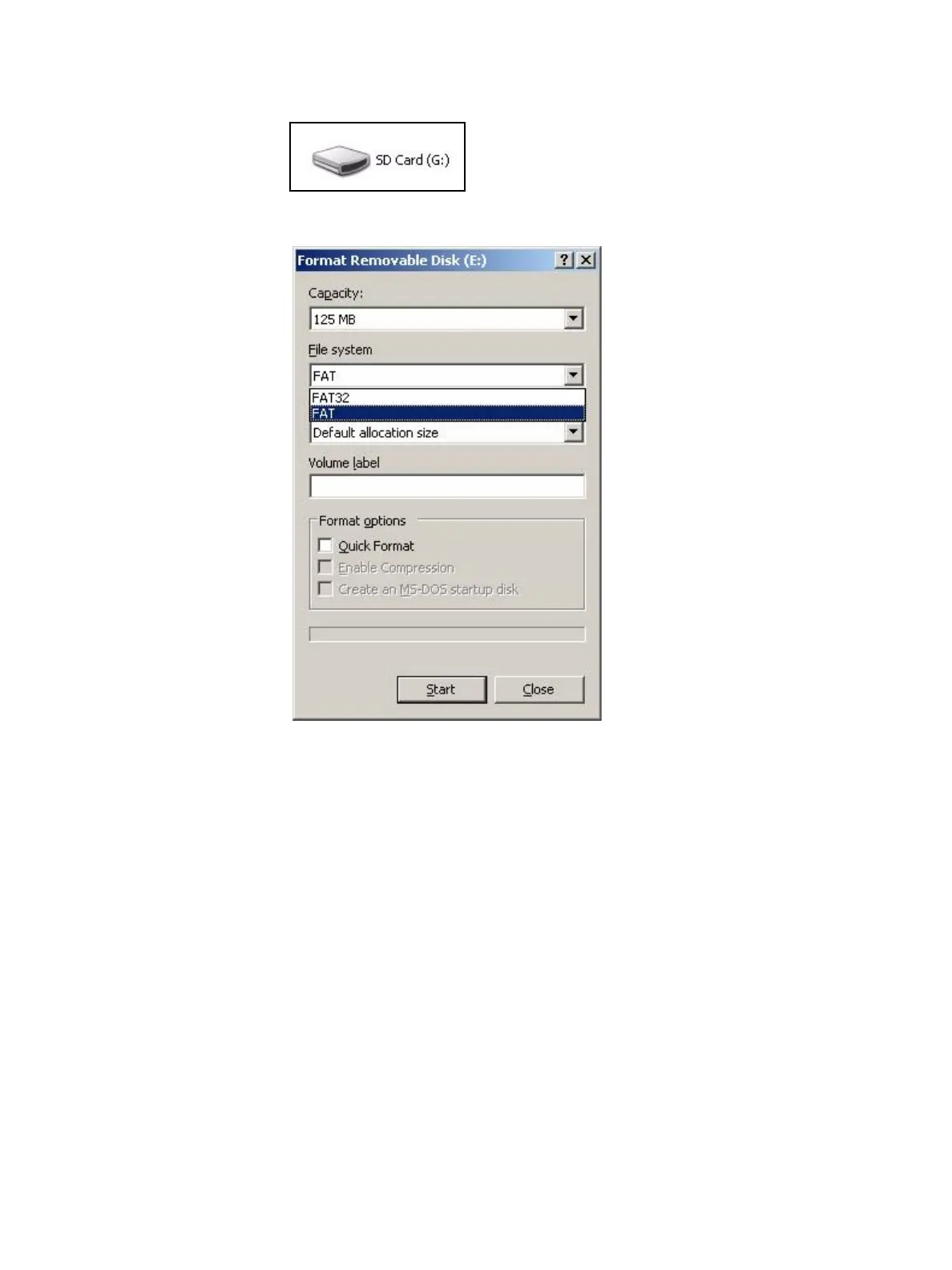
Step 2: The SD card will appear as a new drive. You should be able to find it as an icon
with some drive letter A-Z under My Computer.
Step 3: Right-click on the SD card icon and select Format. This will open the formatting
window.
Step 4: In the File System field, select FAT. This will establish the card’s file system as
FAT16.
Step 5: Click Start and then complete the formatting process.



 To Next Page