2 Setup 19
Clear/Set Patch
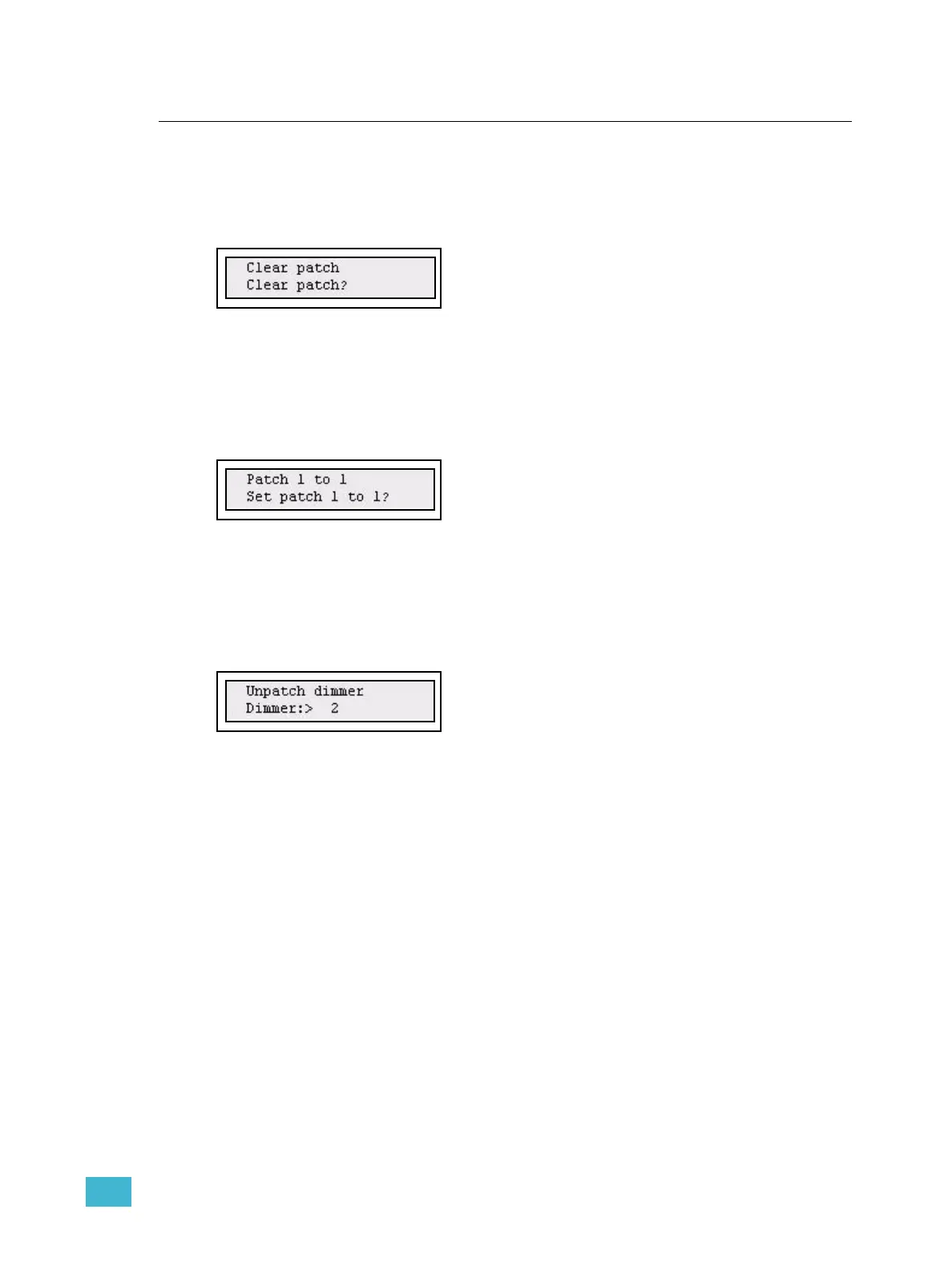
Clear Patch
The patch is cleared from the Patch Menu.
Menu>Patch>Patch - special>[Clear Patch]
Press (MENU) to confirm.
Set Patch 1 to 1
The patch is set 1 to 1 from the Patch Menu.
Menu>Patch>Patch - special>[Set Patch 1 to 1]
Press (MENU) to confirm.
Unpatch a dimmer
You can unpatch any single dimmer from the Patch Menu.
Menu>Patch>Patch - special>[Unpatch dimmer]
Select dimmer with the wheel, press (MENU) to confirm.



 To Next Page