2 Setup 23
Console Settings
Erase Functions
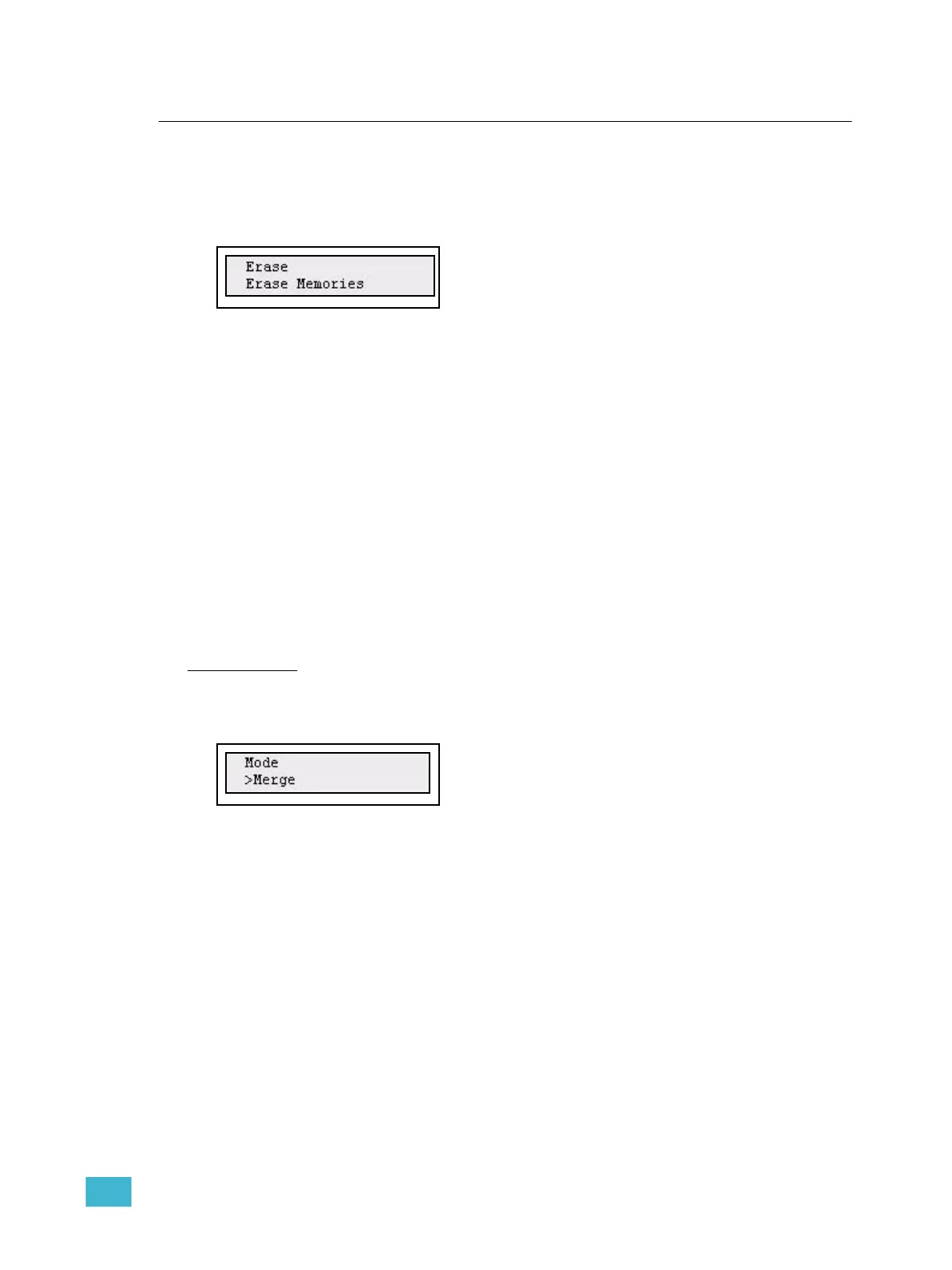
Erasing data is done from the Settings menu.
Menu>Settings>[Erase]
The following kind of data can be erased
• All show data
•Memories
• Sequences
•Stack
MIDI Settings
See “MIDI Setup” on page 26.
DMX In
There are two settings for DMX In. One is the mode, which is how the incoming DMX is
patched and merged. The other is what Smartfade shall do if incoming DMX stops (data
loss).
DMX In mode
This is set up in the Settings menu.
Menu>Settings>DMX In>[Mode]
DMX In can be used in two ways in normal operational mode: Merge or To Memory.
• Merge: combines the DMX Input data with the SmartFade’s post-patch output. DMX
input data is not mastered in this mode.
• To Memory: directs the input DMX to fader 1 in page 1 and patches incoming DMX
outputs 1-48/96 to the intensity channels of the SmartFade console. Fader 1 will be a
master for the DMX in control. DMX In data cannot be patched.



 To Next Page