36 SmartFade v3.0.1 User Manual
Sequences
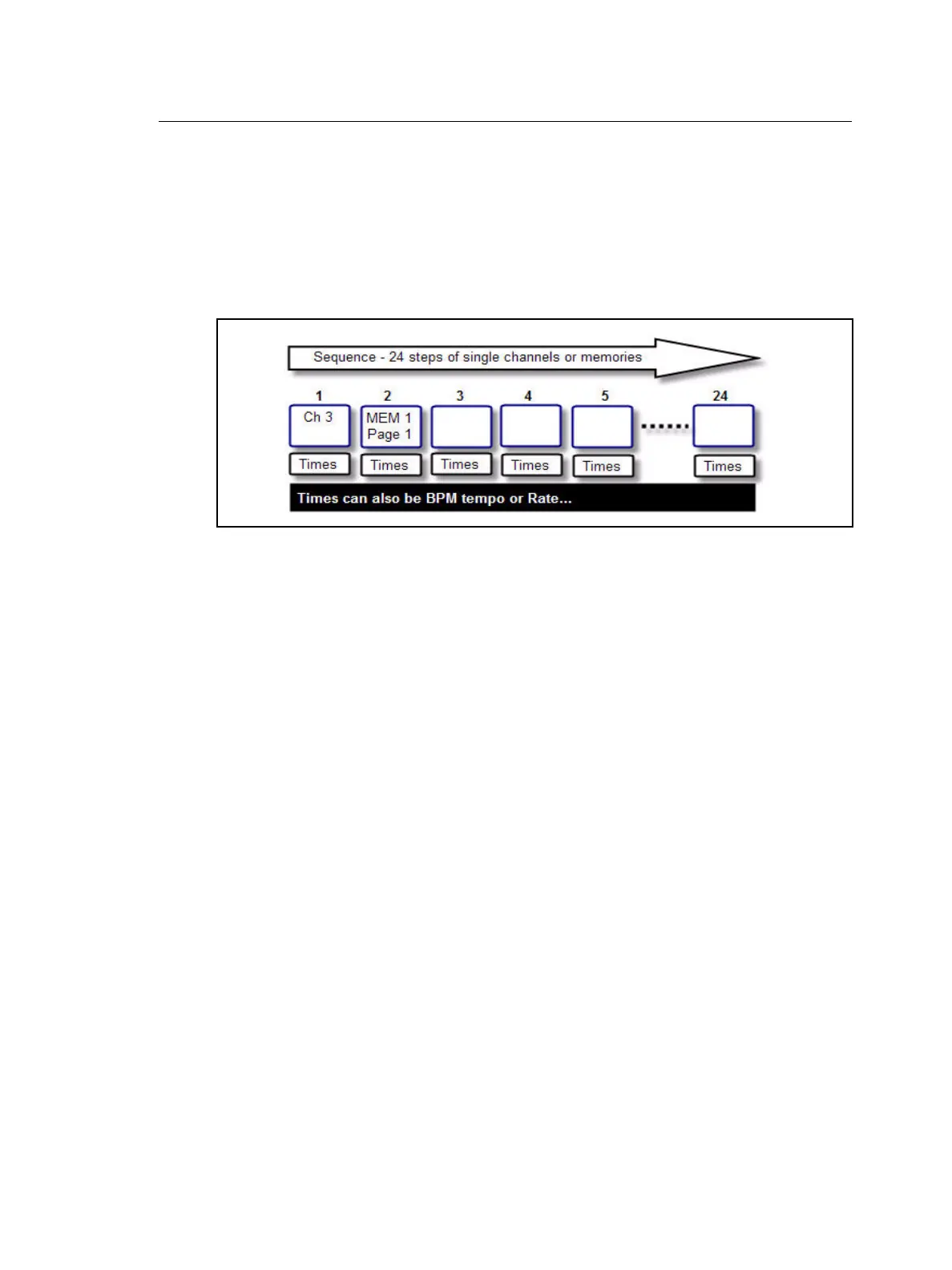
A Sequence is a list of up to 24 steps that can be recorded to and played back from the last
four faders. Each fader page carries up to 4 sequences and there are 12 fader pages - so
a total of 48 sequences can be recorded. Memory faders containing sequences have yellow
bump buttons
Each step of a sequence can contain one of two items:
• One single intensity channel.
• A memory from any of the 12 fader pages
Sequence steps can contain memories that have already been recorded, or empty
memories that can be edited later.
You can use MAGIC to create randomized sequences. Once recorded, Magic sequences
can be edited like any other sequence.
Step Times
Sequence steps can have three times; Up, Down and Wait time. There is also an override
Rate and Fade factor. See “Sequence & Stack Times” on page 52.
Playback modes
Sequences can be played back as a loop (chase), OneShot or manually. See “Run Modes”
on page 51.



 To Next Page