3 Program 35
Copy a Snapshot to a Memory
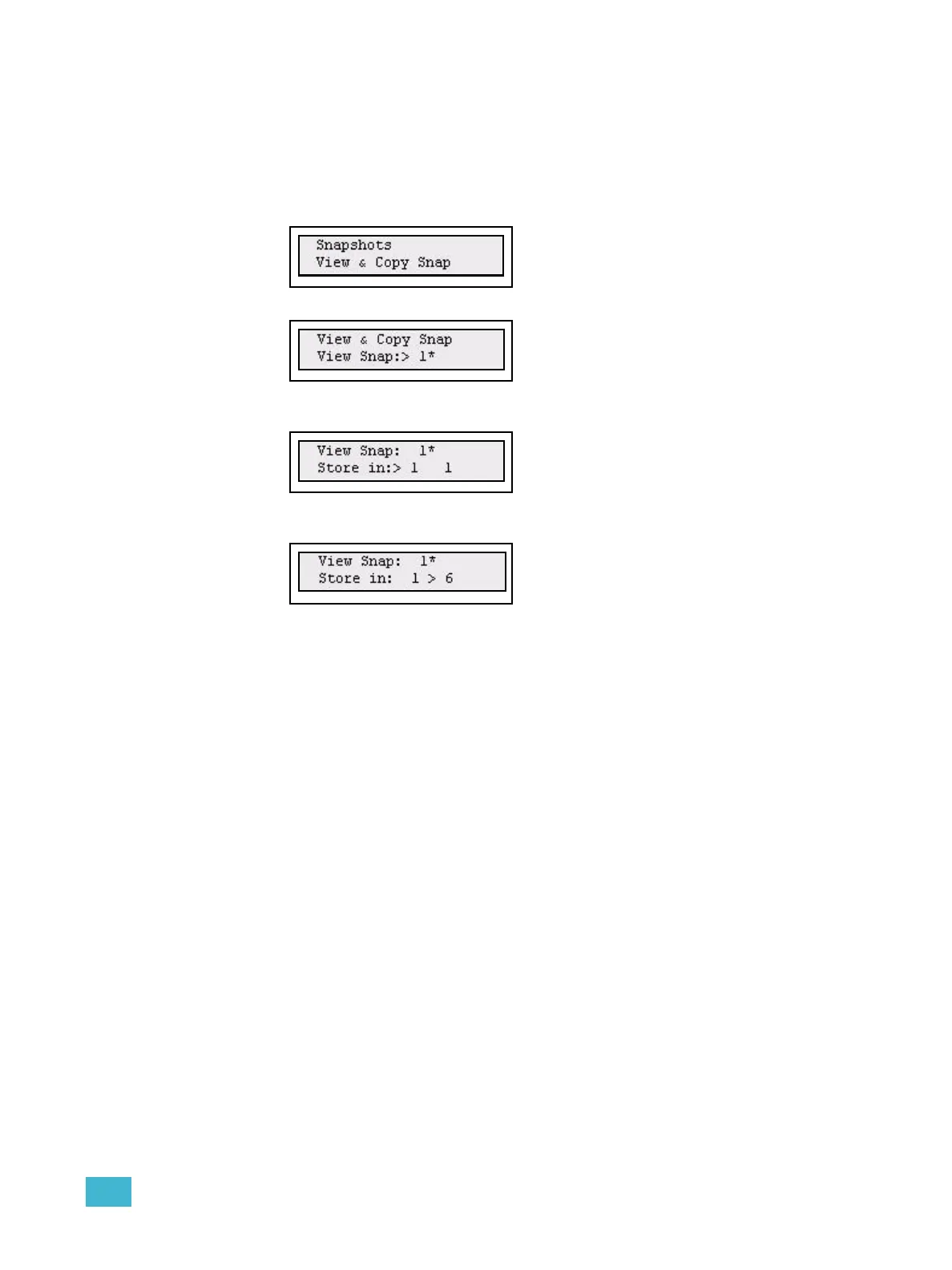
It’s possible to copy a Snapshot to a memory live (View & Copy Snap) or blind (Copy Snap)
in the Snapshot menu.
Step 1: Open the Snapshot menu:
Menu>Snapshot>[Copy Snap]
Step 2: Use the wheel to select live (View & Copy Snap) or blind (Copy Snap).
Step 3: Use the wheel to select a snapshot.
Press (MENU) to confirm and move to the target page.
Step 4: Use the wheel to select a snapshot.
Press (MENU) to confirm and move to the target fader.
Step 5: Use the wheel to select a fader.
Press (MENU) to confirm.



 To Next Page