46 SmartFade v3.0.1 User Manual
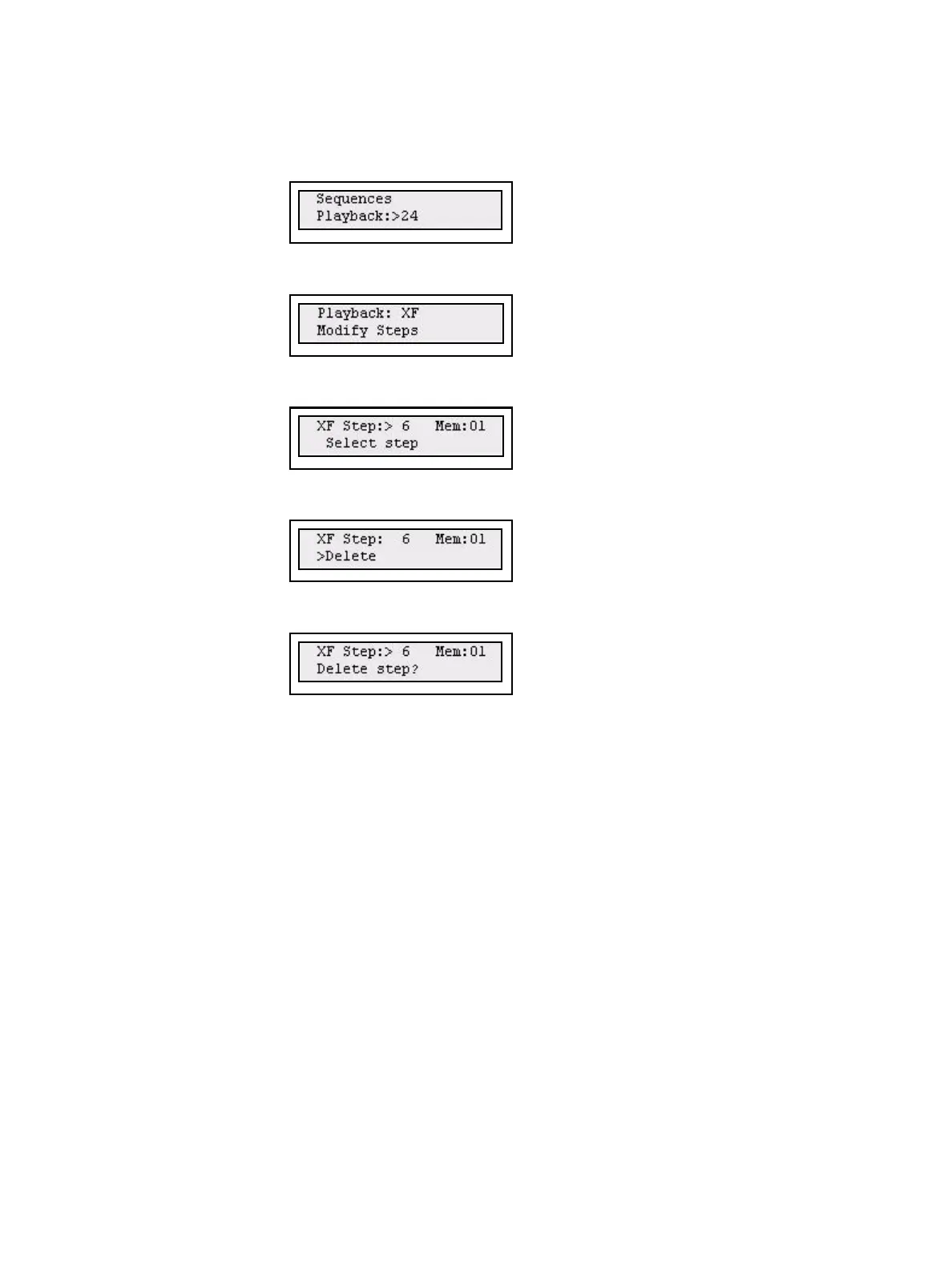
Delete a Step
Step 1: Open the Sequences menu:
Menu>[Sequences]
Step 2: Use the wheel to select Sequence (1-24) or Stack (XF).
Press (MENU) to confirm.
Step 3: Use the wheel to select Modify Steps.
Press (MENU) to confirm.
Step 4: Use the wheel to select Step:#.
Press (MENU) to confirm.
Step 5: Use the wheel to select Delete.
Press (MENU) to confirm.
Step 6: You will be asked to confirm this command.
Press (MENU) to confirm. You can press UNDO to skip and revert to the data
previous to this action.



 To Next Page