50 SmartFade v3.0.1 User Manual
Edit the content of a Stack Step directly
A Stack step can contain a reference to a memory in a specific page, or a unique Stack
memory state can be edited directly with the EDIT MEM function. Steps containing single
channels must be edited with the normal editing functions.
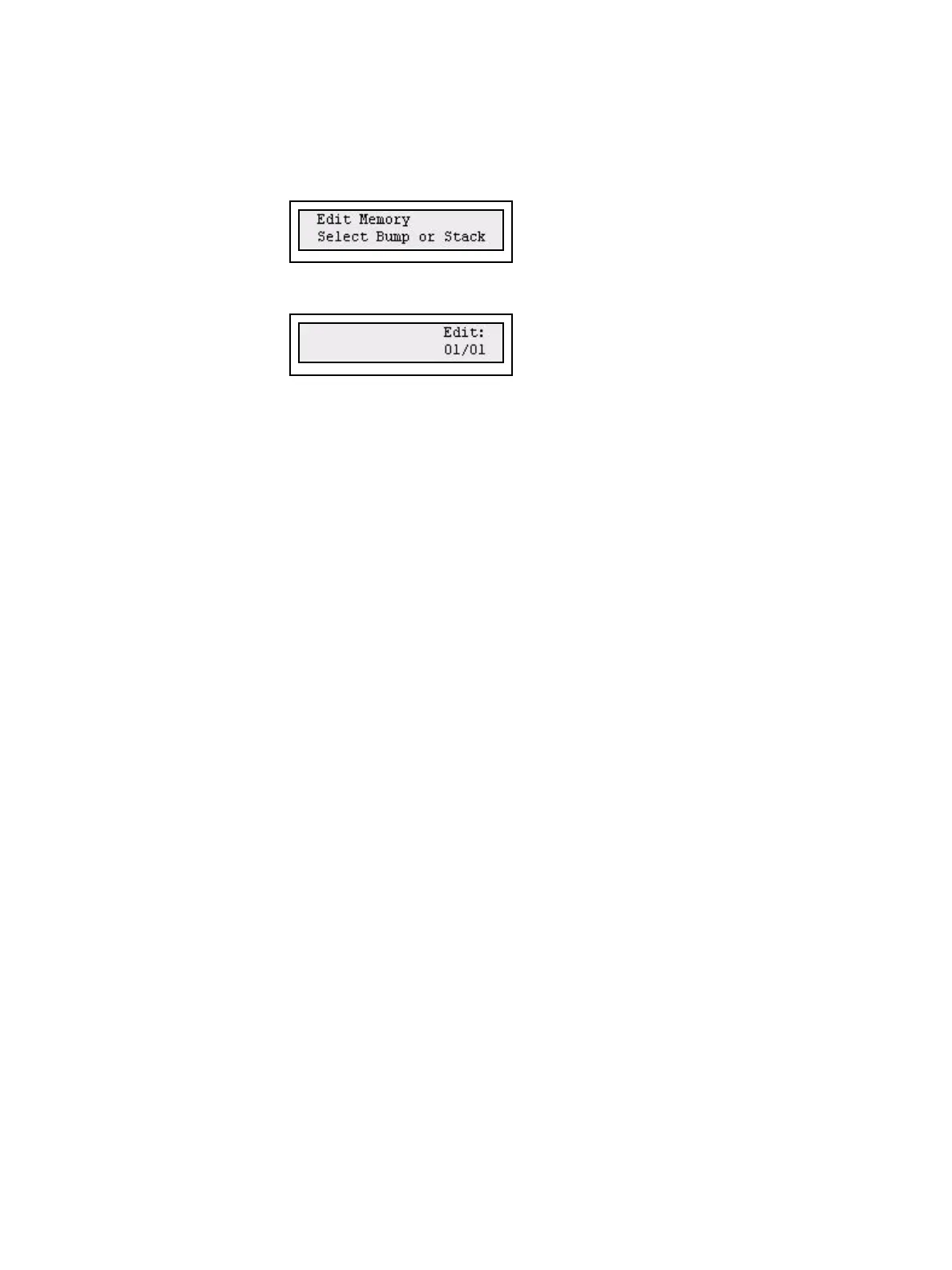
Step 1: Press EDIT MEM
Step 2: Select Sequence by pressing a bump button, or press STACK. The content of
the current step will be selected for editing.
Step 3: Use the intensity faders to edit the memory. Press EDIT MEM to confirm.



 To Next Page