24 SmartFade v3.0.1 User Manual
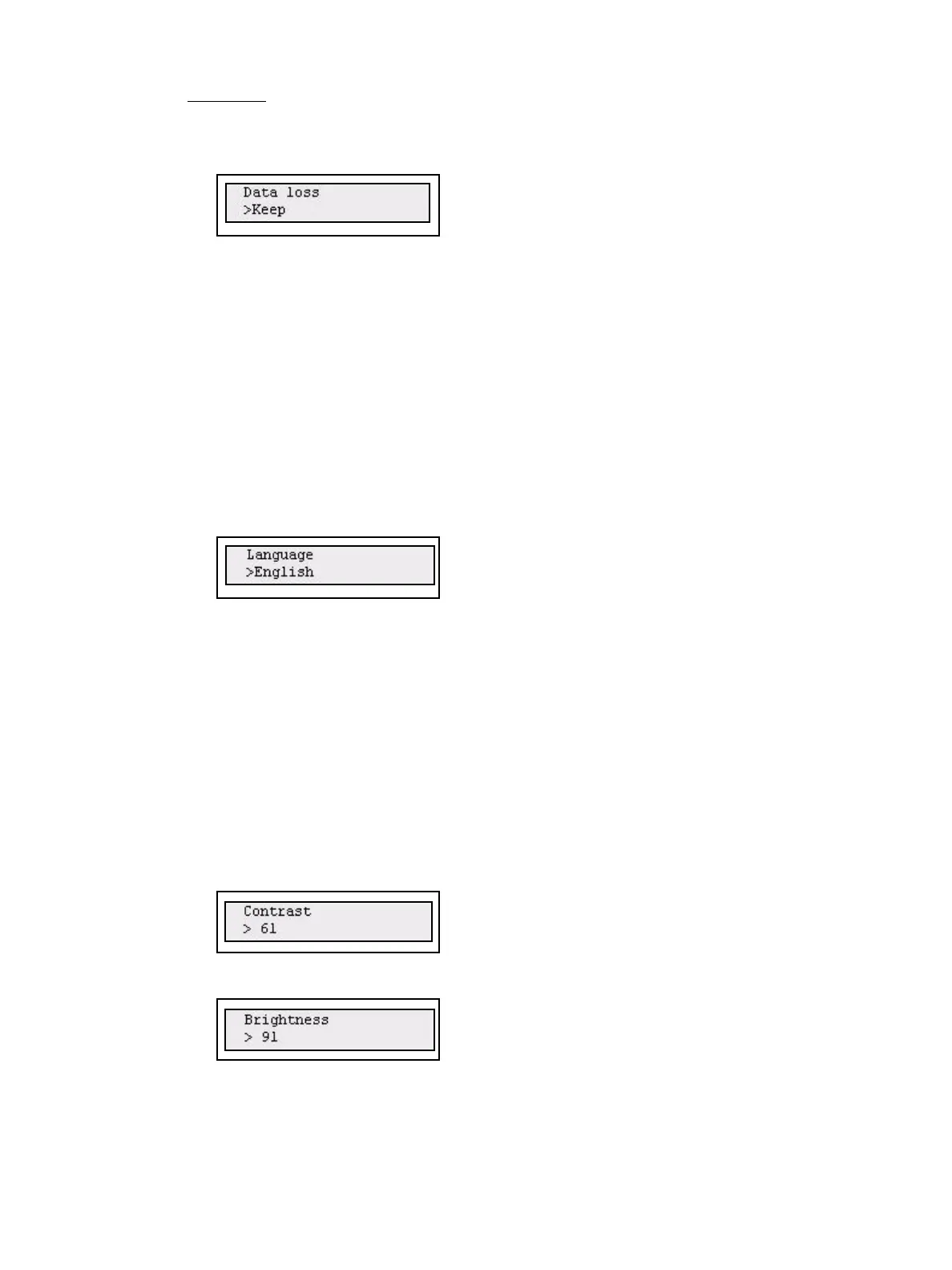
Data loss
This is set up in the Settings menu
Menu>Settings>DMX In>[Data Loss]
Data loss can be handled in two ways: Keep or Fade Out.
• Keep: the last input is held.
• Fade Out: the last input is faded out in 5 seconds.
DMX Out
See “DMX Out Speed” on page 18.
Language
You can choose language for the menus from the Settings menu. The console will continue
to boot with the last selected language until it is changed.
Menu>Settings>Language>[English]
Current choices are
• English
• Français
• Deutsch
• Español
• Italiano
Display
Display settings are done from the Settings menu.
Menu>Settings>Display>[Contrast]
Menu>Settings>Display>[Brightness]



 To Next Page