www.ets-lindgren.com Manual Control of the EMCenter
25
7.0 Manual Control of the EMCenter
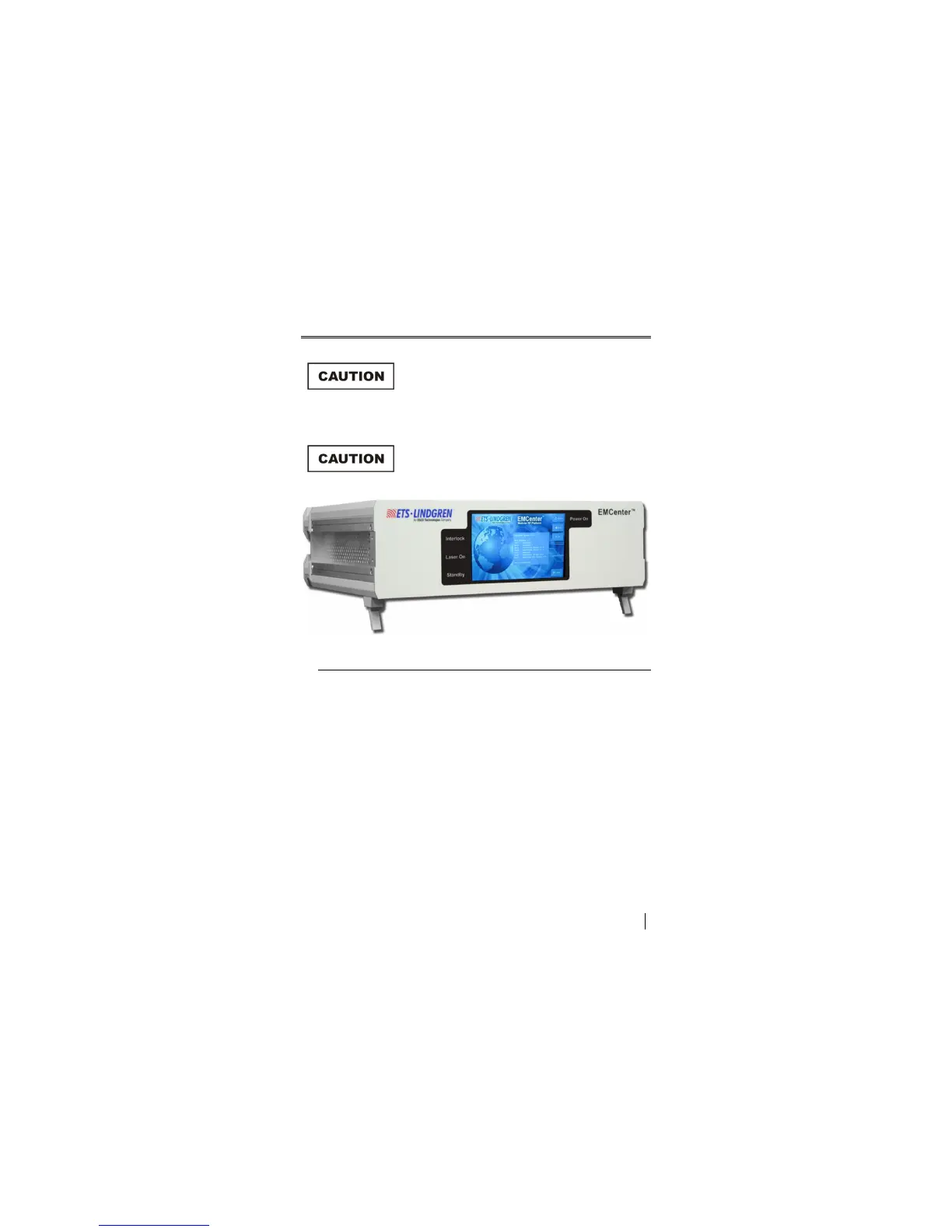
Before placing into operation, follow the safety
information in the ETS-Lindgren
Product Information Bulletin included with your
shipment.
Prior to operation, verify that the mains voltage
is within the operating range of the equipment.
Common Control Buttons
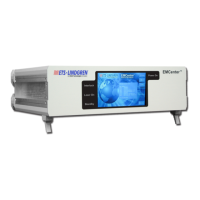
The following control buttons are common to most EMCenter™ Modular
RF Platform screens (if relevant to the particular screen):
Home—Press to display the Home screen. See page 29 for
information on the Home screen.
Back—Press to display the previous screen.
Info—Press to display the Information screen. See page 28 for more
information.
Config—Press to display the Configuration screen. See page 31 for
more information on the Configuration screen.
Off—Press to power off the EMCenter. See page 26 for the steps to
power on and power off.


 To Next Page