28
Manual Control of the EMCenter www.ets-lindgren.com
Information Screen
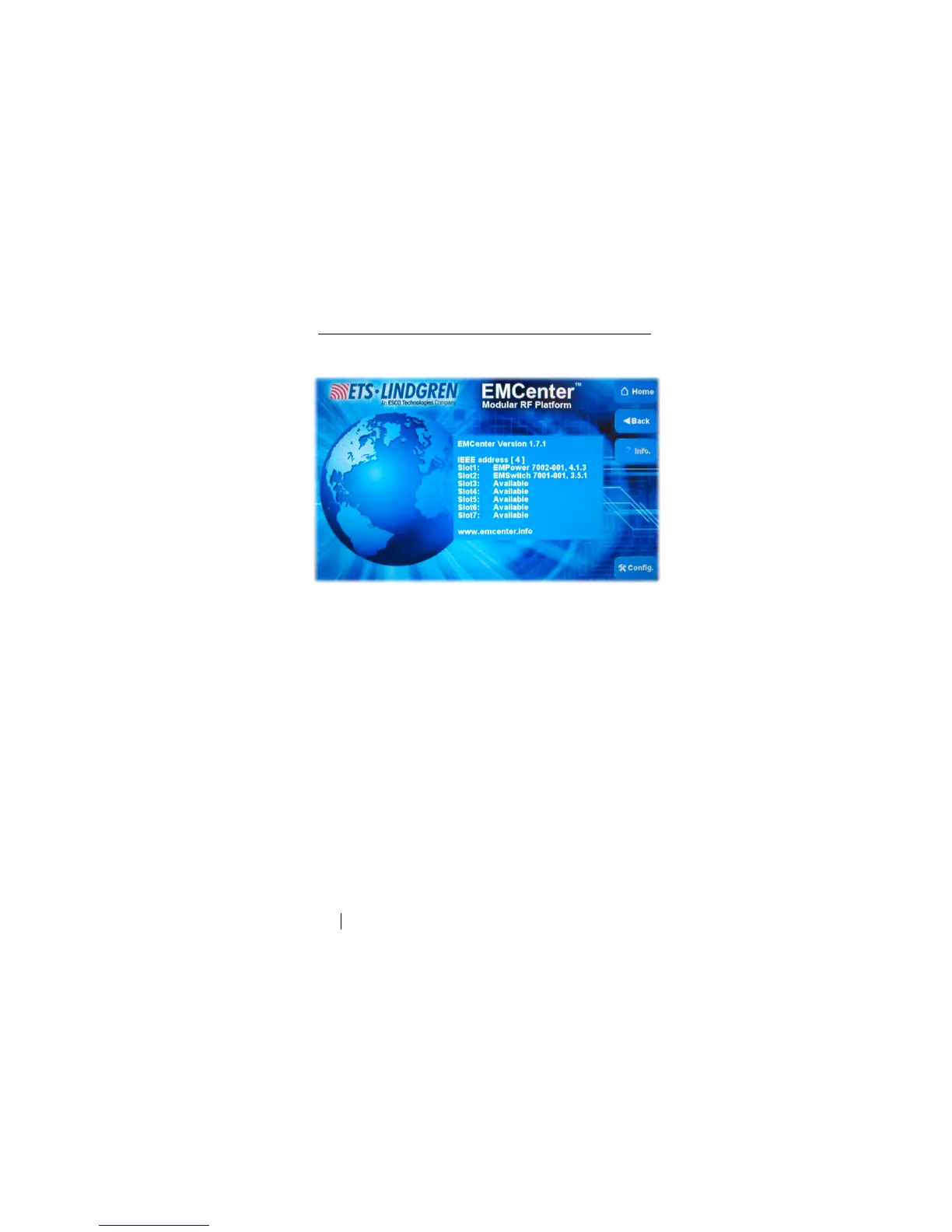
Press Info to display the Information screen.
Sample Information Screen
The Information screen displays after the EMCenter is powered on. It provides
the following information:
Software version
Configured IEEE address (if installed)
Plug-in card installed in each slot


 To Next Page