www.ets-lindgren.com Manual Control of the EMCenter
31
Configuration Screen
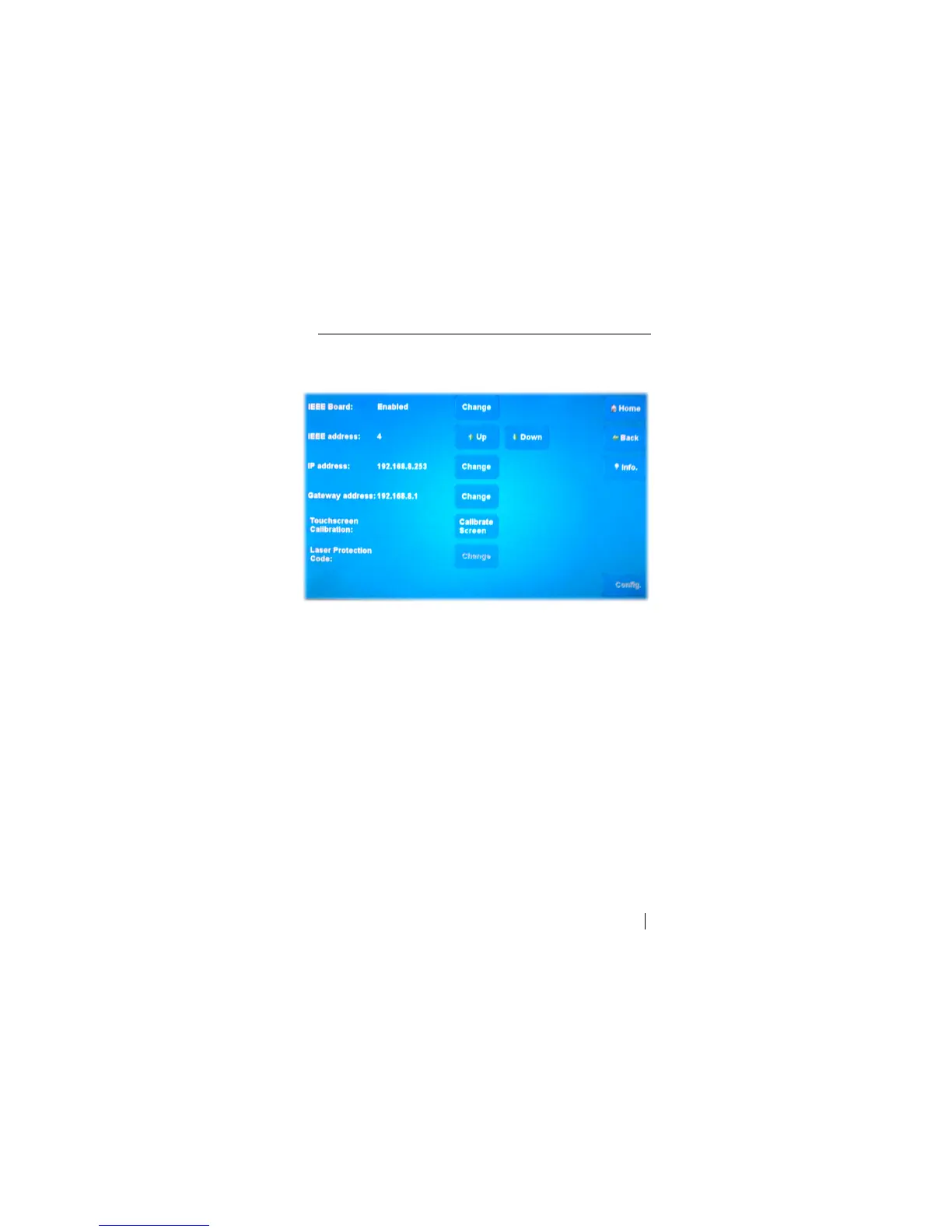
Press Config to display the Configuration screen. The IEEE address of the
EMCenter can be changed here.
Sample Configuration Screen
IEEE Board—Press Change to enable or disable the board
(if installed).
IEEE Address—Press Up or Down to change the address
(if installed).
IP Address—Press Change to set a new address.
Gateway Address—Press Change to set a new address.
Touchscreen Calibration—Press Calibrate Screen and follow the
on-screen instructions.
Laser Protection Code—Press Change to enter or change a code.


 To Next Page