www.ets-lindgren.com Remote Control of the EMCenter
37
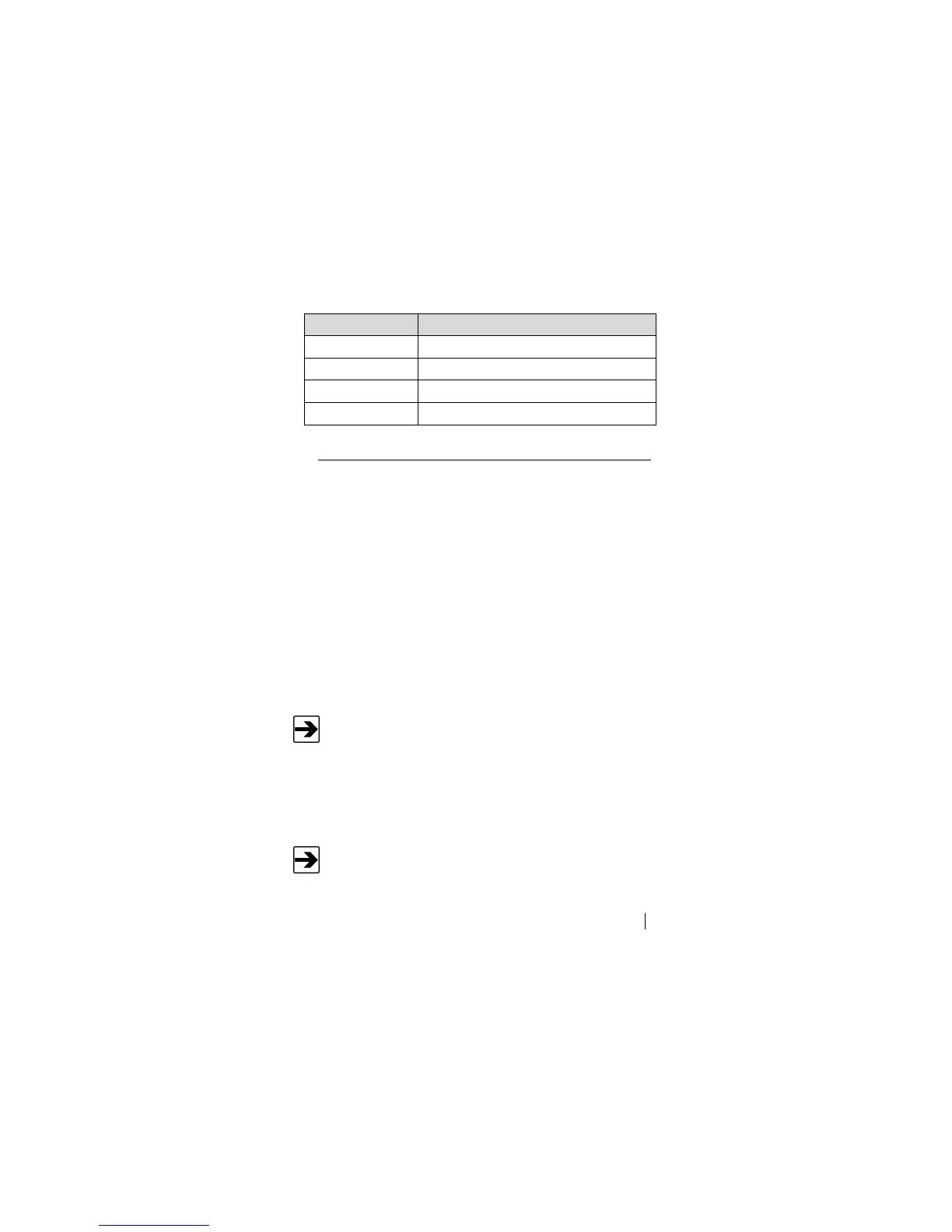
Error Code Description
ERROR 22 No reply from device
ERROR 23 No such device
ERROR 100 EMSense probe not connected; laser off
ERROR 101 EMSense probe busy zeroing
Using the USB Interface
The USB drivers for the ETS-Lindgren EMCenter
TM
Modular RF Platform and the
EMPower
TM
Power Meters automatically download and install when the
EMCenter or EMPower is plugged into a computer that is connected to the
Internet and that is installed with one of the following supported Microsoft
®
Windows
®
operating systems.
Windows 7 Client operating system
Windows 7 Client x64 operating system
Windows 8 Client operating system
Windows 10 Client operating system
Windows 8 Client x64 operating system
Windows 10 Client x64 operating system
If your computer is not connected to the Internet, or it is connected but the
automatic installation failed or was cancelled, you will need to download the
drivers from www.ets-lindgren.com and manually install them on your computer.
See the next section for the steps to download the drivers.
If you use an operating system not listed, please contact ETS-
Lindgren.
Administrative rights are required to install the USB drivers on your
computer.


 To Next Page