www.ets-lindgren.com Manual Control of the EMCenter
29
Home Screen
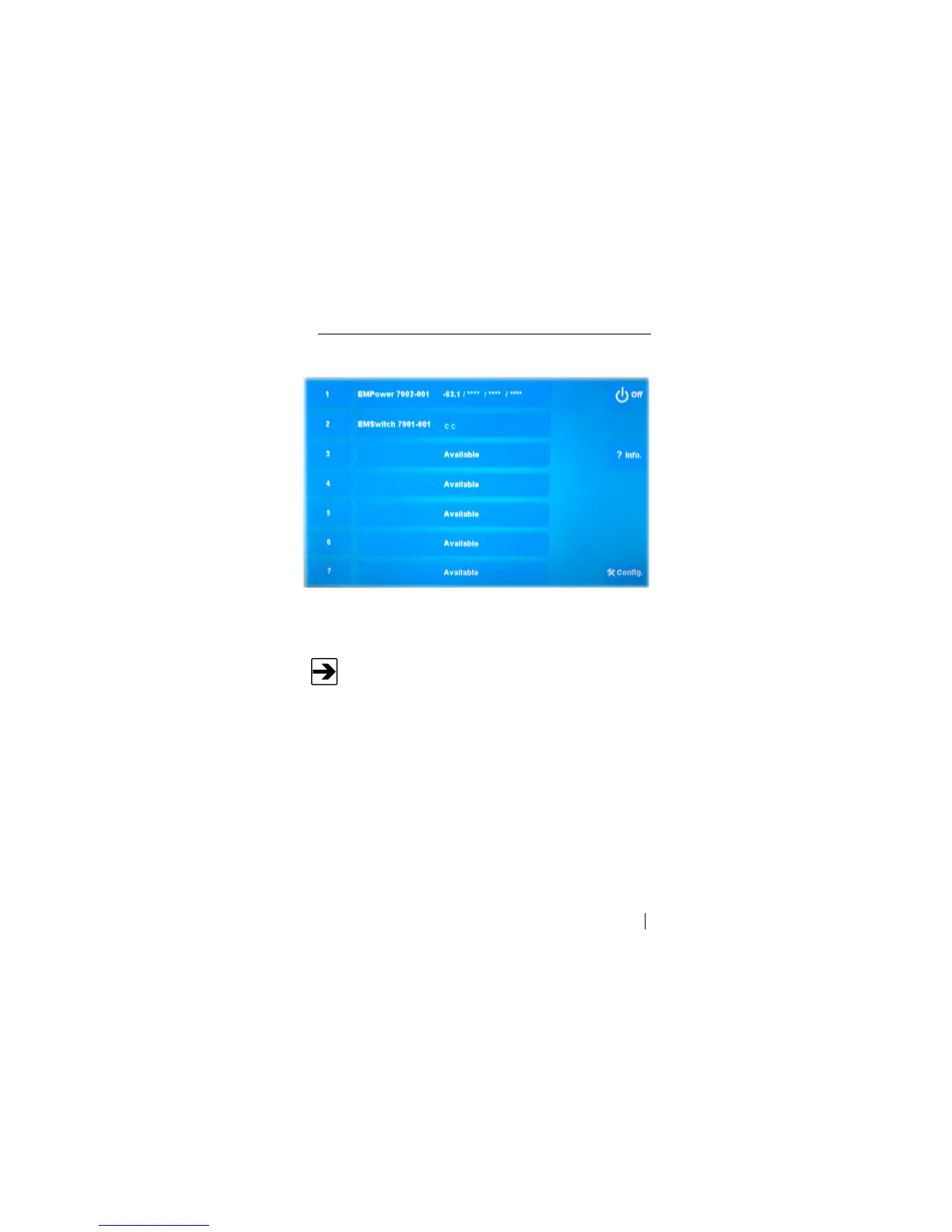
Press Home to display the Home screen.
Sample Home Screen
C
ARD
S
LOT
N
UMBERS
Looking at the back of the EMCenter, the card slots are numbered
1 to 7 from left to right.
The numbers 1 to 7 on the left side indicate the card slot numbers of the
EMCenter. In this example, the following cards are installed:
Slot 1: EMPower™
Slot 2: EMSwitch™
No cards are installed in slots 3–7.


 To Next Page