EN 12
Problems Solutions
RoboVac cannot connect to a Wi-
Fi network.
• Make sure you entered the Wi-Fi password correctly.
• Make sure your RoboVac, router, and phone are close enough to ensure a
strong signal strength.
• Make sure your Wi-Fi router supports the corresponding frequency band of
RoboVac: 2.4GHz for L50 (T2265); 2.4/5.0GHz for L60 (T2267)
• Reboot RoboVac and your router.
• Try connecting RoboVac to a Wi-Fi network with another phone.
You cannot control RoboVac with
Amazon Alexa.
• Check if there are any Internet connection problems.
• Check whether you have installed the Amazon Alexa app onto your smart
device and enabled “eufy Clean - RoboVac” Skill in the Amazon Alexa app. For
details, refer to the “Smart Integrations” page in the eufy Clean App.
• Make sure you have a eufy Clean account and have connected to RoboVac
• Make sure you are using the correct Alexa voice commands.
You cannot control RoboVac with
the Google Assistant.
• Check if there are any Internet connection problems.
• Check if you have installed the Google Home app onto your smart device and
initiated the “eufy Clean” action in the Google Home app. For details, refer to
the “Smart Integrations” page in the eufy Clean App.
• Check if you are using the proper commands when talking to the Google
Assistant. When making your request, start by saying the wake phrase “Ok
Google”.
• Repeat your question. Speak clearly to the Google Assistant.
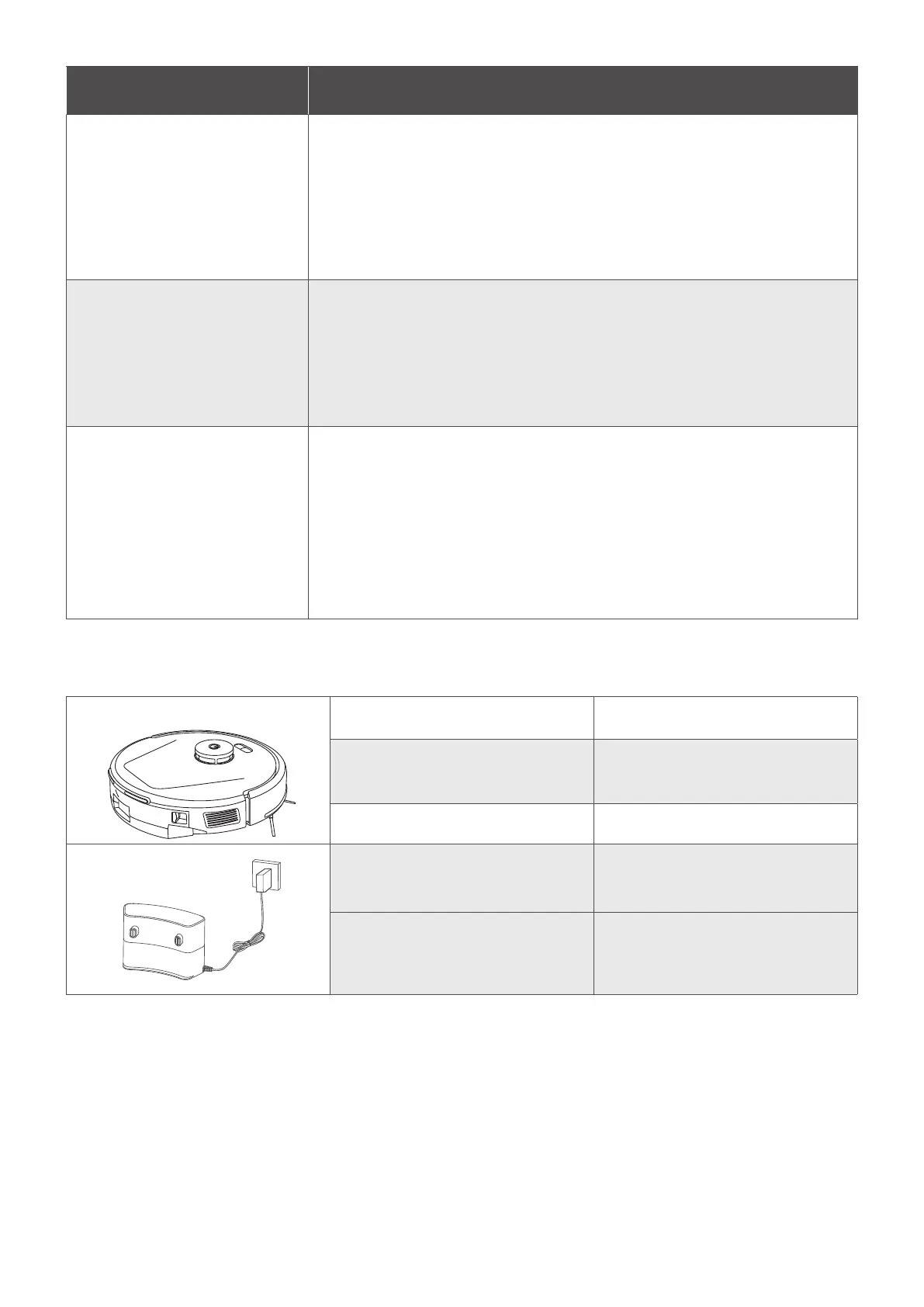
Specifications
Input 20VDC 0.6A
Battery
14.4VDC, Rated Capacity: 2500 mAh,
36Wh / Nominal Capacity: 2600mAh
Dust Box Capacity 350ml
Input 19V 0.6A
Output 20VDC 0.6A








 To Previous Page