EN 02
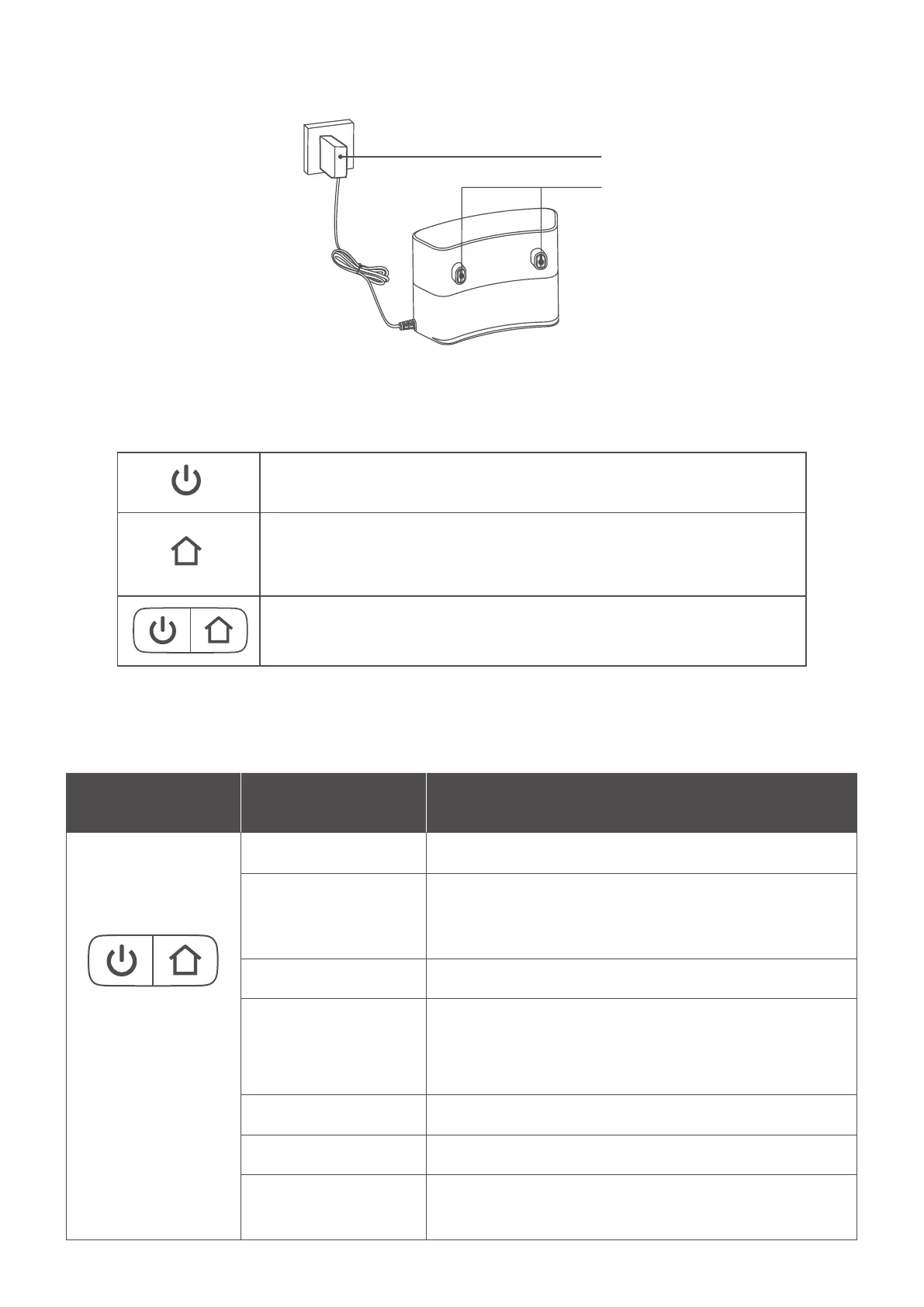
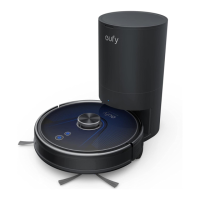
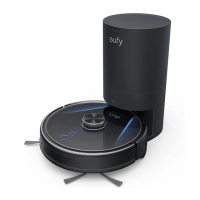
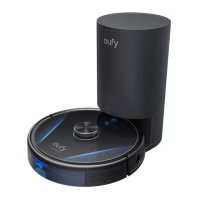
E. Charging Station
Charging pins
Power adapter
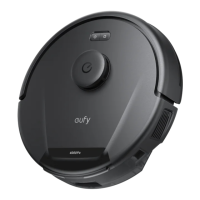
Buttons Control
LED Indication
• Press and hold for 3 seconds to power on or off
• Press to pause / finish the current task when working
• Press to return RoboVac to the Charging Station
• Press to pause the current task when working
• Press and hold for 3 seconds to enable or disable Child Safety Lock
• Press and hold simultaneously for 3 seconds to reset the Wi-Fi connection
Button LED Indication RoboVac Status
• Solid white • Working normally
• Pulsing white
(When attached to
Charging Station)
• Charging
(When fully charged for 1 minute, RoboVac switches to
Sleep Mode)
• Flashing white • Returning to Charging Station
• Flashing red slowly
• Error
* Refer to the “Troubleshooting” section in this manual,
check in-app instructions, or contact eufy Customer
Service for solutions
• Flashing white quickly • Wi-Fi connection is being reset
• Solid red • RoboVac's Wi-Fi connection has dropped
• Off
• RoboVac switches to Sleep Mode after being idle for 10
minutes








 To Next Page