EN 04
2
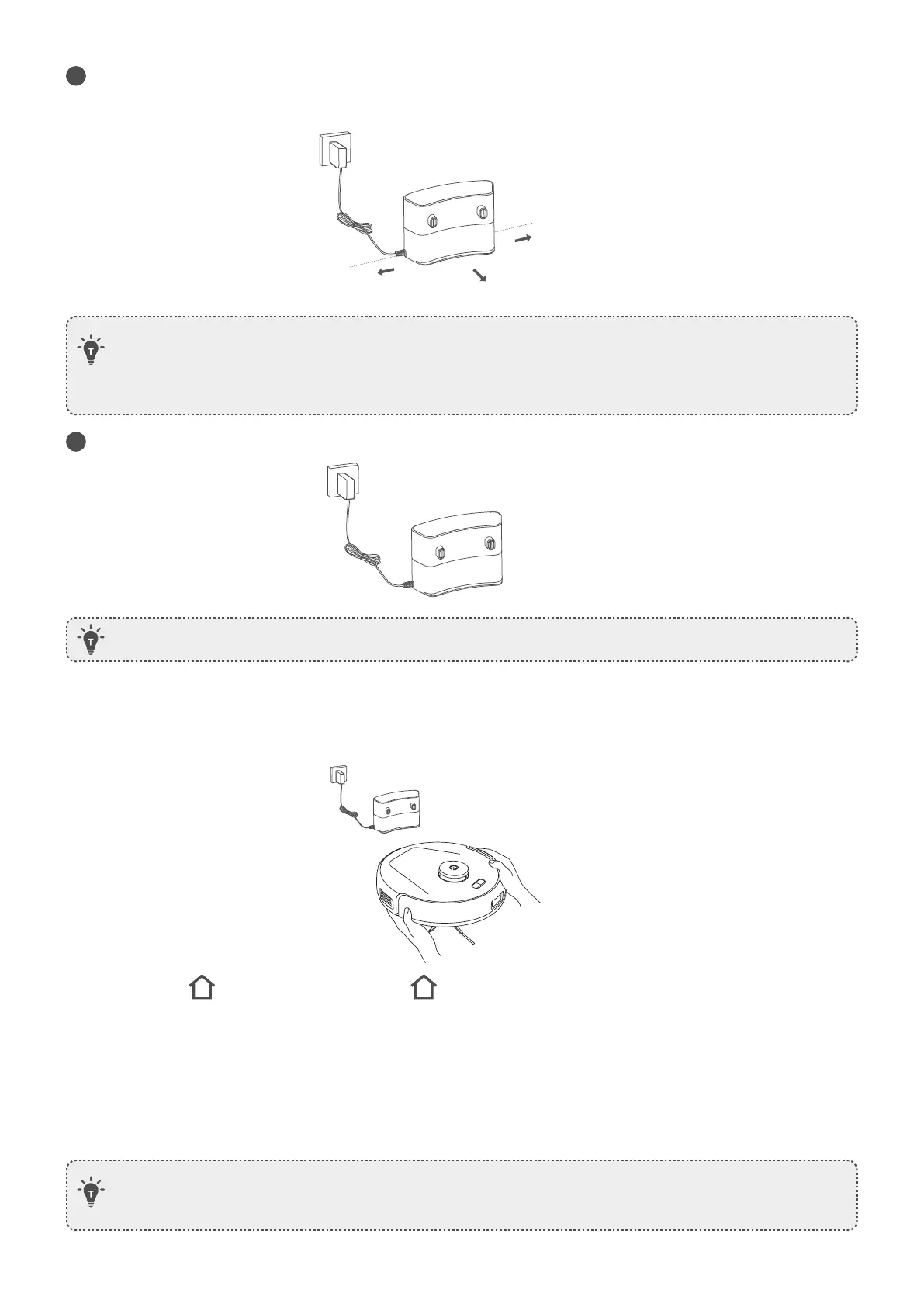
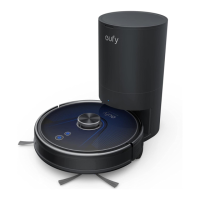
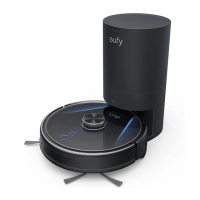
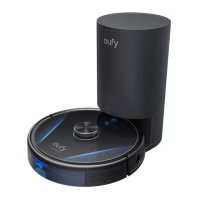
Peel off the protective film around and sticker beneath the Charging Station, and install it in a location that
RoboVac can easily access. It is recommended to place it against a wall and on a hard, level surface rather
than on rugs or carpets.
3
Connect the power adapter to the Charging Station and a wall outlet.
>1.6ft/0.5m
>1.6ft/0.5m
>4.9ft/1.5m
• It is recommended to remove objects within 1.6 ft / 0.5 m to the left and right sides and within 4.9 ft / 1.5
m of the front of the Charging Station. If you cannot remove the objects, move RoboVac to a new place
and check whether RoboVac can return to the Charging Station normally; if not, contact us at support@
eufy.com for suggestions.
• Do not place the Charging Station near the edge of staircase.
• Do not move the Charging Station during cleaning, otherwise RoboVac may fail to return for recharge.
If failed, you have to manually attach it to the Charging Station. If the Charging Station is moved, start
cleaning from the new location. RoboVac will automatically return when it has finished cleaning.
• Always keep the Charging Station plugged in, otherwise RoboVac will not automatically return to it.
Charge Your RoboVac
Method 1: Attach RoboVac to the Charging Station by aligning its charging pins.
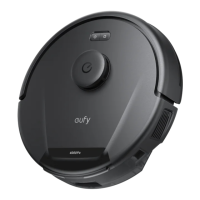
Method 2: Press on the main unit or tap the icon in the eufy Clean app to send RoboVac to the Charging
Station.
Auto Recharge and Resume
RoboVac returns to the Charging Station automatically to recharge when:
• RoboVac has finished cleaning;
• Cleaning is not complete and the battery level becomes low; once recharged to 80% battery capacity, RoboVac
will resume and finish the remaining cleaning.








 To Next Page